
Floor · Foot sensor, Touch, Mouse
Balloon Pop
Balloons rise across the floor and players stomp them for points: chase a top-10 score alone, or race a friend on mirrored balloons.
Free evaluation buildEnglish
PaintPam Library · 15 to try
Download a free evaluation build and test it today. Floor and touch pieces run on a touch panel or touch monitor with no LiDAR sensor; button games use the space bar. To play on the floor, add a foot sensor or an MP Series floor unit, and we can tailor any piece to your event.
The library
Showing 17 of 17
Floor · Foot sensor, Touch, Mouse
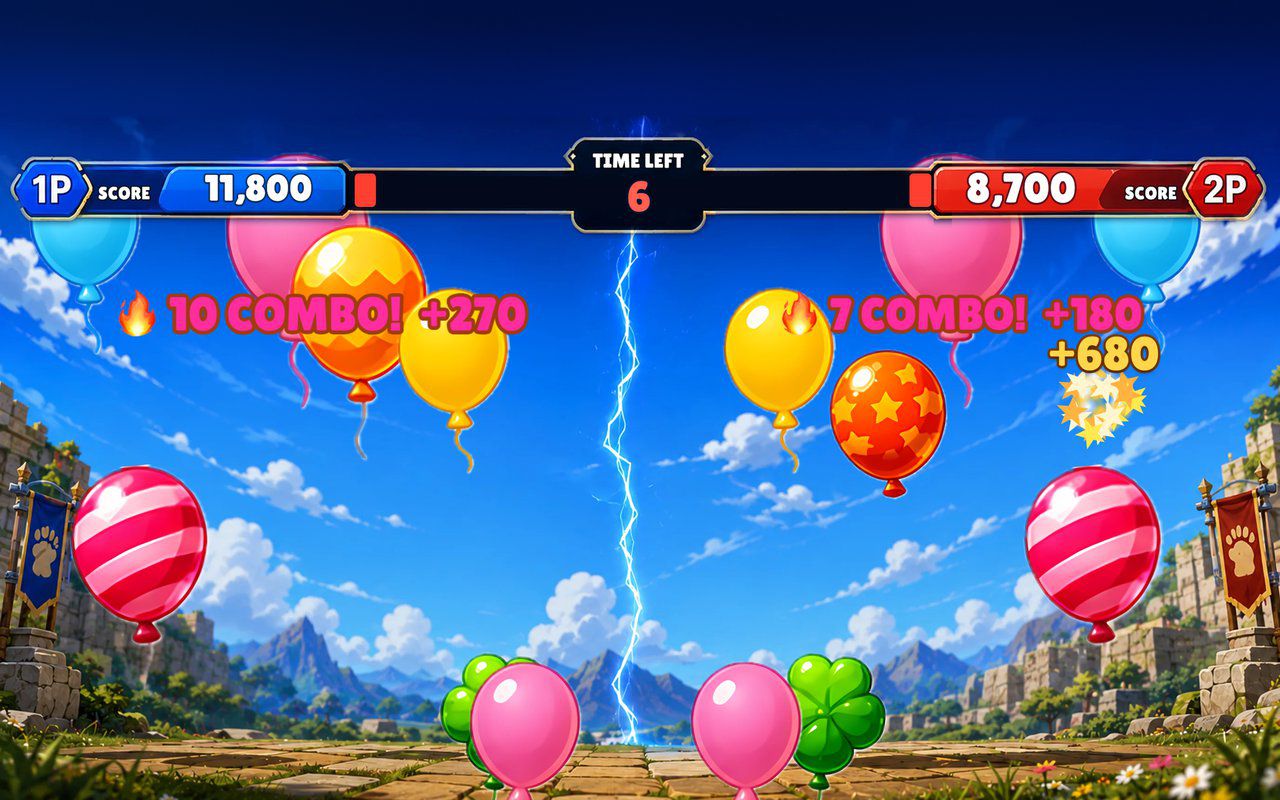
Balloons rise across the floor and players stomp them for points: chase a top-10 score alone, or race a friend on mirrored balloons.
Free evaluation buildEnglish
Screen · Touch, Mouse
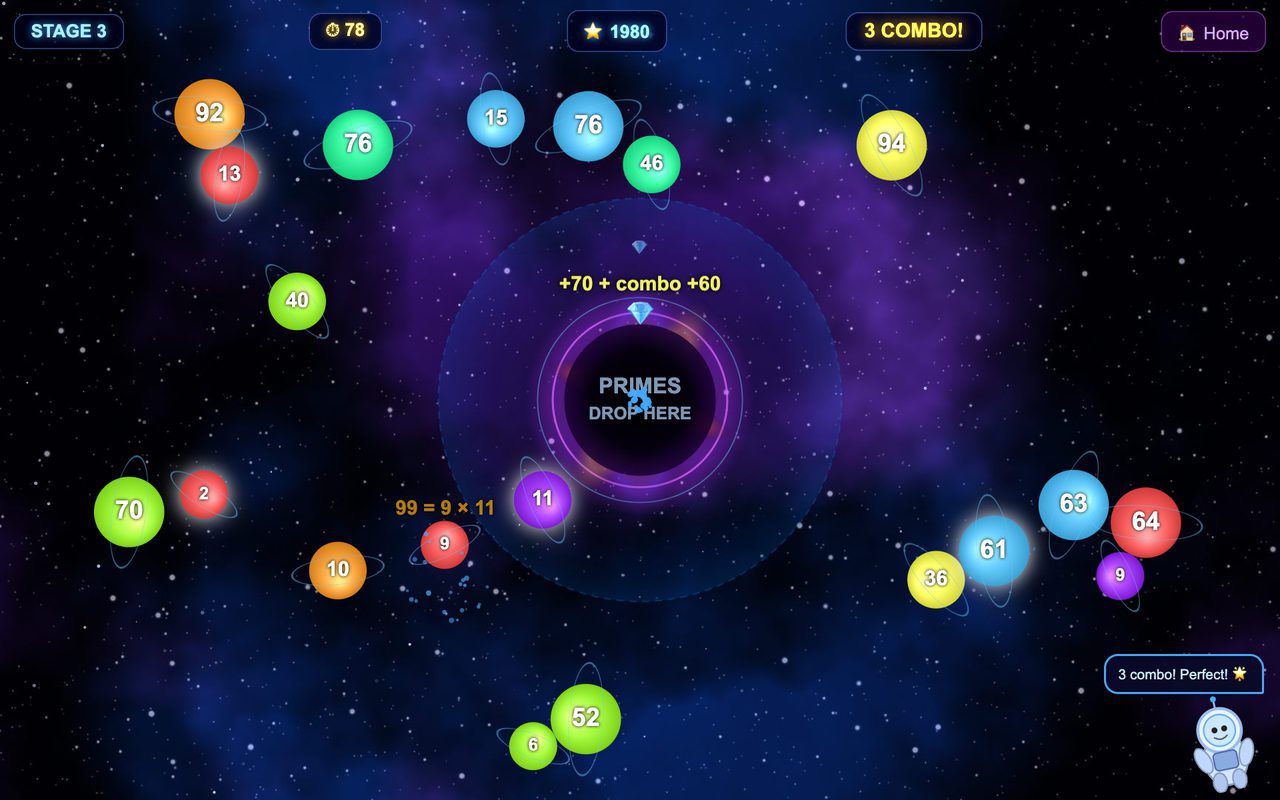
Planets carry numbers: tap a composite to split it into factors, drag each prime into the black hole, and clear the screen before time runs out.
Free evaluation buildEnglishReal use
Floor · Foot sensor, Touch, Mouse
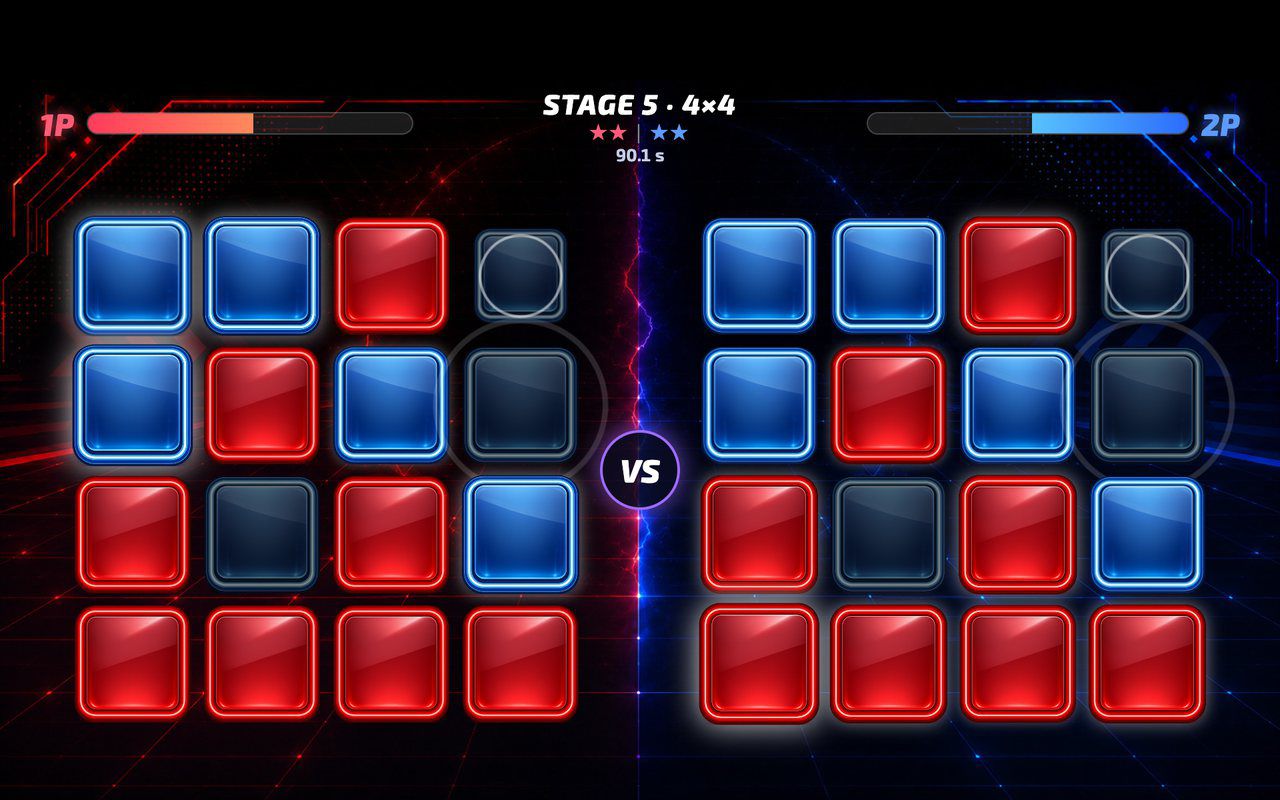
A head-to-head floor game where every step flips a button to your color, played against a rival or the CPU over five growing boards.
Free evaluation buildEnglishReal use
Screen · Touch, Mouse
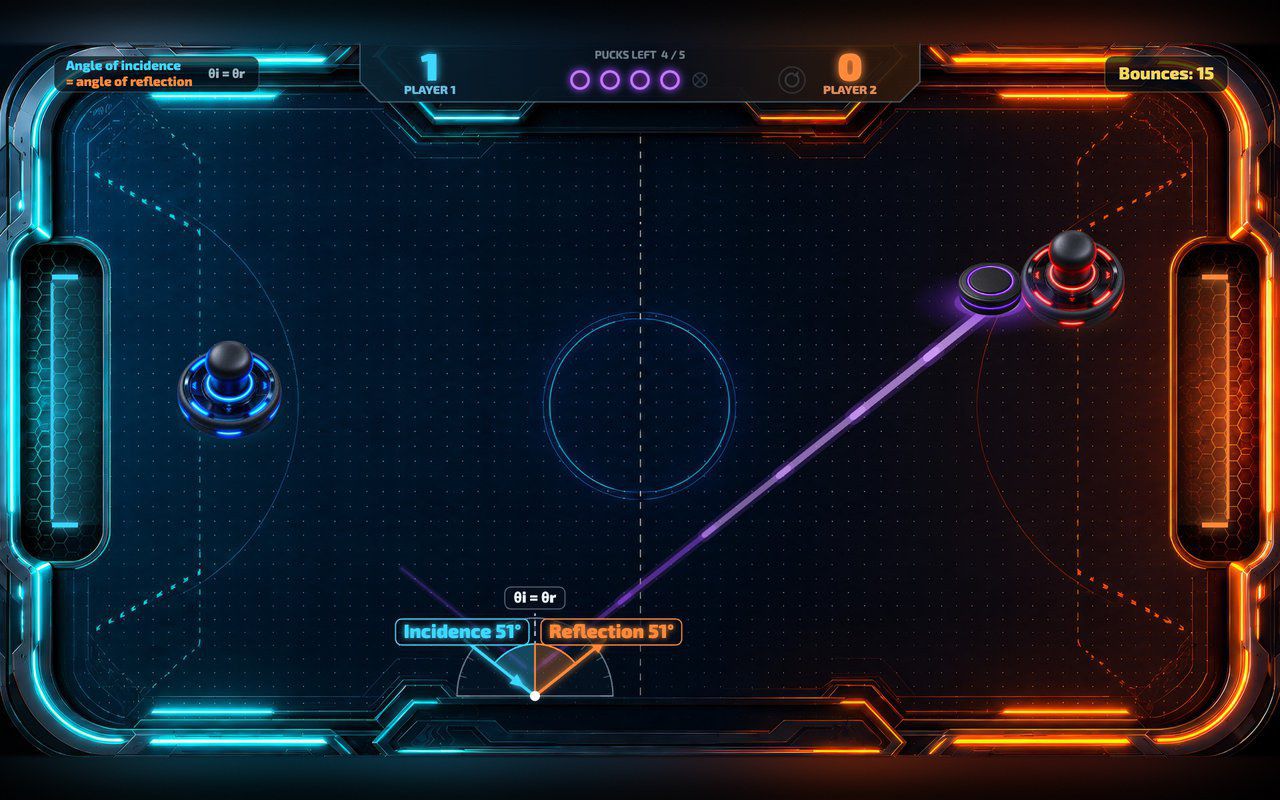
Two players push a glowing puck, or one plays the computer, and every wall bounce shows the two equal angles.
Free evaluation buildEnglishReal use

Floor · Foot sensor, Touch, Mouse
A walk-on carpet of petals or autumn leaves: each step scatters it to show your picture underneath, then it flows back for the next guest.
Free evaluation buildEnglishReal use
Floor · Foot sensor, Touch, Mouse
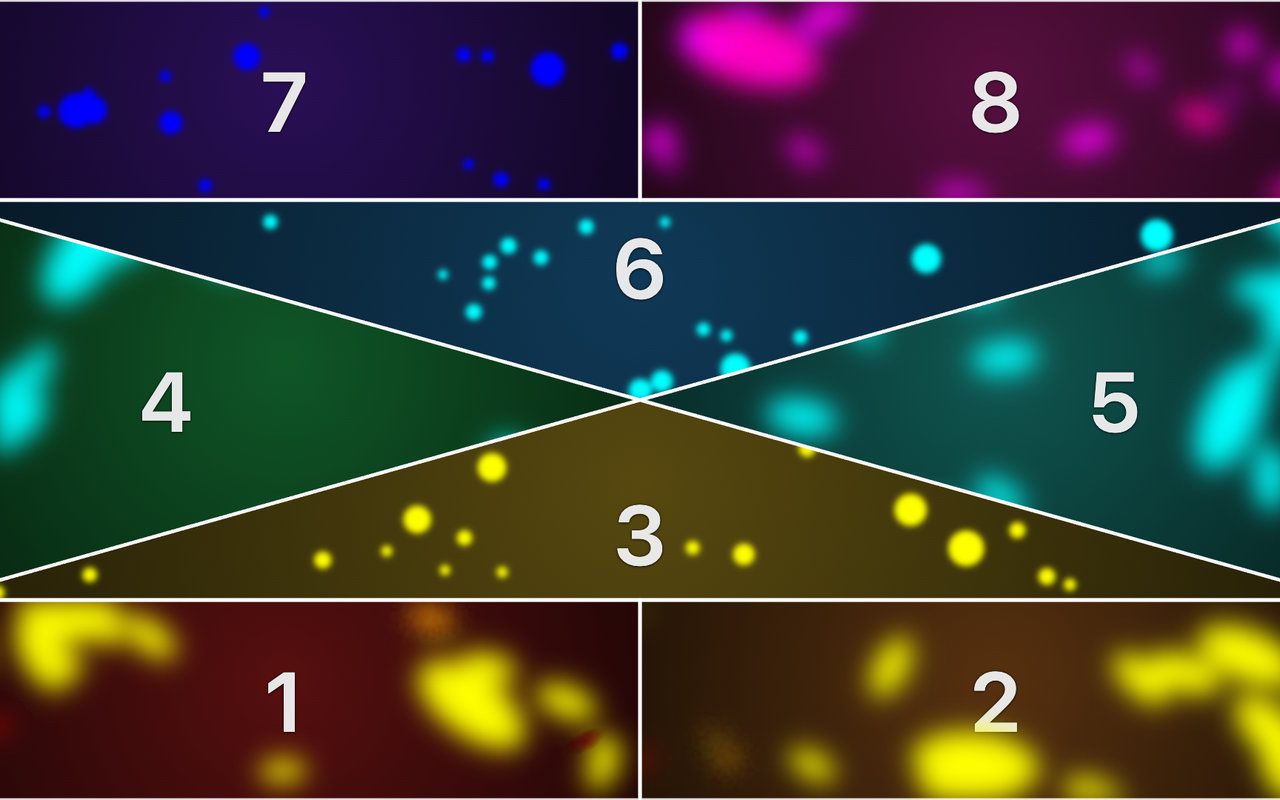
A free-play hopscotch floor: every step throws the liquid in that tile, shifts its color and lets it wobble back, with a soft tone.
Free evaluation buildEnglishReal use
Portrait kiosk · Touch, Mouse
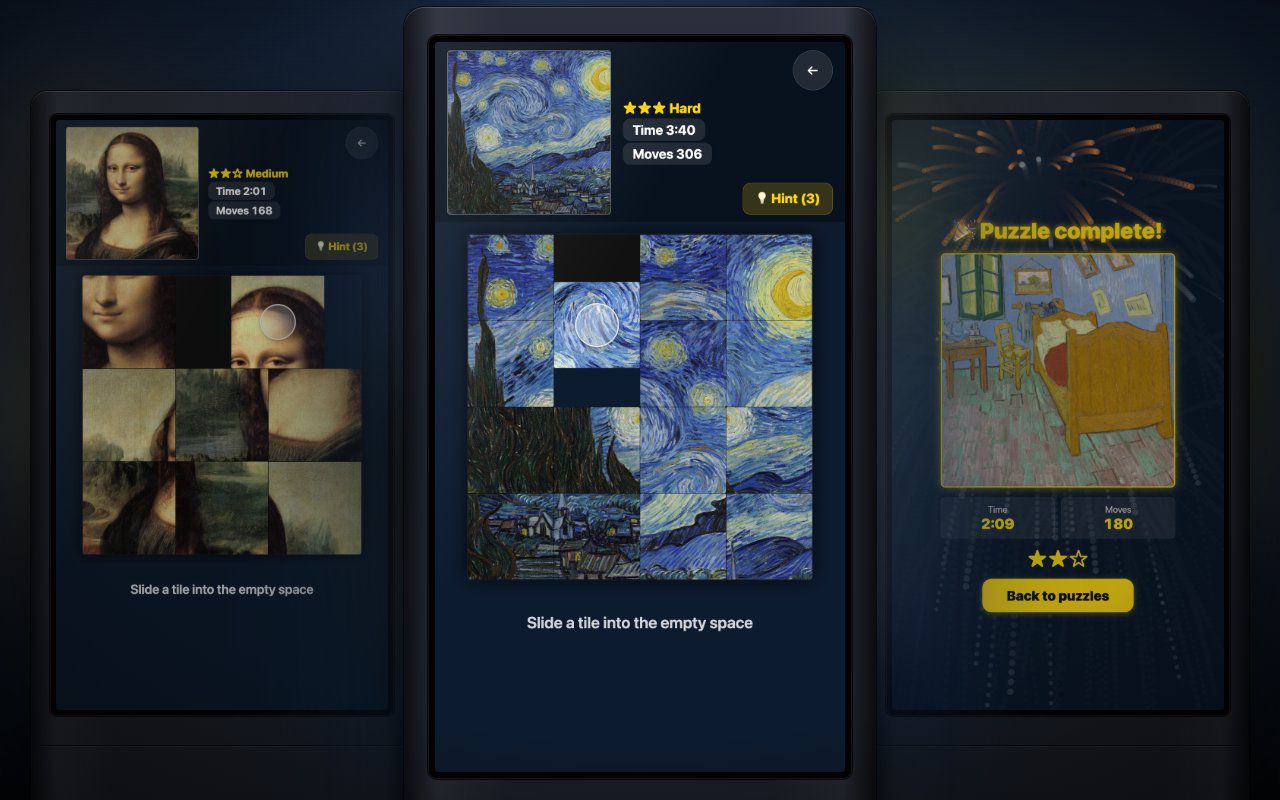
Pick a picture, slide the tiles until it is whole, and finish with fireworks, your time and your move count.
Free evaluation buildEnglishReal use
Screen · Touch, Mouse
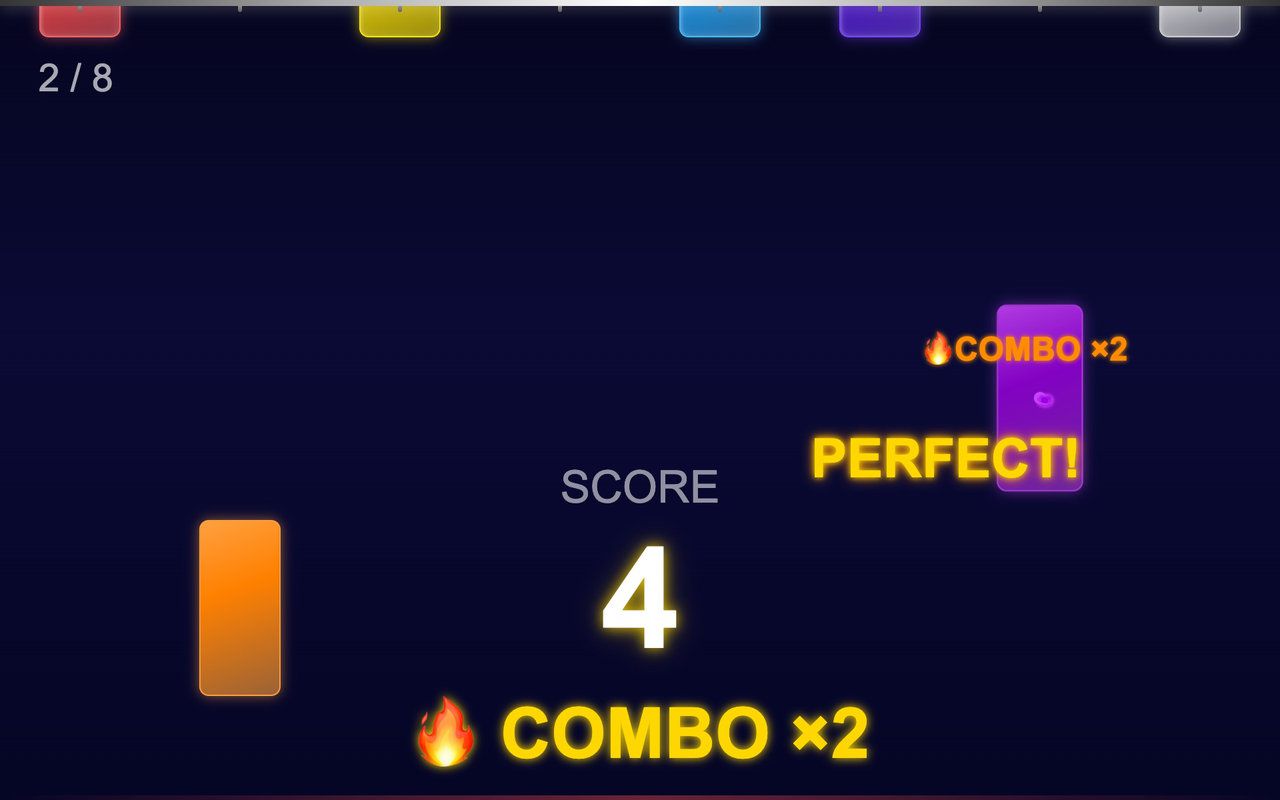
Colored sticks hang from the top of the screen and drop in a random order: tap each one before it lands and build a combo.
Free evaluation buildEnglishReal use
Floor · Foot sensor, Touch, Mouse
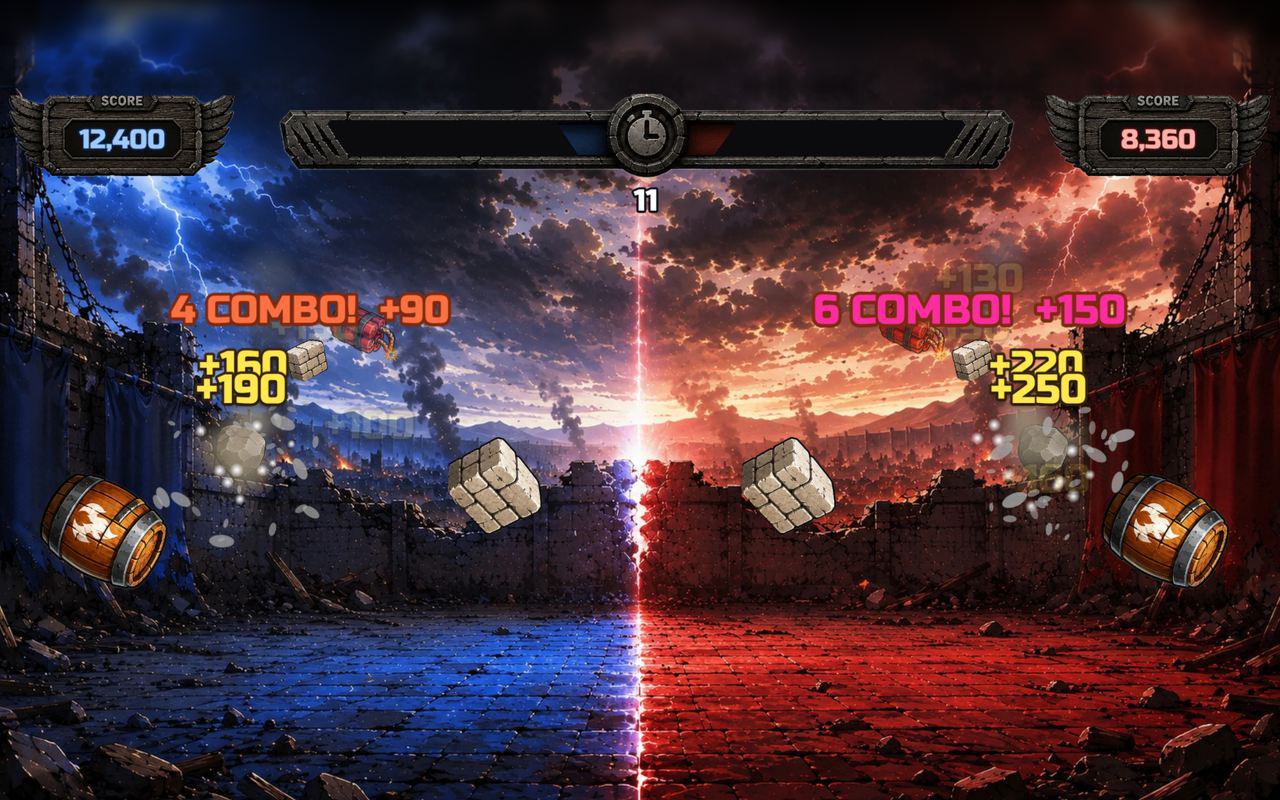
A floor game where visitors stomp flying icons for points, alone against a top 10 or head to head with a friend — 60 seconds a game.
Free evaluation buildEnglishReal use
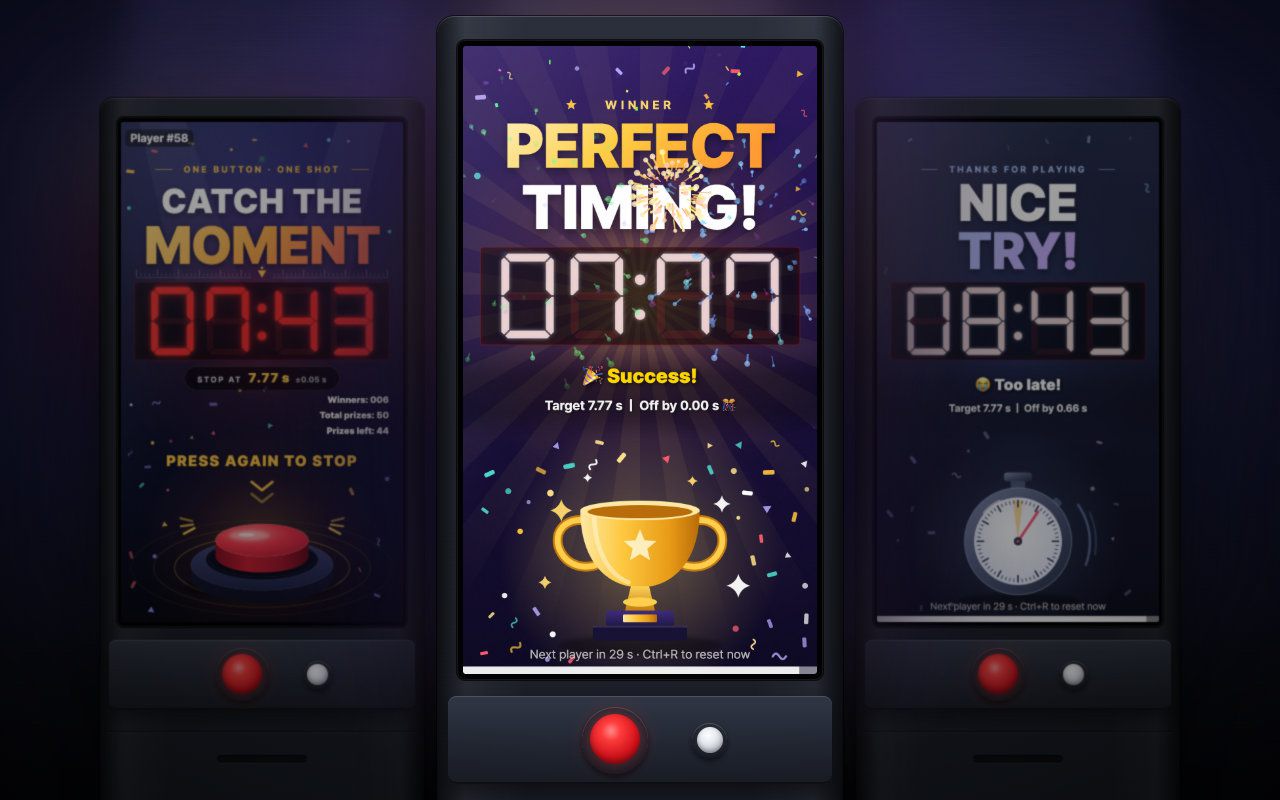
Portrait kiosk · Keyboard, Arcade button
Press to start, press again at exactly 7.77 seconds: a one-button portrait booth game with a live prize count and daily stats.
Free evaluation buildEnglishReal use
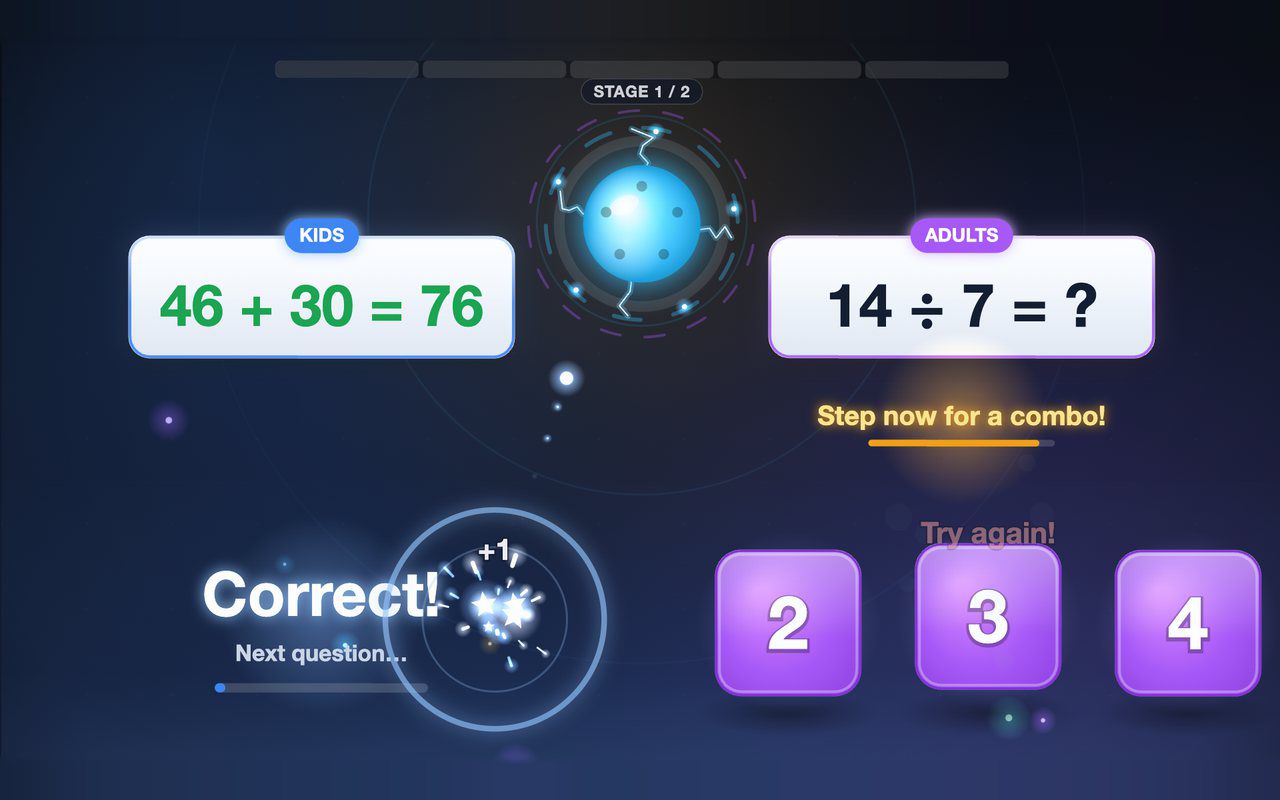
Floor · Foot sensor, Touch, Mouse
Kids and grown-ups each solve their own equation on the floor, and answering together earns a combo bonus — about a minute per game.
Free evaluation buildEnglish
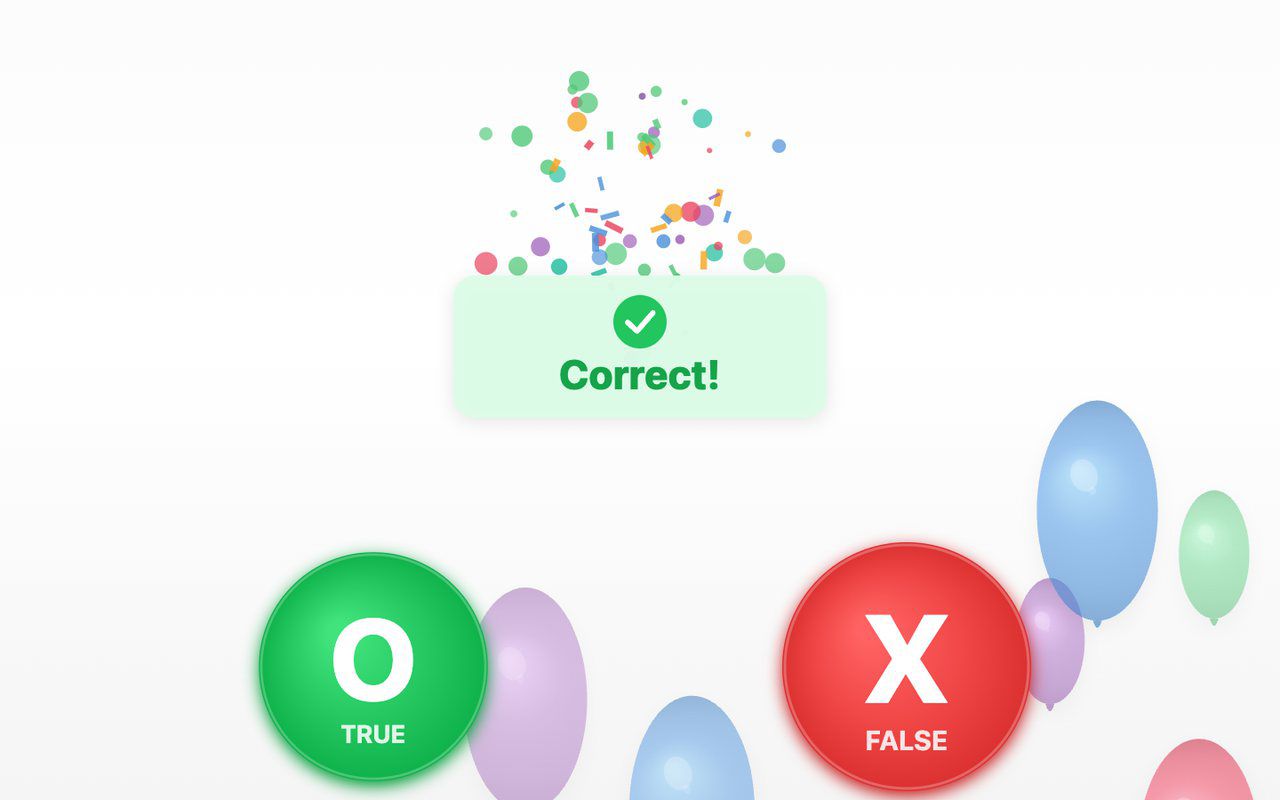
Floor · Foot sensor, Touch, Mouse
A true-or-false quiz on the floor: a balloon carries each statement, visitors step on O (true) or X (false), and a short explanation appears after a wrong answer.
Free evaluation buildEnglish
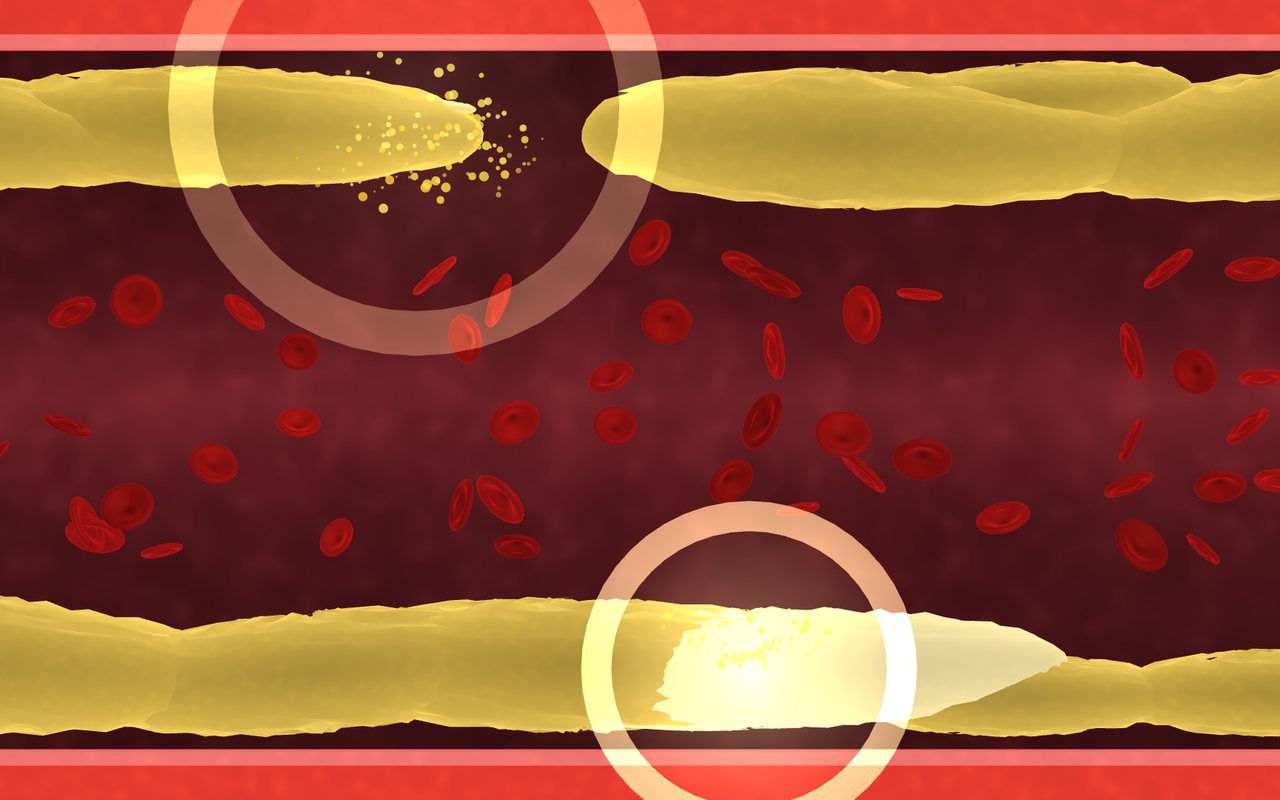
Floor · Foot sensor, Touch, Mouse
A 3D artery on the floor: plaque builds up and slows the flow, visitors step to clear it, and the blood cells pick up speed again.
Free evaluation buildEnglishReal use

Floor · Foot sensor, Touch, Mouse
Turns a floor into a living reef: each step ripples the water and sends schools of 3D fish scattering.
Free evaluation buildEnglish
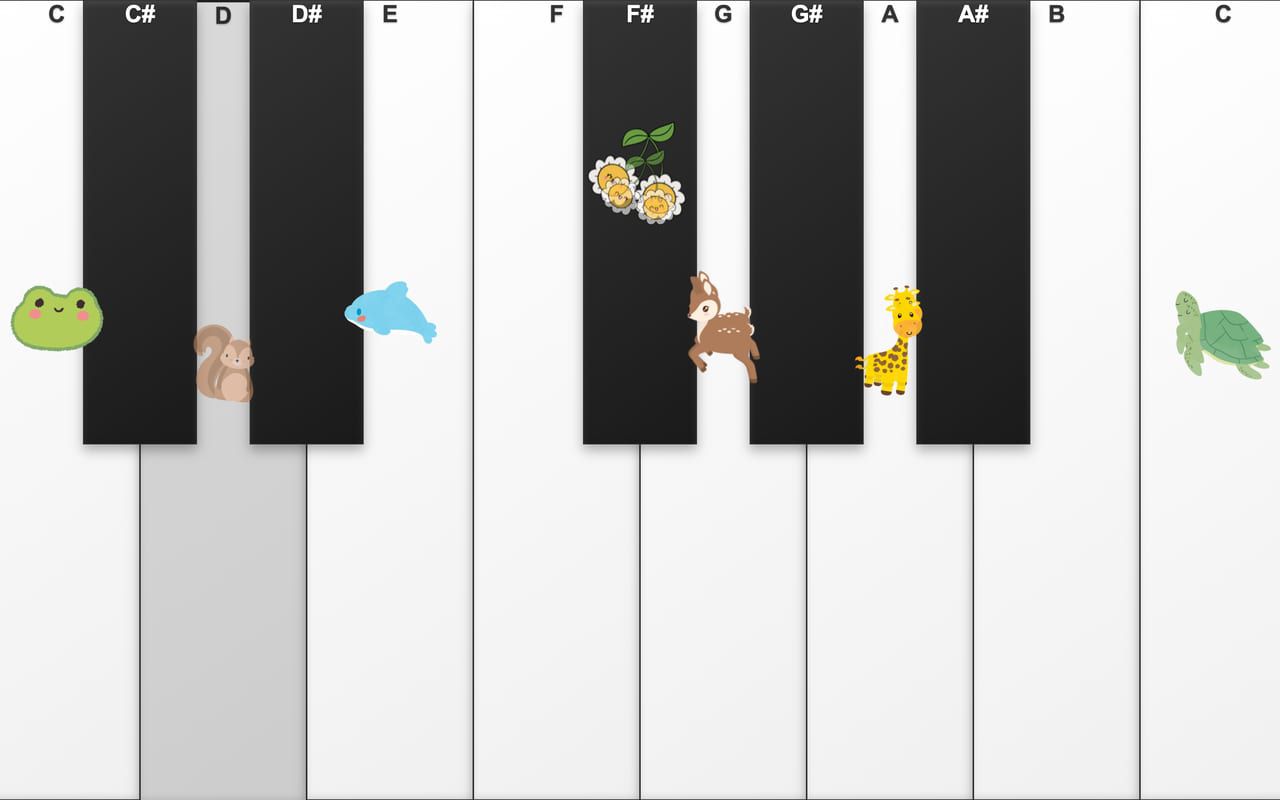
Floor · Foot sensor, Touch, Mouse, Keyboard
Thirteen giant keys on the floor: step to play, and frogs, squirrels and deer pop up as the music goes.
Free evaluation buildEnglishReal use
These pieces were built for specific clients, with their own artwork and a Korean interface, so they aren't downloadable. Tell us about your event and we'll make one for you.
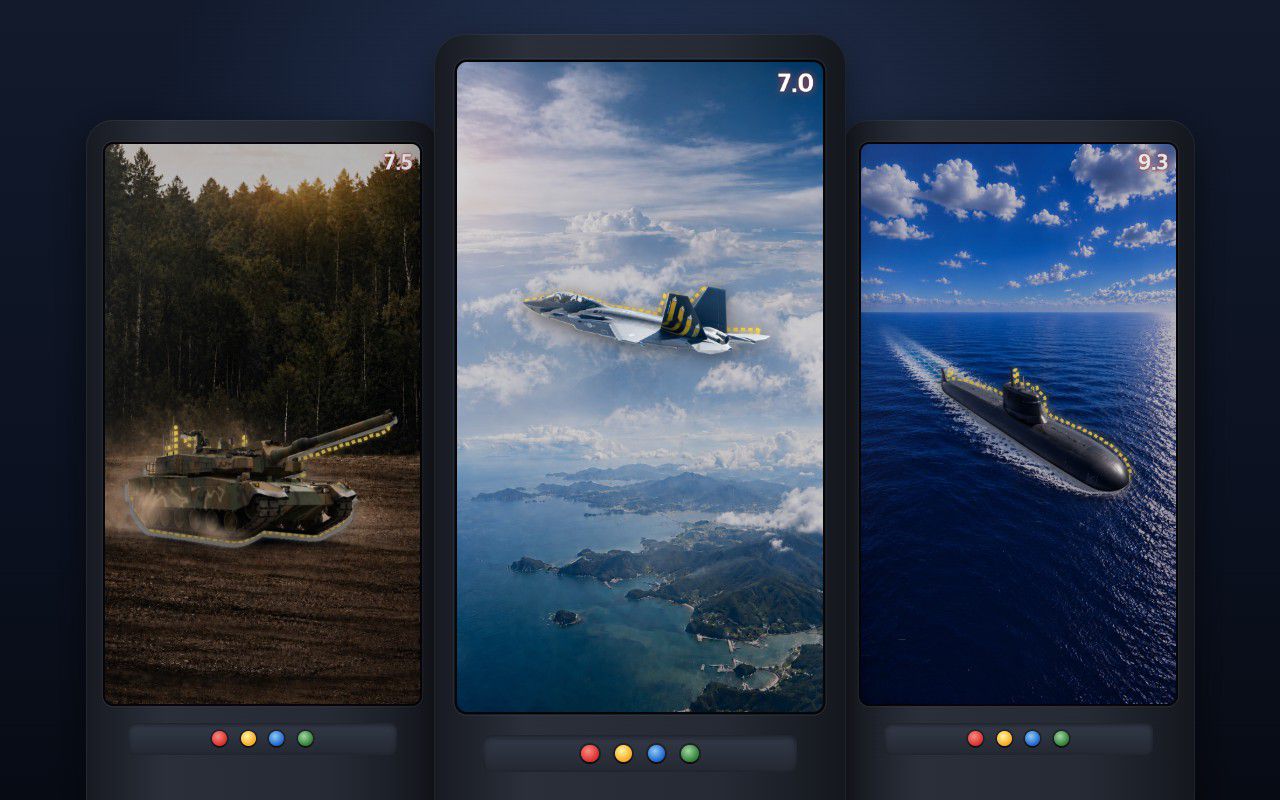
Portrait kiosk · Mouse, Keyboard, Arcade button
A jet, a tank or a submarine darts across a portrait screen, and visitors press the instant it fills the aiming frame.
Made for a client
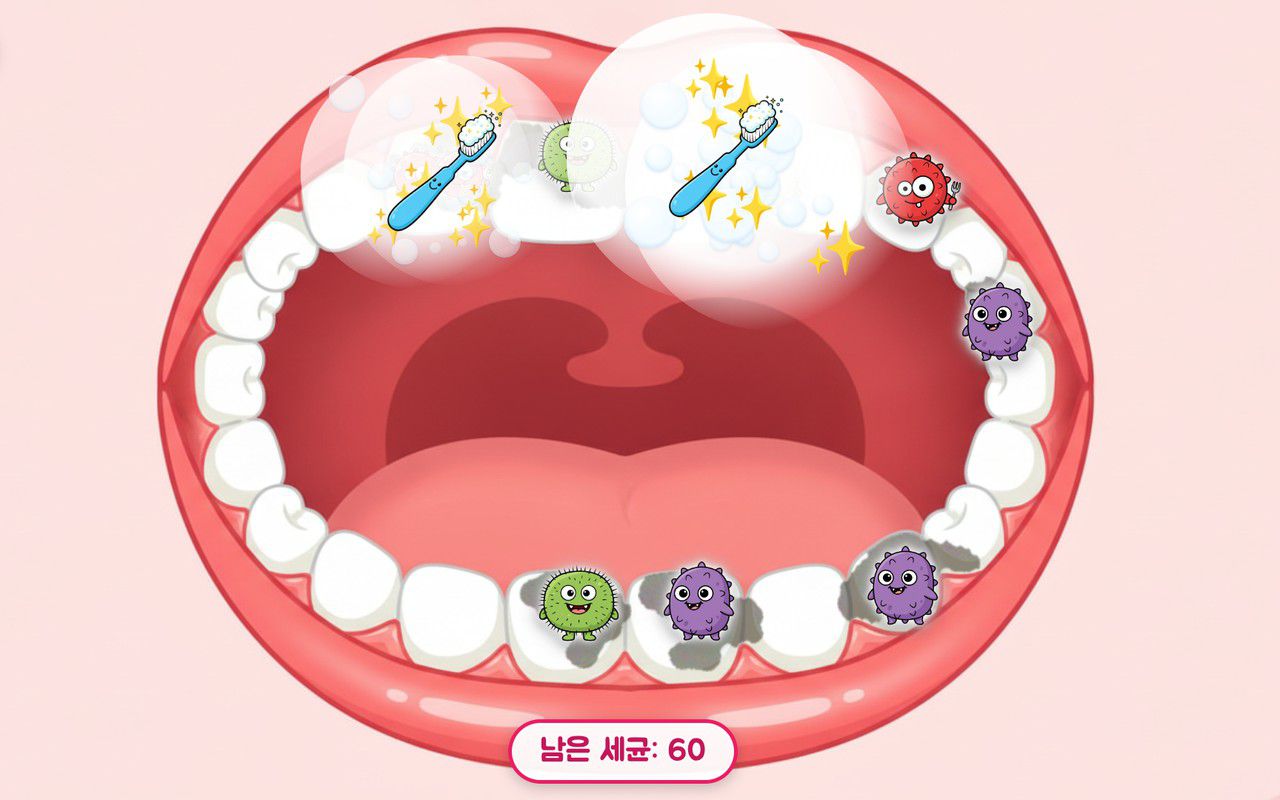
Floor · Foot sensor, Touch, Mouse
Four floor games for little ones behind one menu: brush germs off teeth, wash hands, pick healthy food, and catch falling fruit.
Made for a client
No pieces match those filters yet.
Or , and we can build it.
How it works
Filter by use, surface and input. Every page says who it's for and exactly what you need to run it.
Fill in a few quick fields and the download appears right away. Try it with a mouse or touch screen (the space bar for button games), then on your own setup.
Your questions, logo, language or a whole new idea — or an MP Series unit with projector and sensor built in. Set up in minutes, run it yourself.
Who we are
We started in 2015 by developing and making our own projection screen paint. Working on real walls and floors led to portable hardware, and to the interactive content in this library.
Our own projection paint turns a wall, a floor or glass into a screen.
See the coatingsKiosks on wheels with the projector, sensor and surface built in. Move it, plug it in, play.
See the MP SeriesMany pieces here began as work for real events and venues in Korea, and we can make one for you.
See real installsFAQ
A Windows PC or Mac with Chrome, a display, and the input the piece lists. Floor and touch pieces are click-based, so a touch panel or touch monitor is enough, with no LiDAR sensor. To play with your feet on a floor, you need a projector plus a foot sensor that sends touch signals, such as an MP Series floor unit. Playing together needs multi-touch on some pieces. Button games need a keyboard or USB arcade buttons. Each detail page has a short 'What you need' list.
Yes, it's free. Use it to test and evaluate the piece at one location — on your own floor, screen or kiosk, with your team or your client. Running it at several venues, in a rental business, or passing it on to others needs a license, so tell us what you have in mind.
Yes. Each build comes with the settings you can change yourself — listed under 'Make it yours' on its page. For more, such as your own questions, artwork, logo, language or a new game idea, we make a custom edition. Most of our work starts this way; the 'Made for a client' cards show examples.
Not to run it. Floor and touch pieces react to ordinary touch and mouse input, so they work on any touch panel or touch monitor the PC sees as a touch device. A sensor is only for playing on a floor: any foot sensor that sends touch signals to the PC works, such as an MP Series floor unit or a LiDAR or touch frame set up to send multi-touch. The download does not include sensor drivers, so test with a mouse or touch panel first, then with your sensor. Button games are played with the space bar or USB arcade buttons. Each page lists the exact input.
Yes. MP Series units are kiosks on wheels with the projector, sensor and surface already integrated: MP-F floor, MP-OF outdoor floor, MP-H vertical wall, MP-C transparent guestbook, MP-D and MP-SD domes, and the MP-UFO arcade pod. Tell us about your space and we'll suggest a unit.
For an evaluation build, the download buttons appear on the same screen as soon as you submit, and your personal link keeps working for 90 days. A couple of days later we may send one short email to check it's running. For custom work, hardware or licensing, we reply by email from yonghwa@paintpam.com to talk through your space and timing.
Contact
Tell us about your space and your event — we'll suggest what fits.
Or email yonghwa@paintpam.com