
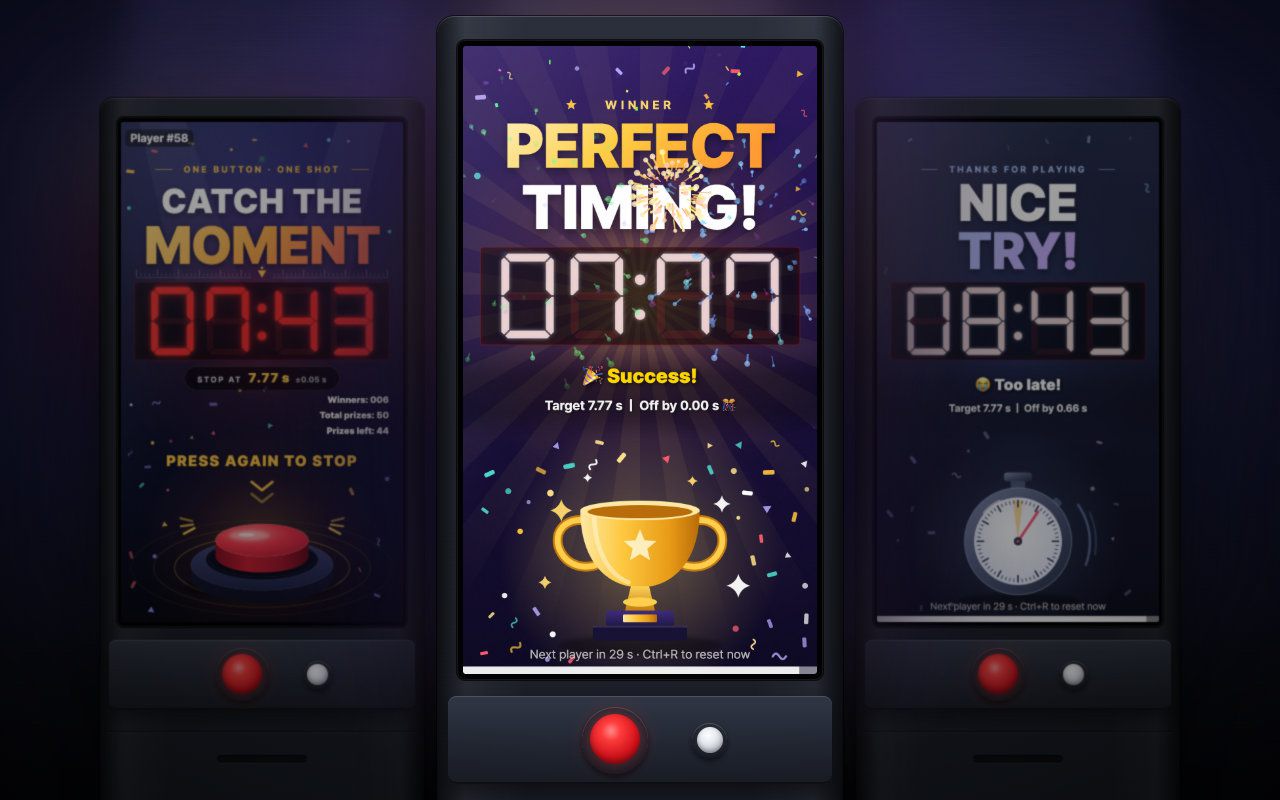
Portrait kiosk · Keyboard, Arcade button
Catch the 7 Seconds
Press to start, press again at exactly 7.77 seconds: a one-button portrait booth game with a live prize count and daily stats.
Free evaluation buildEnglishReal use
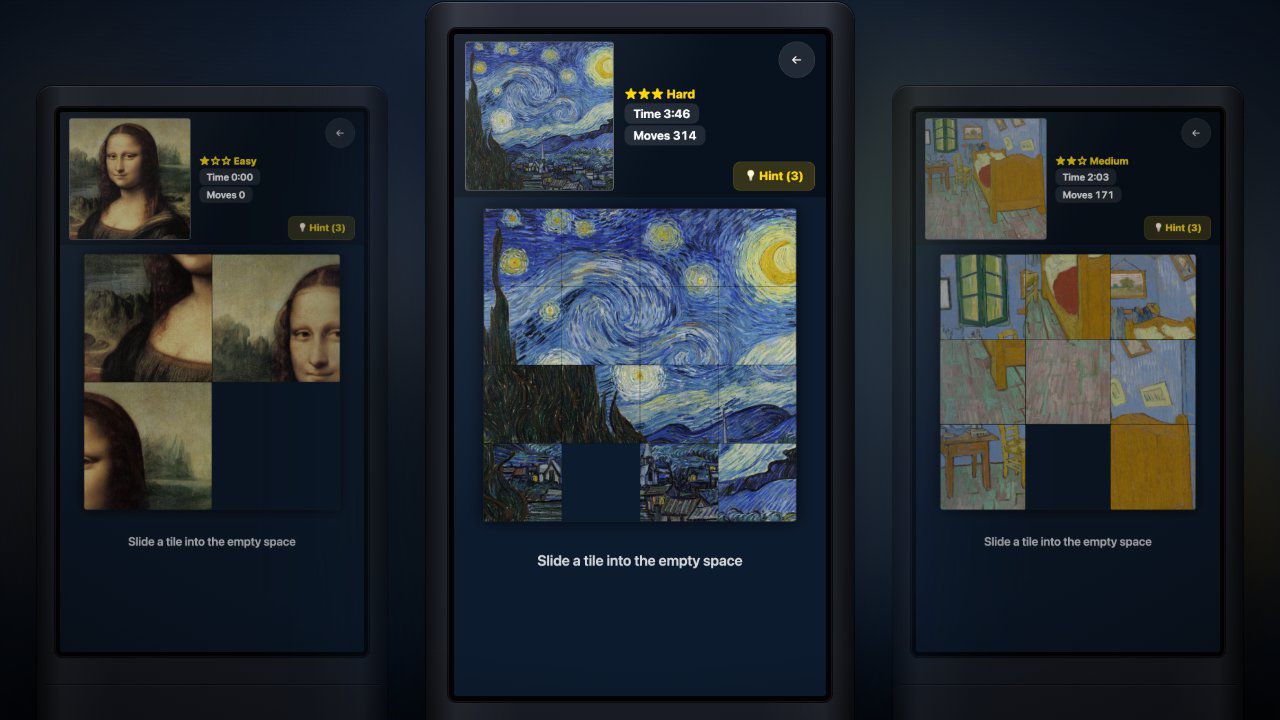
Portrait kiosk · Touch, Mouse
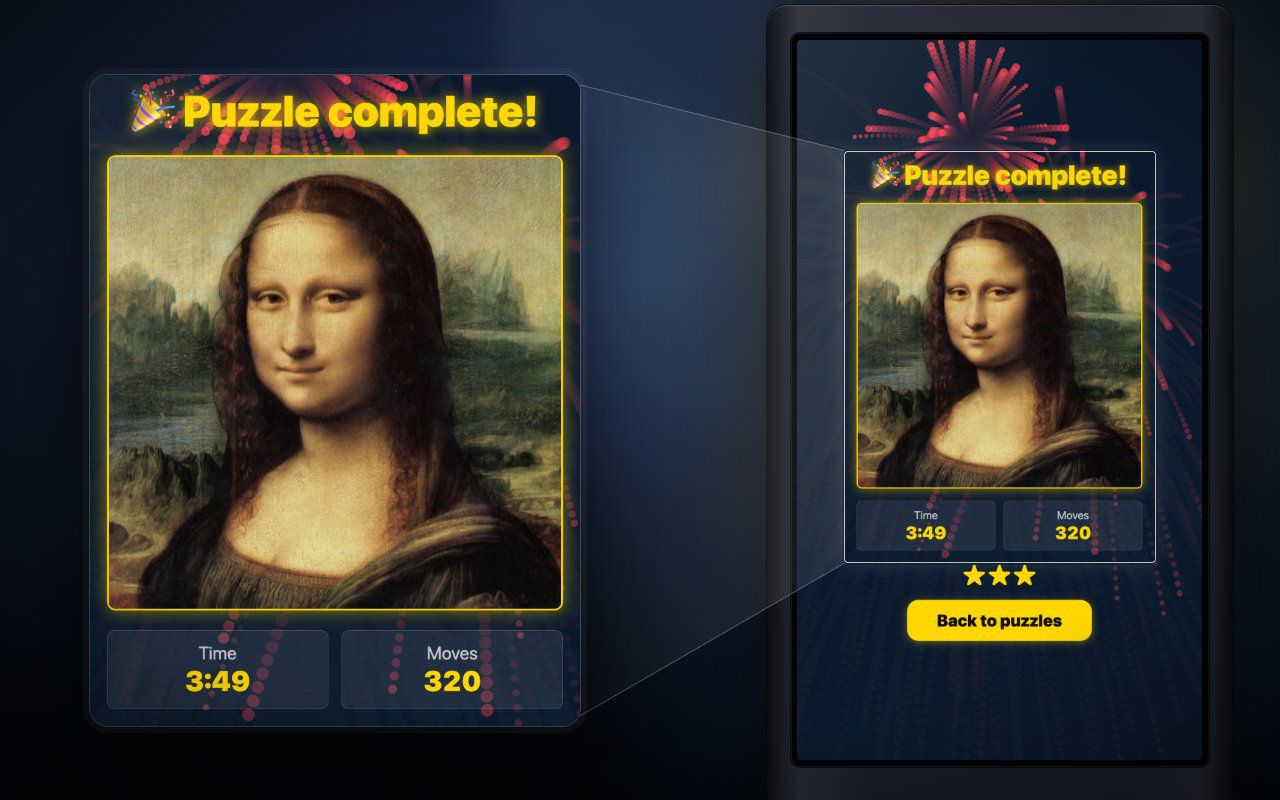
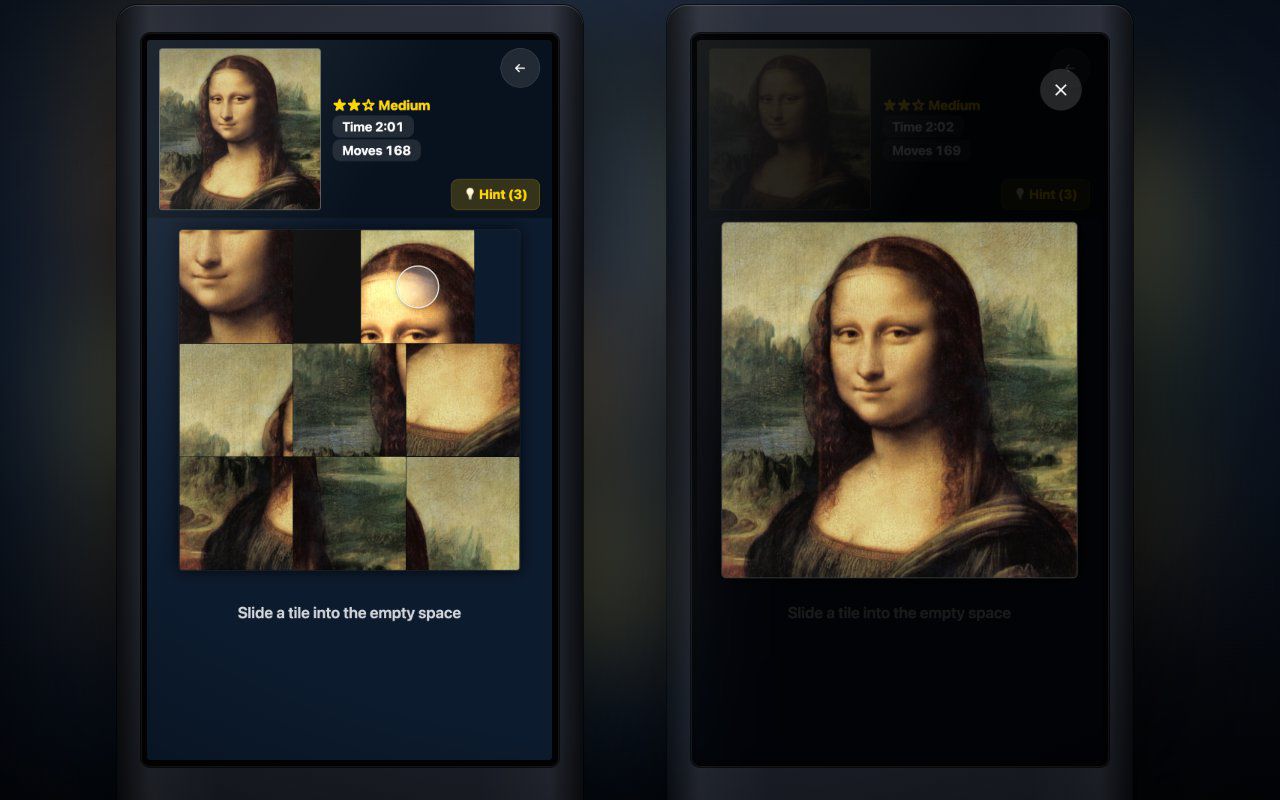
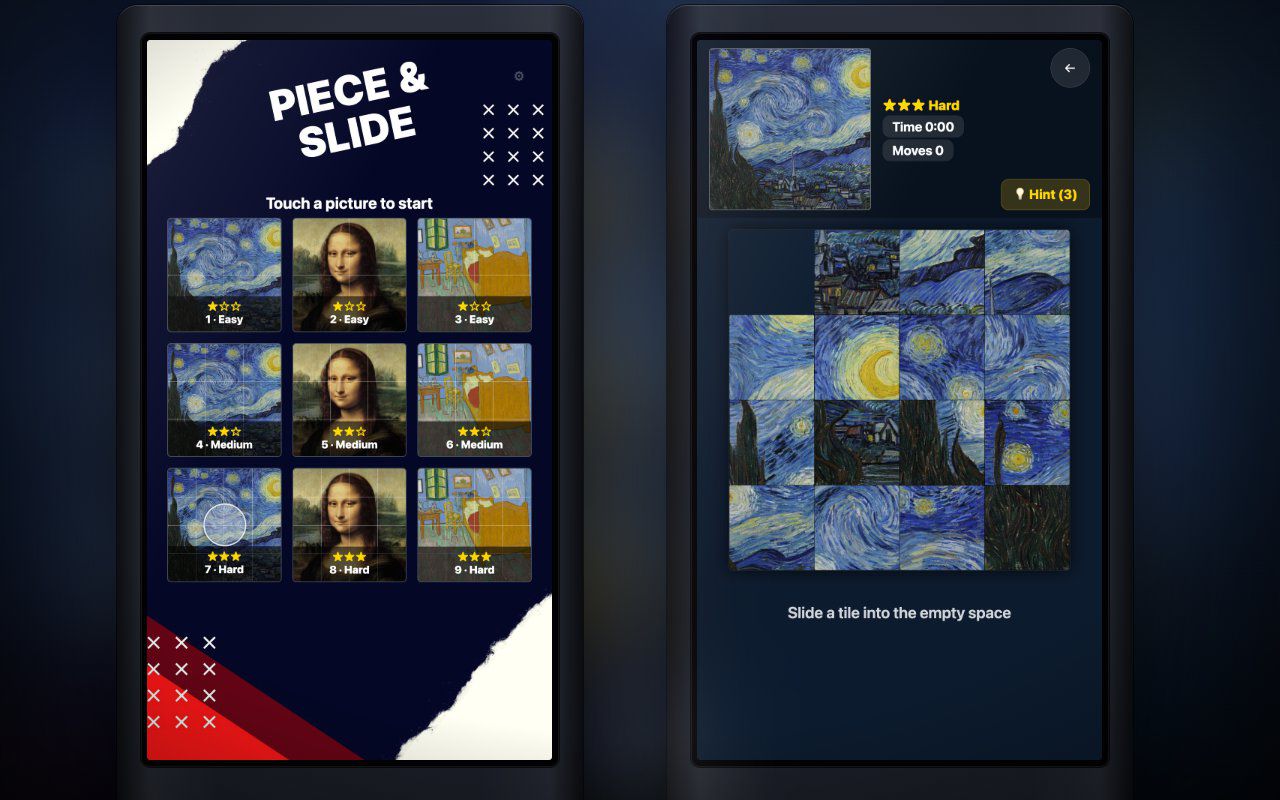
A sliding picture puzzle for a portrait touch screen: three levels, nine puzzles, and your own pictures on the tiles.
Free · Windows & macOS · 6.5 MB · Download appears right after the form
In real use
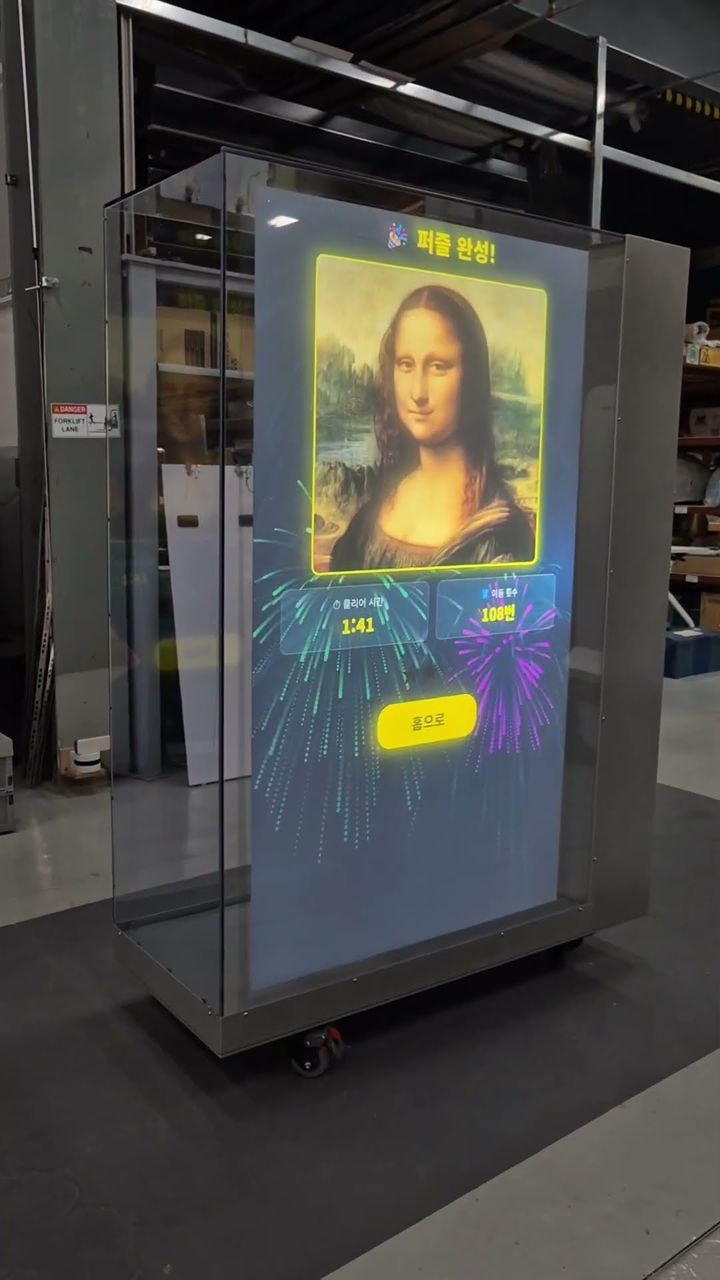
A player sliding puzzle tiles into place on a portrait touch kiosk.
Filmed in Korea on an earlier build, so any on-screen text is in Korean. The evaluation build is in English.
Who it's for
What it does for you
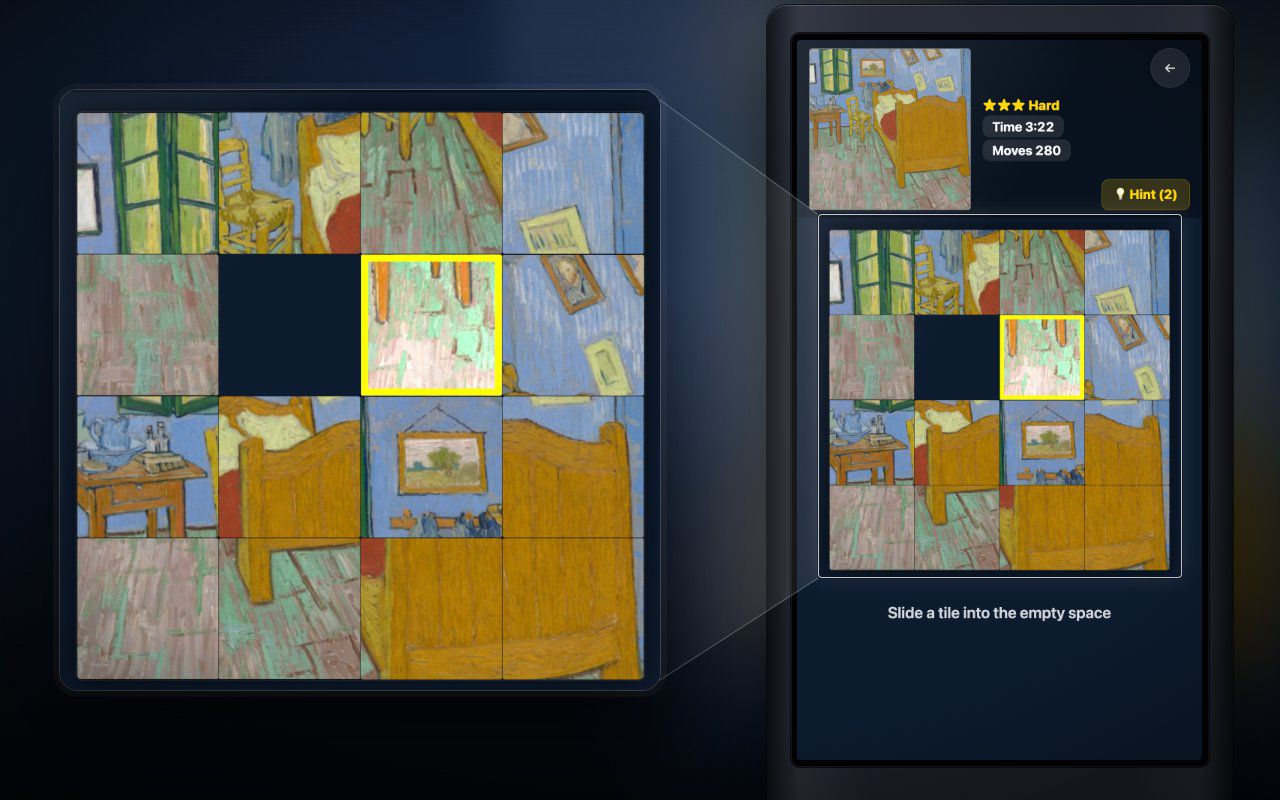
Hardware
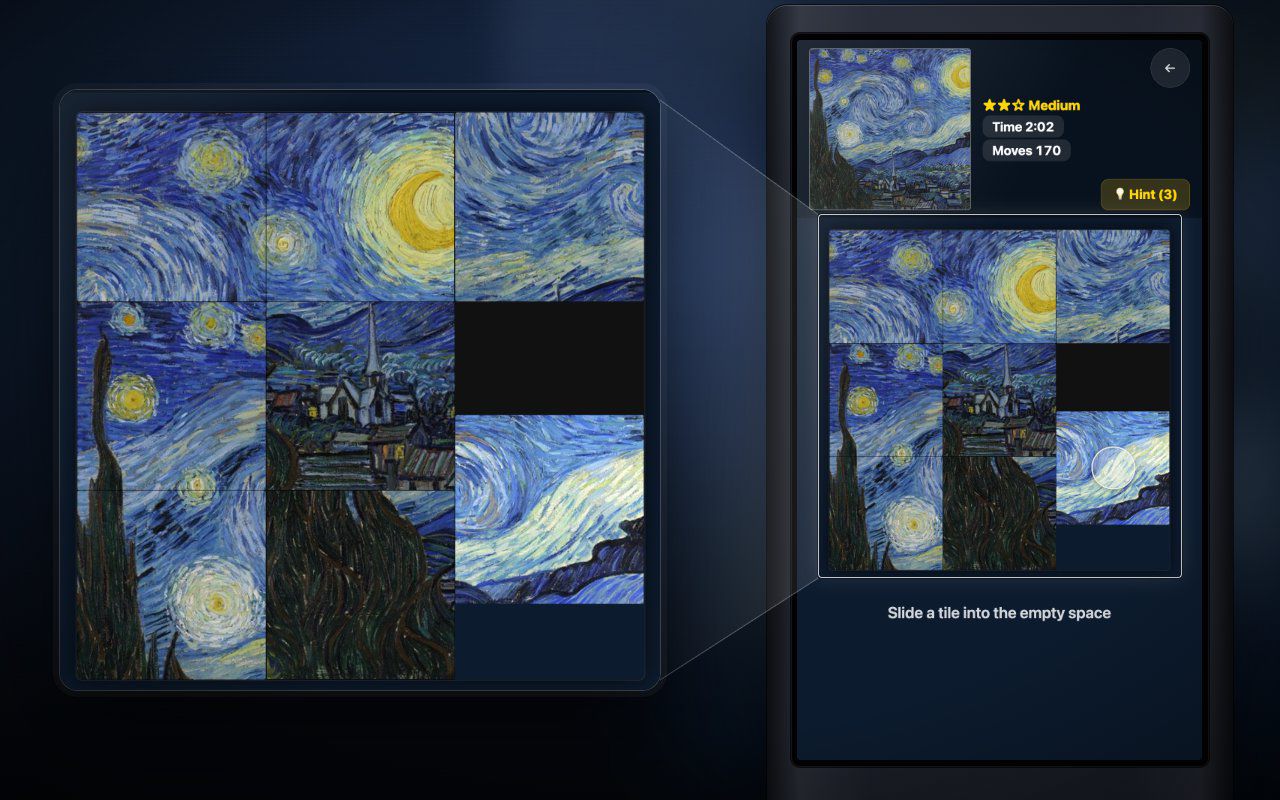
Runs on any portrait touch screen your computer sees as a touch device. Looking for hardware? Ask us which MP Series unit fits your space.
Make it yours
These settings live in customize/config.js inside the download. Edit, save, reload.
| Setting | What it changes | Default |
|---|---|---|
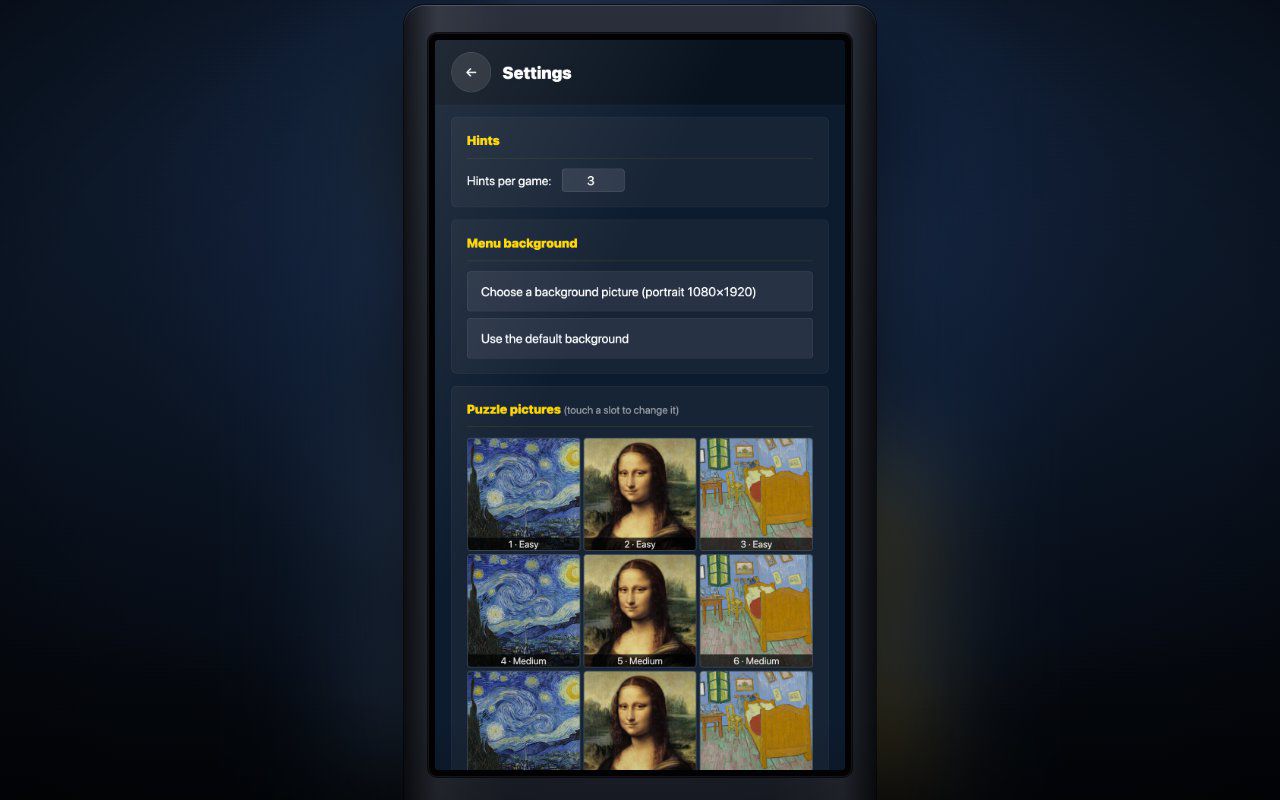
Your picturesimages.puzzles | The nine puzzle pictures, in order: 1-3 Easy, 4-6 Medium, 7-9 Hard. Copy your files into images/ and write their names. Square pictures work best; others are cropped to the center. Staff can also pick pictures on the settings screen. | Three public-domain paintings, repeated |
Menu backgroundimages.background | Portrait 1080×1920 picture behind the menu. Empty = plain dark blue. | images/menu-background.jpg |
Your logoimages.logo | PNG or JPG shown at the bottom of the menu and game screens (e.g. customize/logo.png). Empty = no logo. | empty |
Window titletext.page_title | Browser tab / window title. | Piece & Slide |
Your titletext.title | Your own title on the menu, replacing the one in the default background. Long titles shrink to fit. Empty = keep it. | empty |
Win headlinetext.win_title | The headline when a puzzle is solved. | Puzzle complete! |
On-screen guidescreen.show_guide | The short lines "Touch a picture to start" and "Slide a tile into the empty space". Turn off if your background already explains it. | true |
Easy gridlevels.easy_grid | Tiles per side for puzzles 1-3, from 2 to 6. | 2 |
Medium gridlevels.medium_grid | Tiles per side for puzzles 4-6, from 2 to 6. | 3 |
Hard gridlevels.hard_grid | Tiles per side for puzzles 7-9, from 2 to 6. | 4 |
Hints per puzzlegame.hints_per_game | How many hints each puzzle gets, from 0 to 20. 0 hides the button. Also on the settings screen. | 3 |
Idle returngame.idle_seconds | Back to the menu when nobody touches the game, with a warning for the last 5 seconds. 0 = never. | 30 |
Win screen timegame.result_seconds | How long the win screen stays up before the menu returns, from 3 to 600 seconds. | 20 |
Menu musicsound.menu_music | MP3 for the menu and win screens. Empty = none. Staff can also pick a file on the settings screen. | audio/menu-music.mp3 |
Game musicsound.game_music | MP3 during play. Empty = none. Staff can also pick a file on the settings screen. | audio/game-music.mp3 |
Menu music volumesound.menu_volume | 0 to 100. Also on the settings screen. | 70 |
Game music volumesound.game_volume | 0 to 100. Also on the settings screen. | 70 |
Win sound volumesound.effects_volume | The sound played when a puzzle is solved, 0 to 100. | 100 |
Your logo and colors, another language, your own questions or content, or a new piece on the same idea.
Specs
e7456010bd1a08b08848513775cfa34df2c441f5e0618c18050422dabeb36456Related pieces
Portrait kiosk · Keyboard, Arcade button
Press to start, press again at exactly 7.77 seconds: a one-button portrait booth game with a live prize count and daily stats.
Free evaluation buildEnglishReal use
Screen · Touch, Mouse
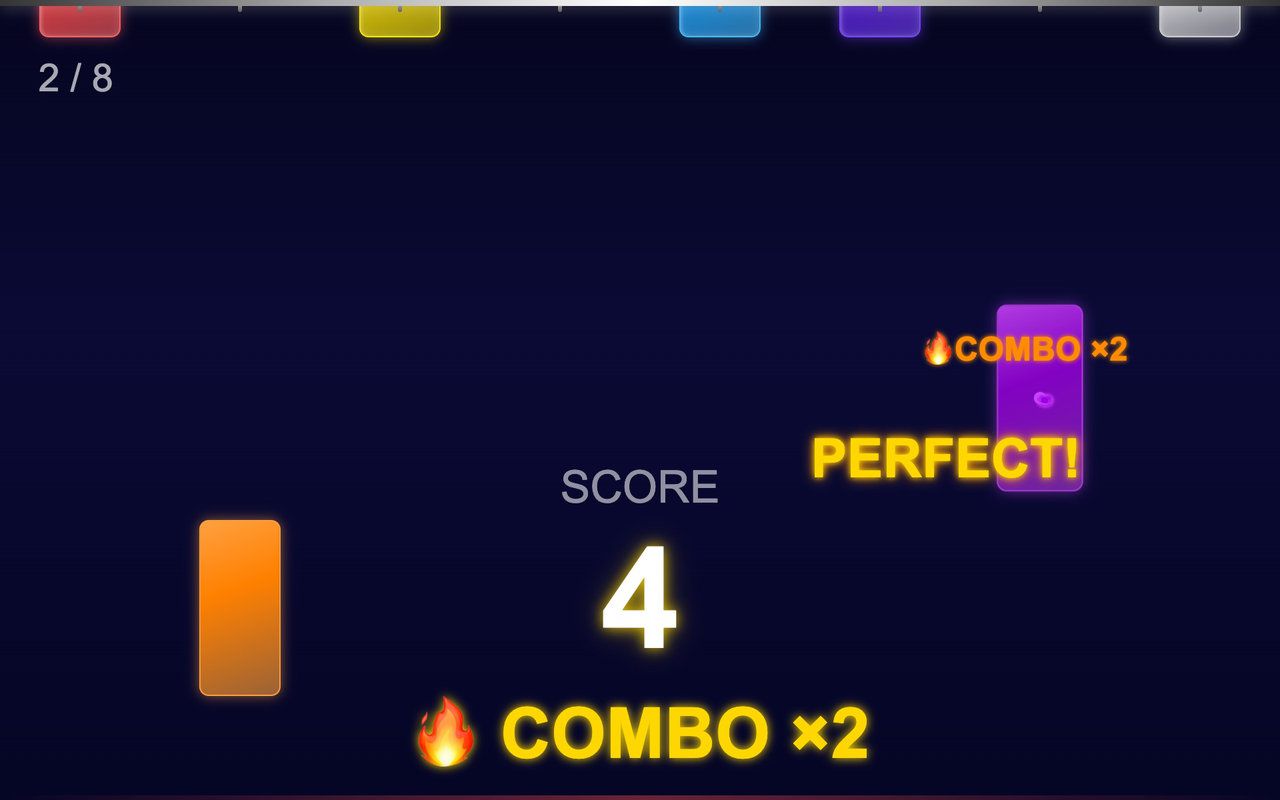
Colored sticks hang from the top of the screen and drop in a random order: tap each one before it lands and build a combo.
Free evaluation buildEnglishReal use
Screen · Touch, Mouse
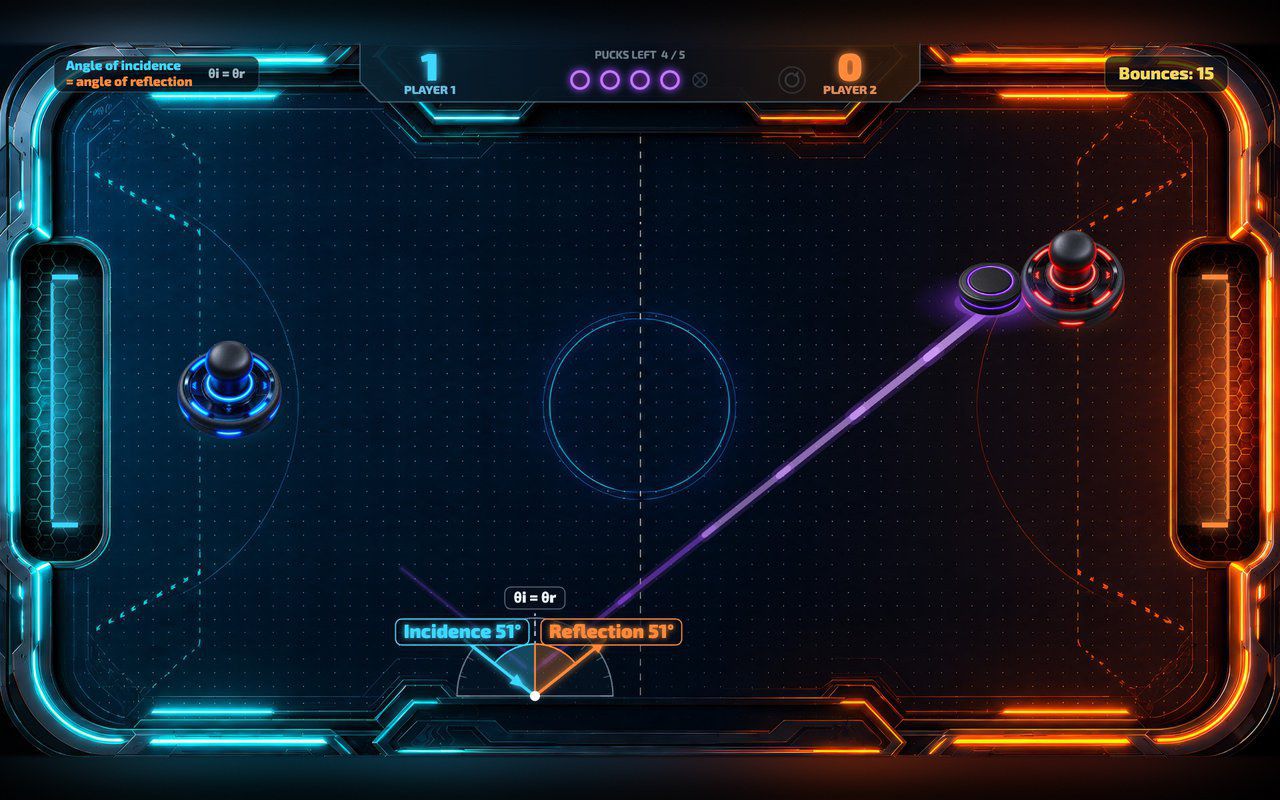
Two players push a glowing puck, or one plays the computer, and every wall bounce shows the two equal angles.
Free evaluation buildEnglishReal use