
Portrait kiosk · Mouse, Keyboard, Arcade button
Timing Game
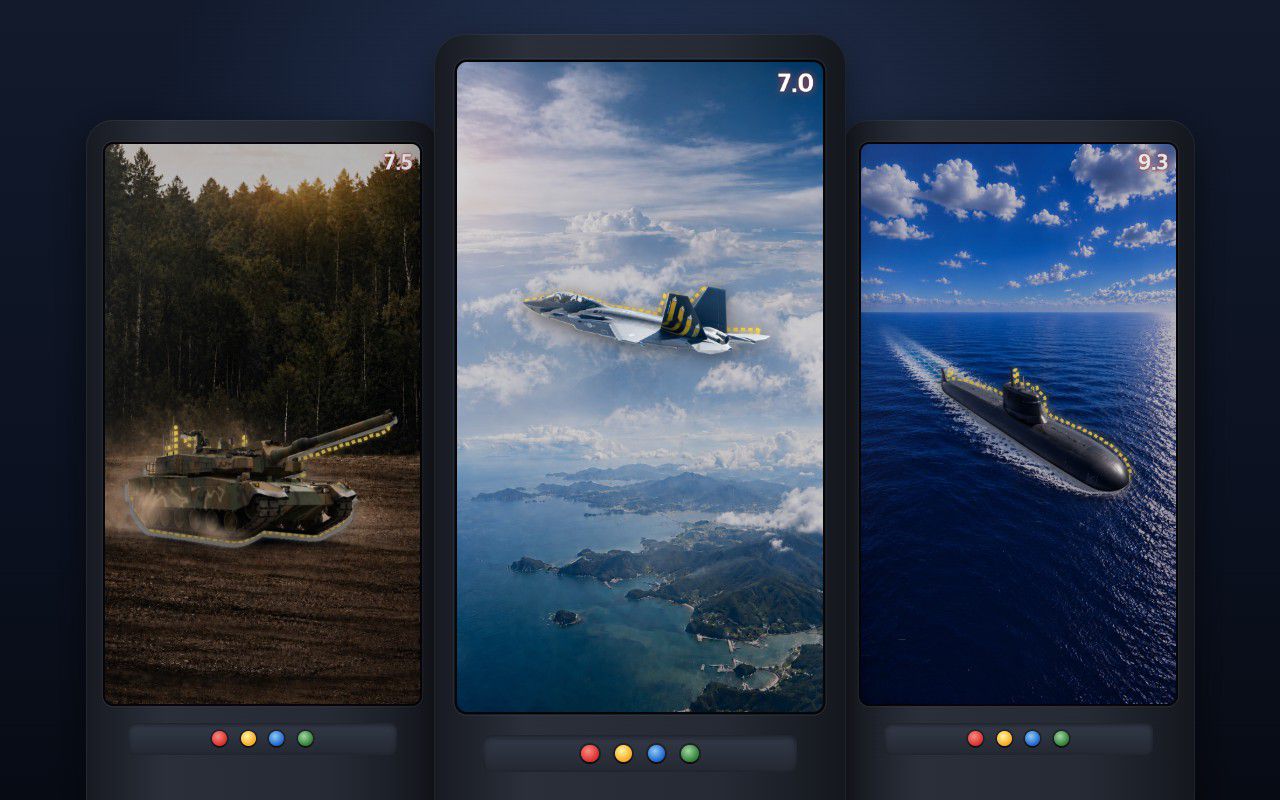
A jet, a tank or a submarine darts across a portrait screen, and visitors press the instant it fills the aiming frame.
Made for a client
Portrait kiosk · Keyboard, Arcade button
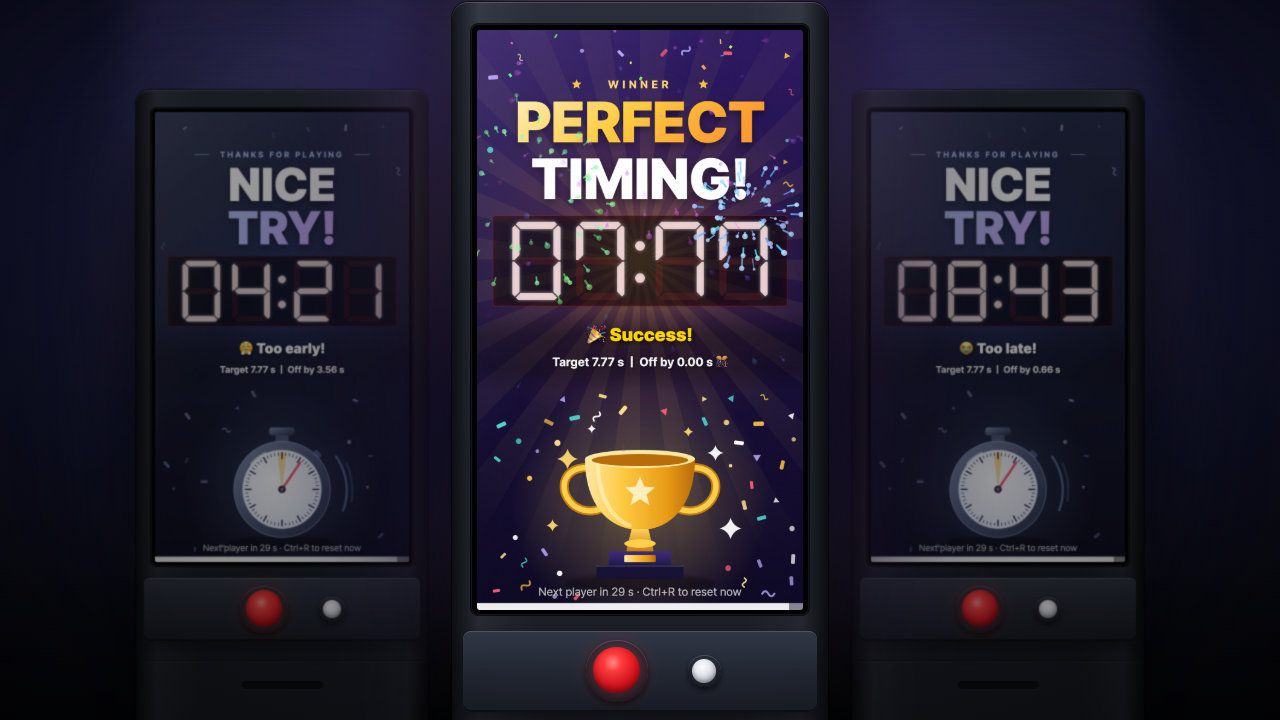
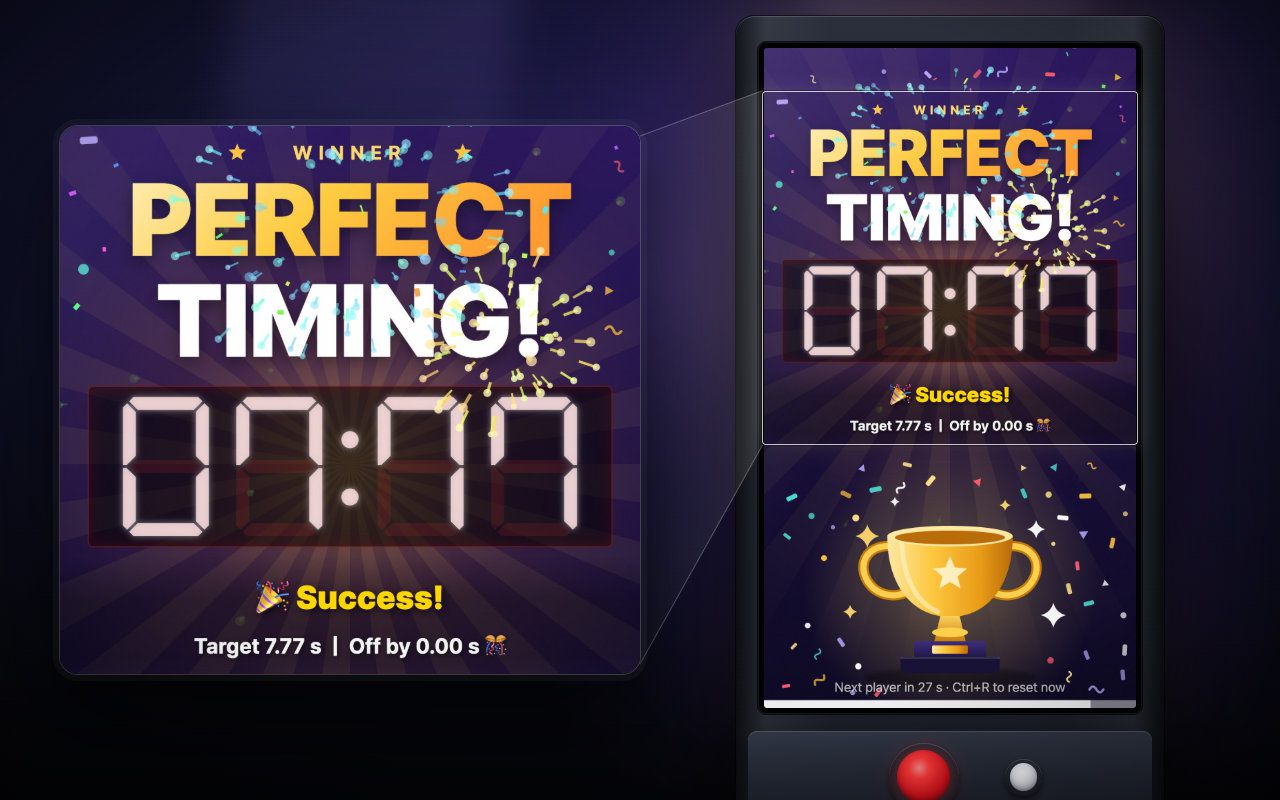
One button, one shot at 7.77 seconds — a prize-booth timing game that counts winners and prizes for you.
Free · Windows & macOS · 3.0 MB · Download appears right after the form
In real use
One big button and one clock: press to start, press again to stop it on the target.
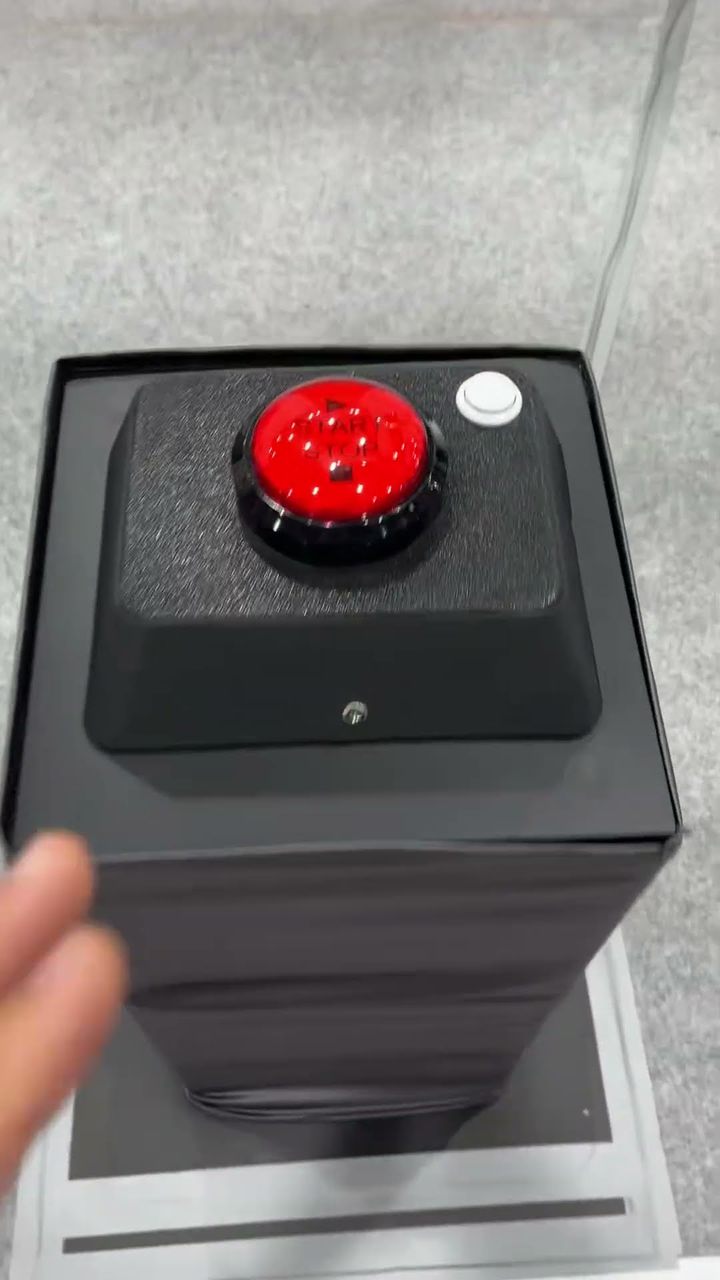
An earlier Korean-language build ran at two event booths in Korea in 2026 — a careers event for vocational high-school students and a university event in Seoul — on portrait units fitted with arcade buttons.
Scope Earlier build (Korean interface) · event booths, 2026 · this edition adds an English interface and a neutral default background
Filmed in Korea on an earlier build, so any on-screen text is in Korean. The evaluation build is in English.
Who it's for
What it does for you
Hardware
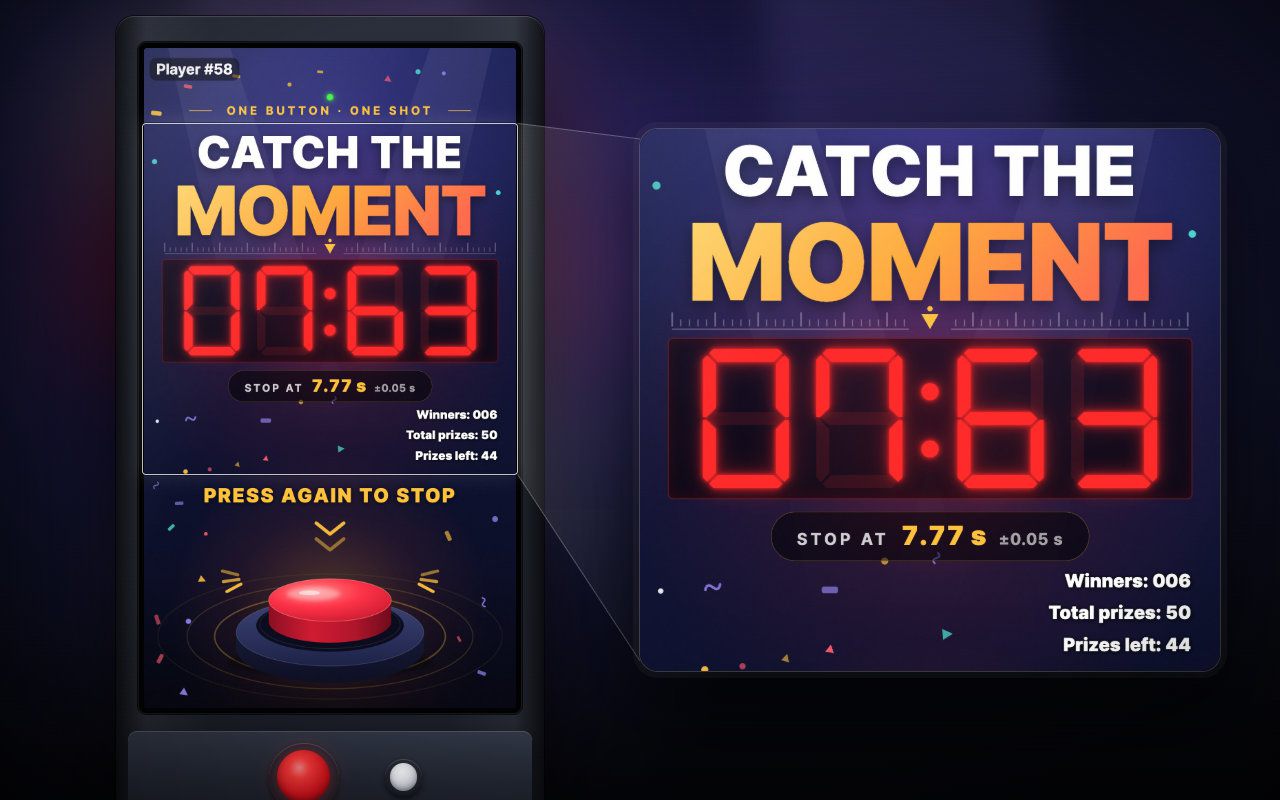
Has run on MP-H vertical units fitted with arcade buttons. Any portrait monitor or kiosk with a keyboard or USB arcade buttons works too.
Make it yours
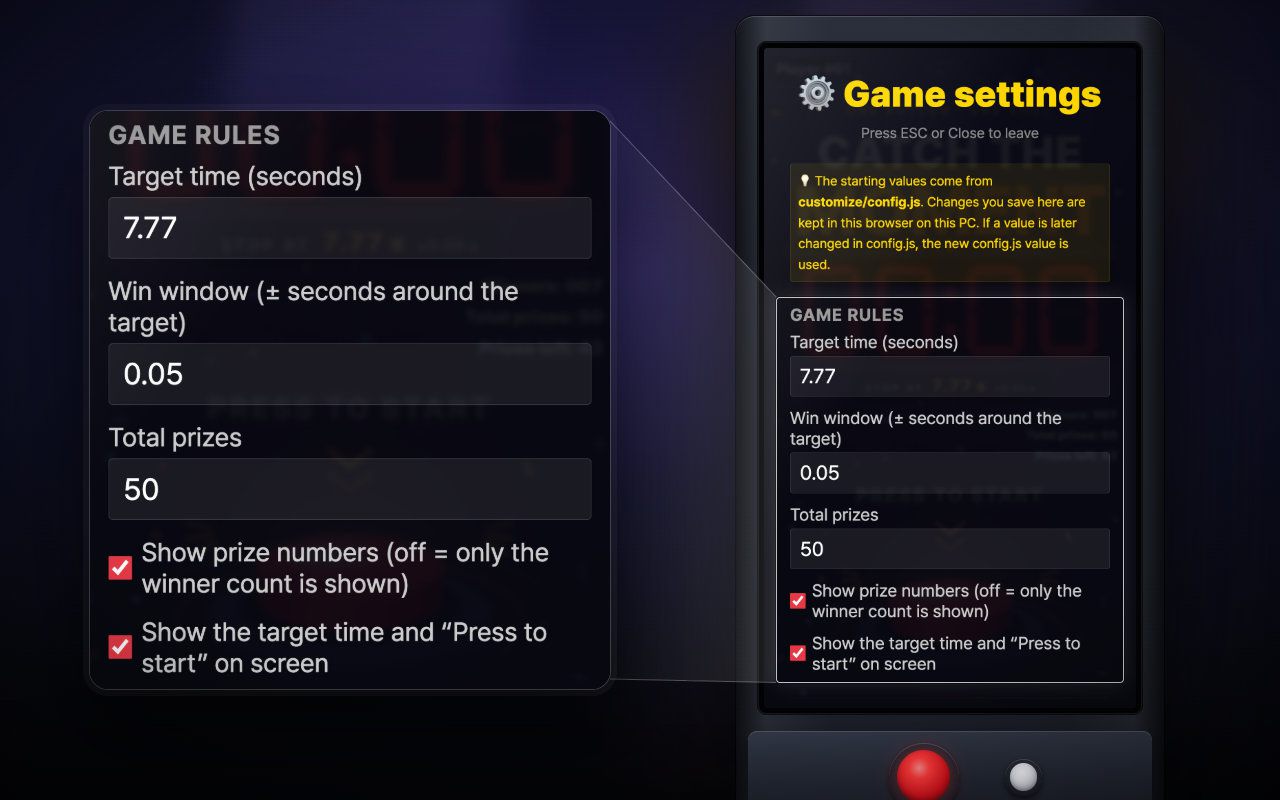
These settings live in customize/config.js inside the download. Edit, save, reload.
| Setting | What it changes | Default |
|---|---|---|
Target timegame.target_seconds | The time players try to stop the clock on, in seconds (0.1 to 99.99). Shown under the clock as "STOP AT 7.77 s". Also adjustable on site in the Esc settings panel. | 7.77 |
Win windowgame.tolerance_seconds | A stop within plus or minus this many seconds of the target wins (0.001 to 5). Smaller = fewer winners. Also adjustable in the Esc panel. | 0.05 |
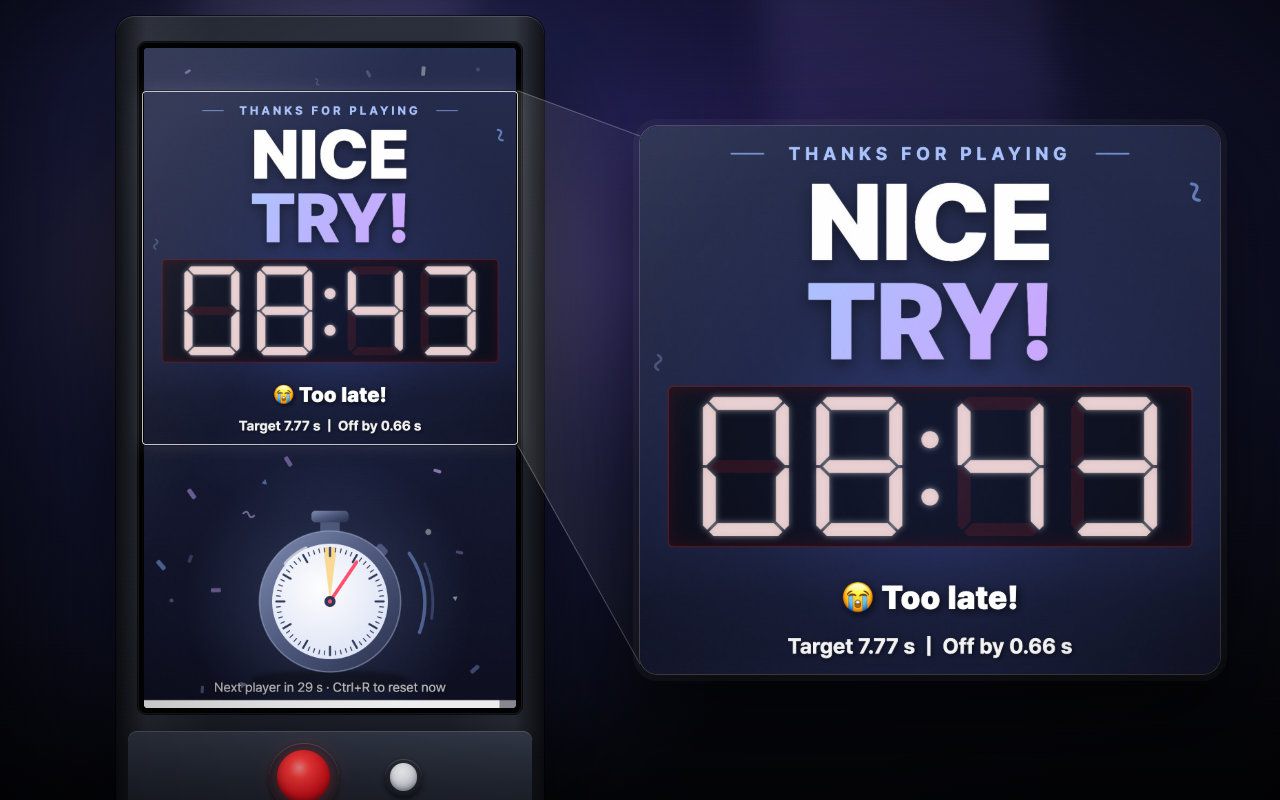
Result timegame.result_seconds | How long the win or miss screen stays before the next player is up (3 to 600 seconds). Staff can skip it with Ctrl+R or the reset button. | 30 |
Total prizesprizes.total | Number of prizes to hand out. Every win takes one off the on-screen "Prizes left" count. Also adjustable in the Esc panel. | 50 |
Show prize numbersprizes.show_count | Set to false to show only the winner count and hide "Total prizes" and "Prizes left". | true |
On-screen guidescreen.show_guide | The "STOP AT 7.77 s" line under the clock and the "PRESS TO START" prompt. Turn off if your own background already shows them. | true |
Main backgroundbackgrounds.main | Portrait 1080x1920 image (jpg, png or webp) for the waiting and playing screen, path relative to index.html. "" = plain colour. | backgrounds/bg-main.jpg |
Win screen backgroundbackgrounds.success | Portrait 1080x1920 image shown behind the result after a win. | backgrounds/bg-success.jpg |
Miss screen backgroundbackgrounds.fail | Portrait 1080x1920 image shown behind the result after a miss. | backgrounds/bg-fail.jpg |
Background videosbackgrounds.videos | Up to 3 muted videos (mp4 H.264 works best) that replace the main image and play one after another on a loop, e.g. ["backgrounds/bg-video-1.mp4"]. | [] |
Volumesound.volume | Sound effects and music, 0 to 100. All sounds are generated in the browser. Also adjustable in the Esc panel. | 80 |
Start/stop button numberbuttons.start_stop | Button number of the USB arcade-button encoder (seen as a game controller) that starts and stops the clock. The Space bar always works too. Esc > Detect finds the number. | 0 |
Reset button numberbuttons.reset | Encoder button number that moves on to the next player (same as Ctrl+R). | 1 |
Your logo and colors, another language, your own questions or content, or a new piece on the same idea.
Specs
db3c93b77e1fb43147c284ec28569605373ad21adbdf663666bc505176025c69Related pieces
Portrait kiosk · Mouse, Keyboard, Arcade button
A jet, a tank or a submarine darts across a portrait screen, and visitors press the instant it fills the aiming frame.
Made for a client
Floor · Foot sensor, Touch, Mouse
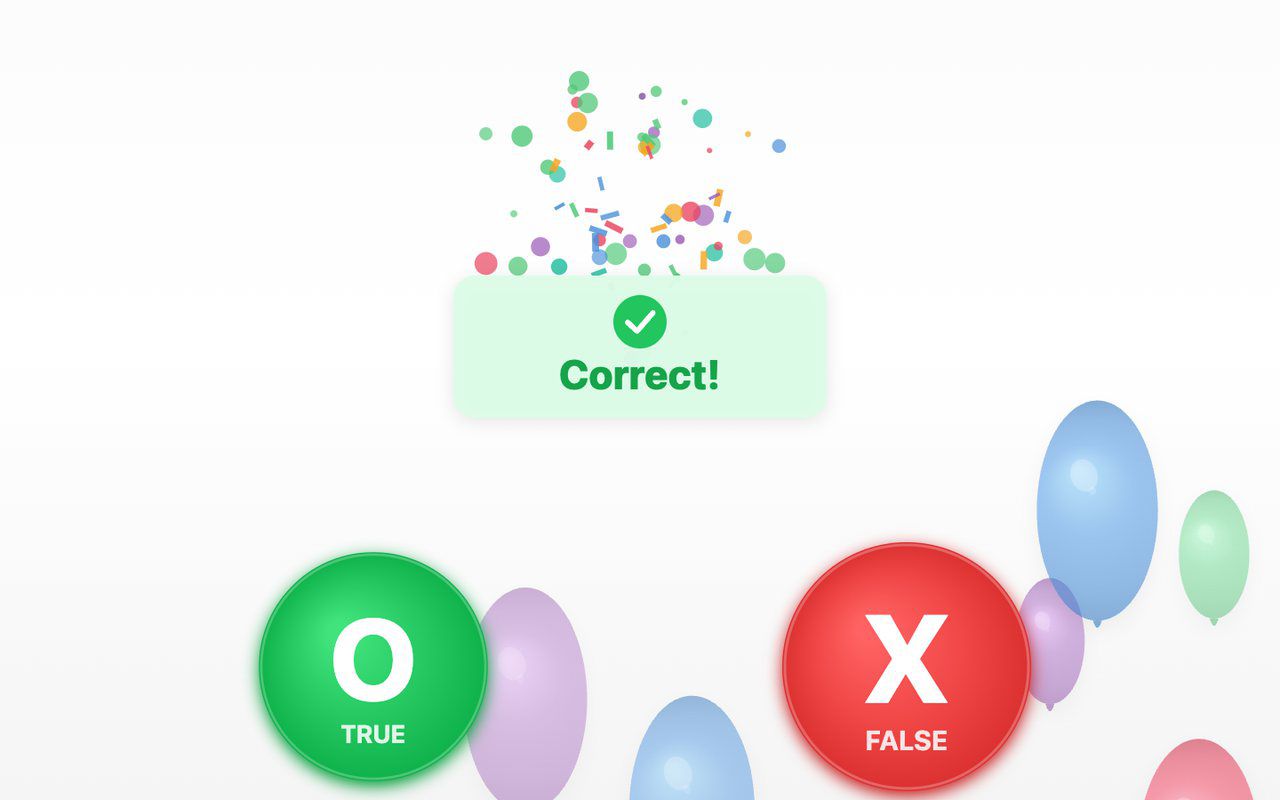
A true-or-false quiz on the floor: a balloon carries each statement, visitors step on O (true) or X (false), and a short explanation appears after a wrong answer.
Free evaluation buildEnglish
Floor · Foot sensor, Touch, Mouse
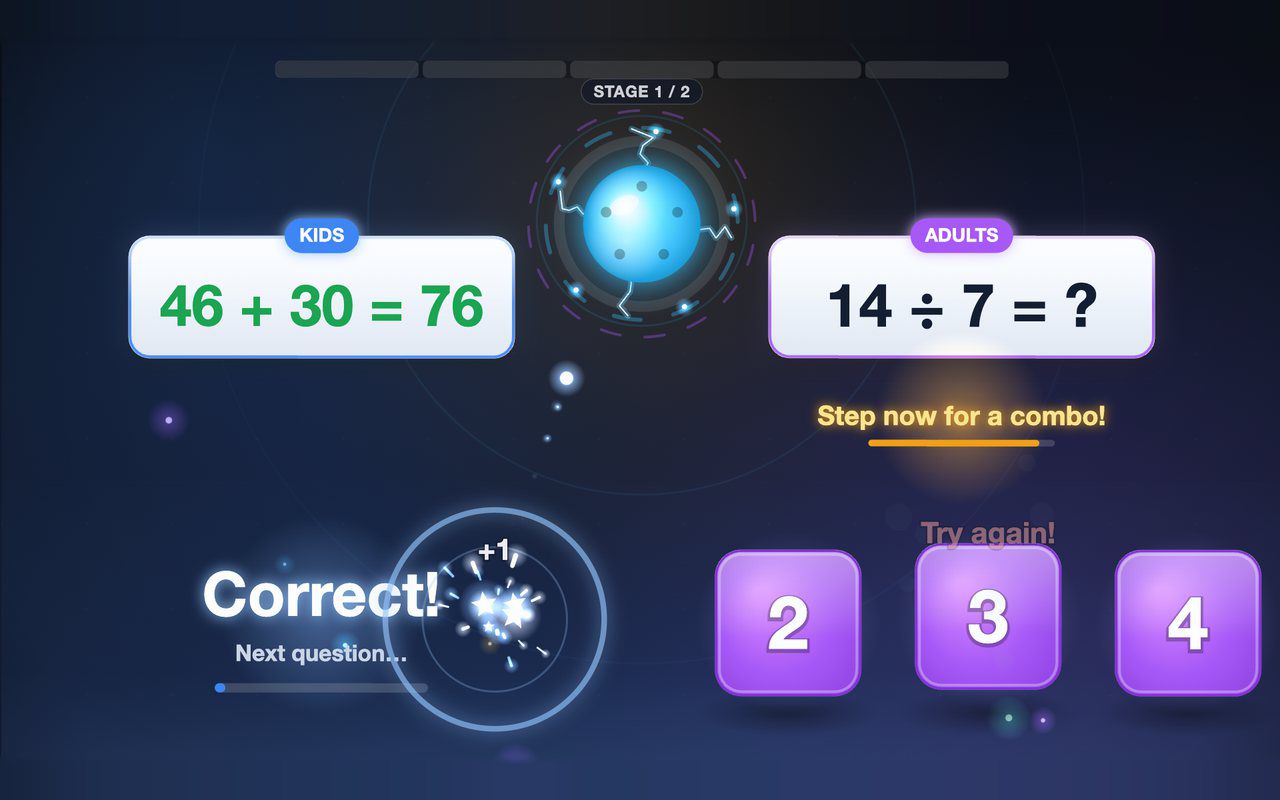
Kids and grown-ups each solve their own equation on the floor, and answering together earns a combo bonus — about a minute per game.
Free evaluation buildEnglish