
Floor · Foot sensor, Touch, Mouse
Balloon OX Quiz
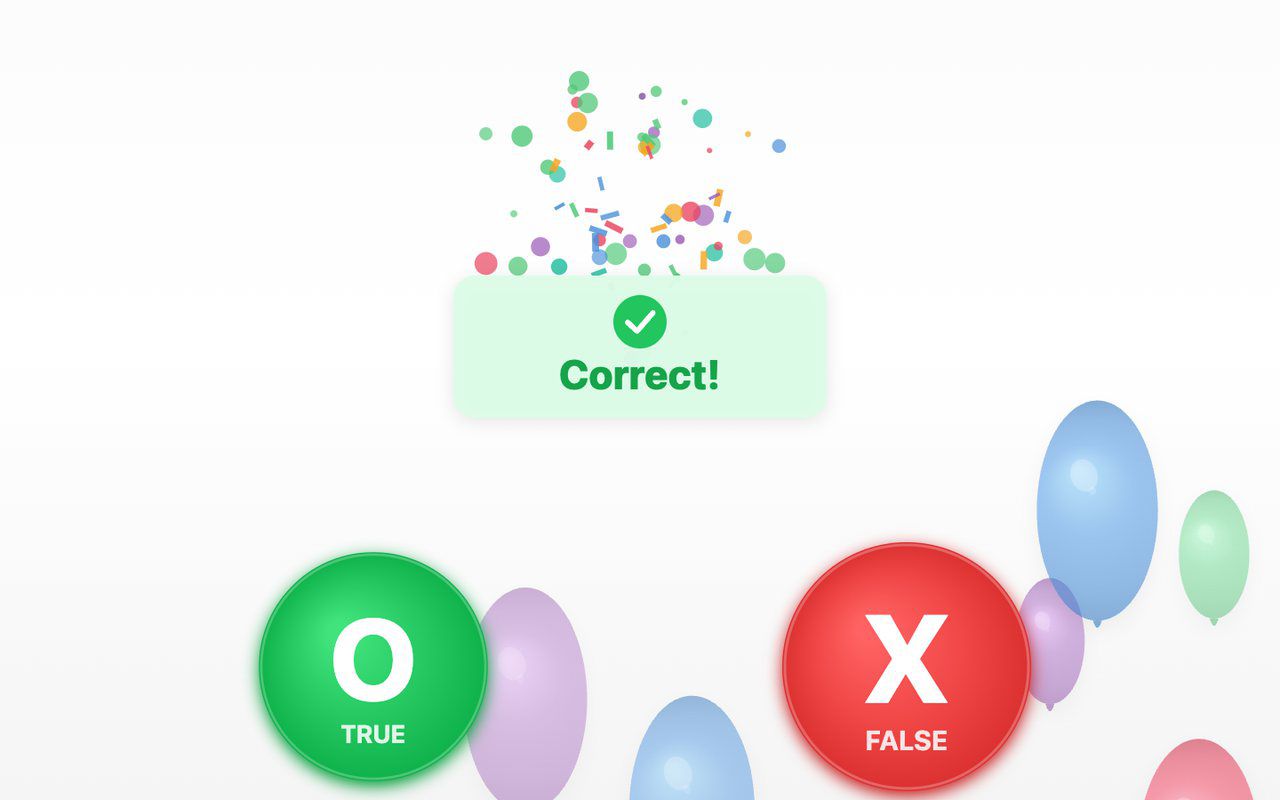
A true-or-false quiz on the floor: a balloon carries each statement, visitors step on O (true) or X (false), and a short explanation appears after a wrong answer.
Free evaluation buildEnglish
Floor · Foot sensor, Touch, Mouse
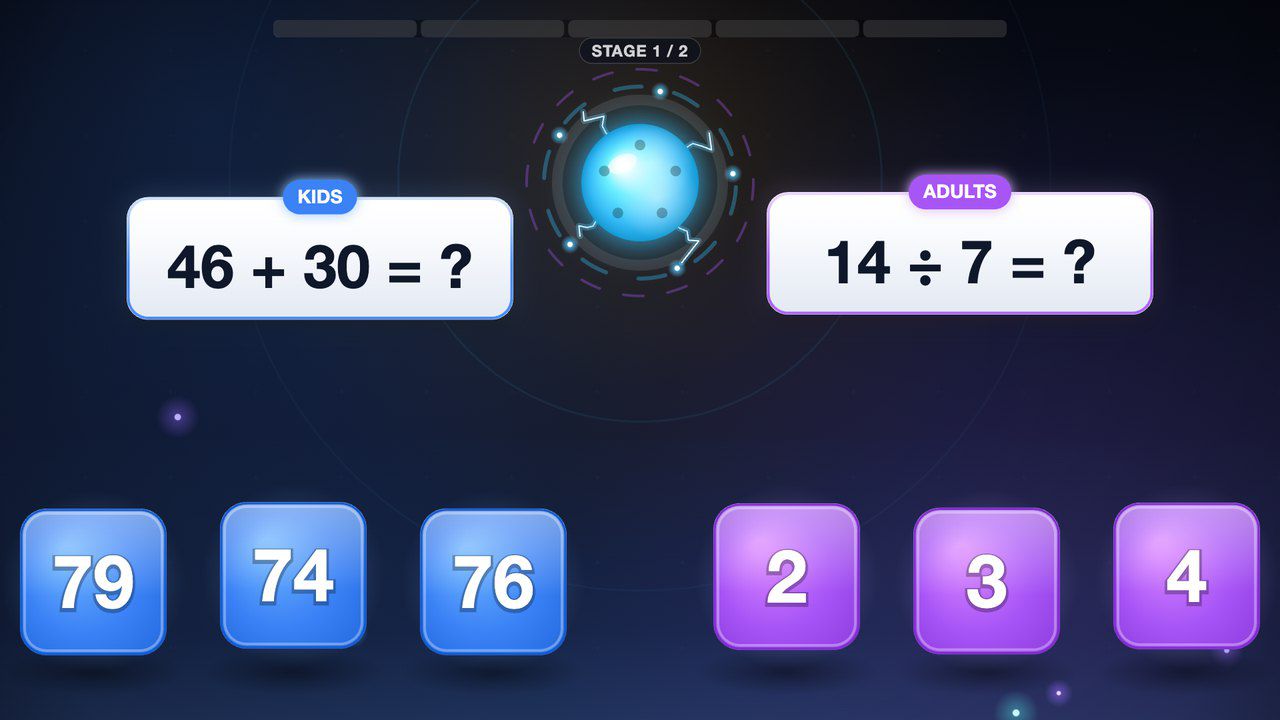
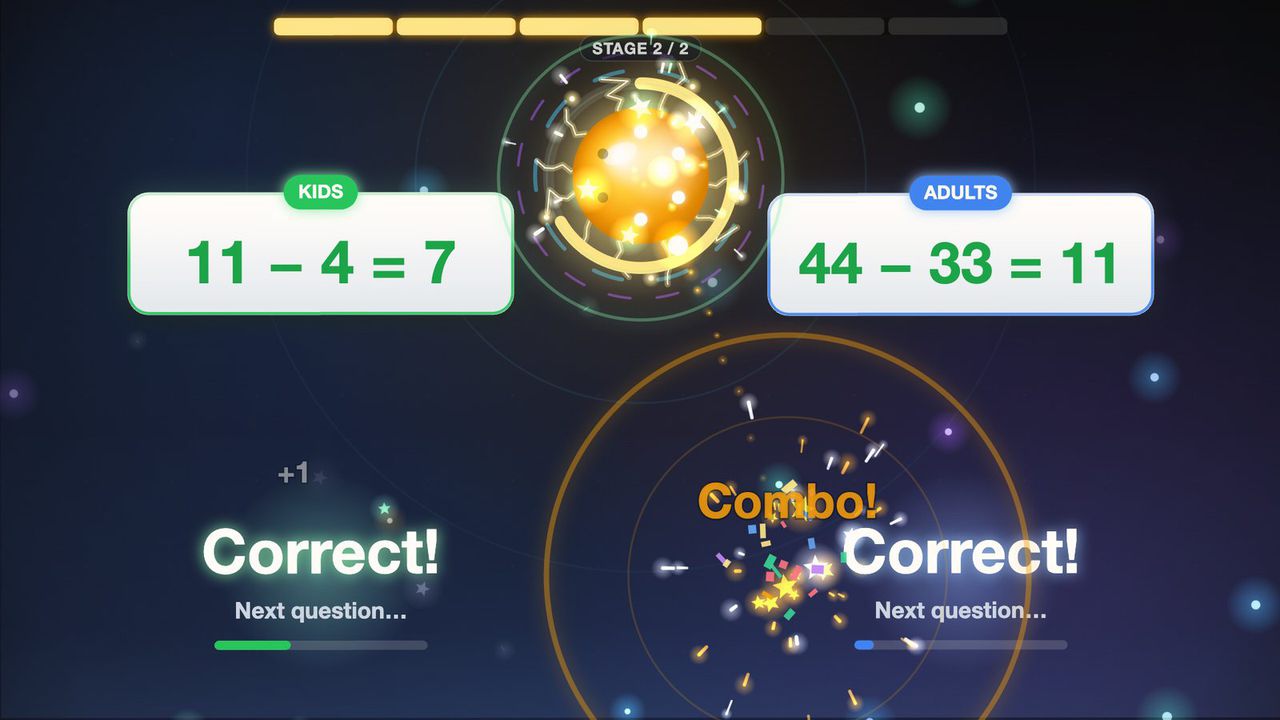
Parent and child, side by side — a one-minute floor math race families play together.
Free · Windows & macOS · 33 KB · Download appears right after the form
Who it's for
What it does for you
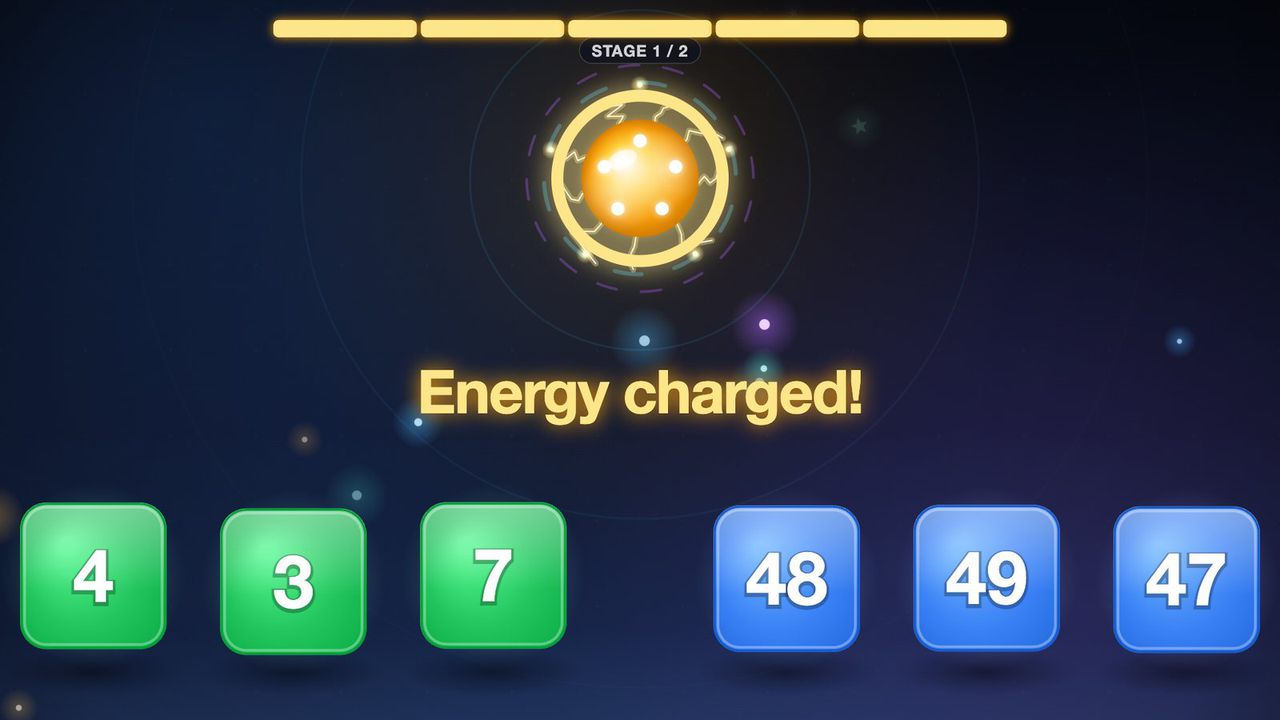

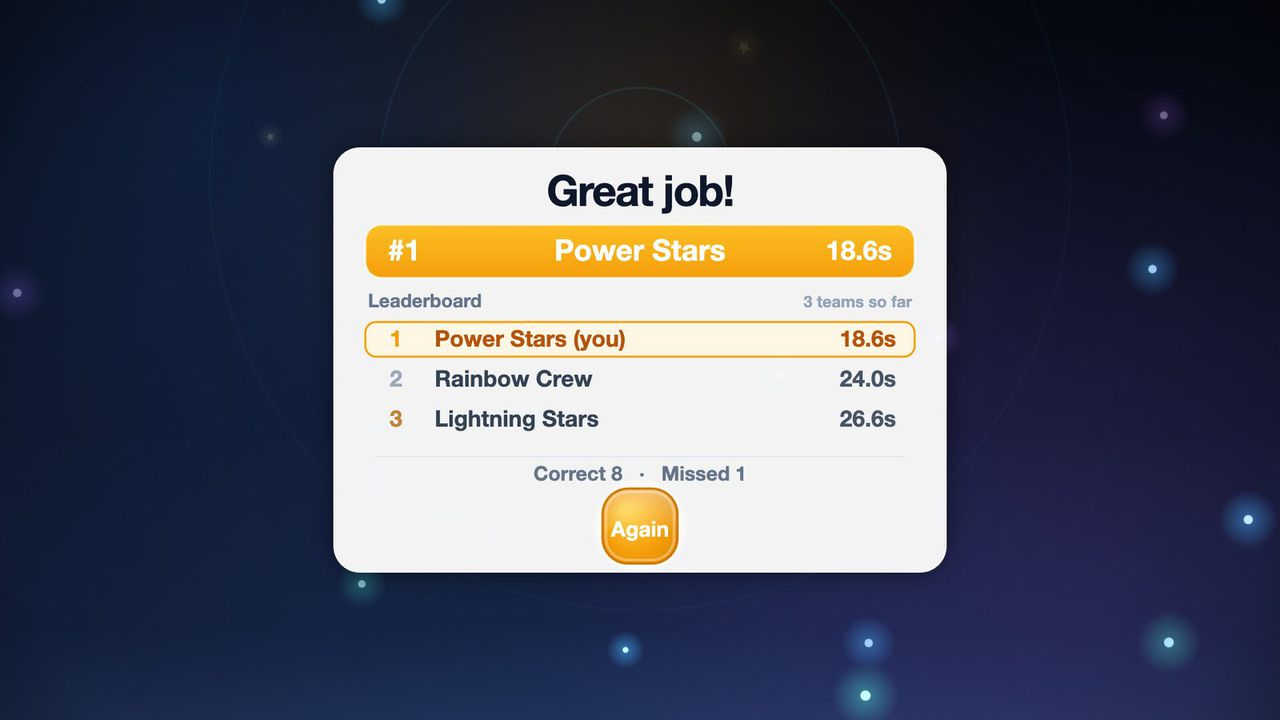
Seen in a real space
We built this family version after the organizers of an employee family day at a manufacturer in Korea told us our earlier solo math game was too hard for families. After their next family day, they reported high satisfaction because parents and children could play together.
Scope Family co-op version · one-day corporate event in Korea, 2026 · this edition adds an English interface
Hardware
Designed on the MP-F floor projection kiosk. Runs on any 1920×1080 projector with a floor sensor that sends touch. It also runs on a touch panel or touch monitor, with no sensor.
Make it yours
These settings live in customize/config.js inside the download. Edit, save, reload.
| Setting | What it changes | Default |
|---|---|---|
Start-screen titletext.title | The big title on the start screen, up to 40 characters. Long titles shrink to fit. | Energy Charge! |
Start-screen subtitletext.subtitle | The line under the title, up to 90 characters. | Step on the right answers together to charge the core |
Window titletext.page_title | Browser tab / window title. | Energy Charge — Math Floor Game |
Your logologo.file | Path to a PNG or JPG placed in the folder (e.g. customize/logo.png), shown top-left on the start screen. Empty = no logo. | empty |
Logo sizelogo.height | Logo height in pixels on the 1920×1080 screen (40–240). | 120 |
Round lengthgame.stage_targets | Charges needed to fill the core, one number per stage (3–20 each, up to 5 stages). Fewer charges or stages = shorter rounds. | [5, 6] |
Round time limitgame.round_time_limit_seconds | Ends a round with the finale and results after this many seconds (minimum 20). 0 = no limit. | 0 |
Pause between questionsgame.next_question_delay_ms | Milliseconds after a right answer before the next question appears (300–6000), so a foot left on the floor doesn't answer again. | 2000 |
Idle resetgame.idle_reset_seconds | Returns to the start screen when nobody steps during play for this many seconds (5–300). | 15 |
Results screen timegame.results_seconds | How long the leaderboard of clear times stays up (2–60 seconds). | 5 |
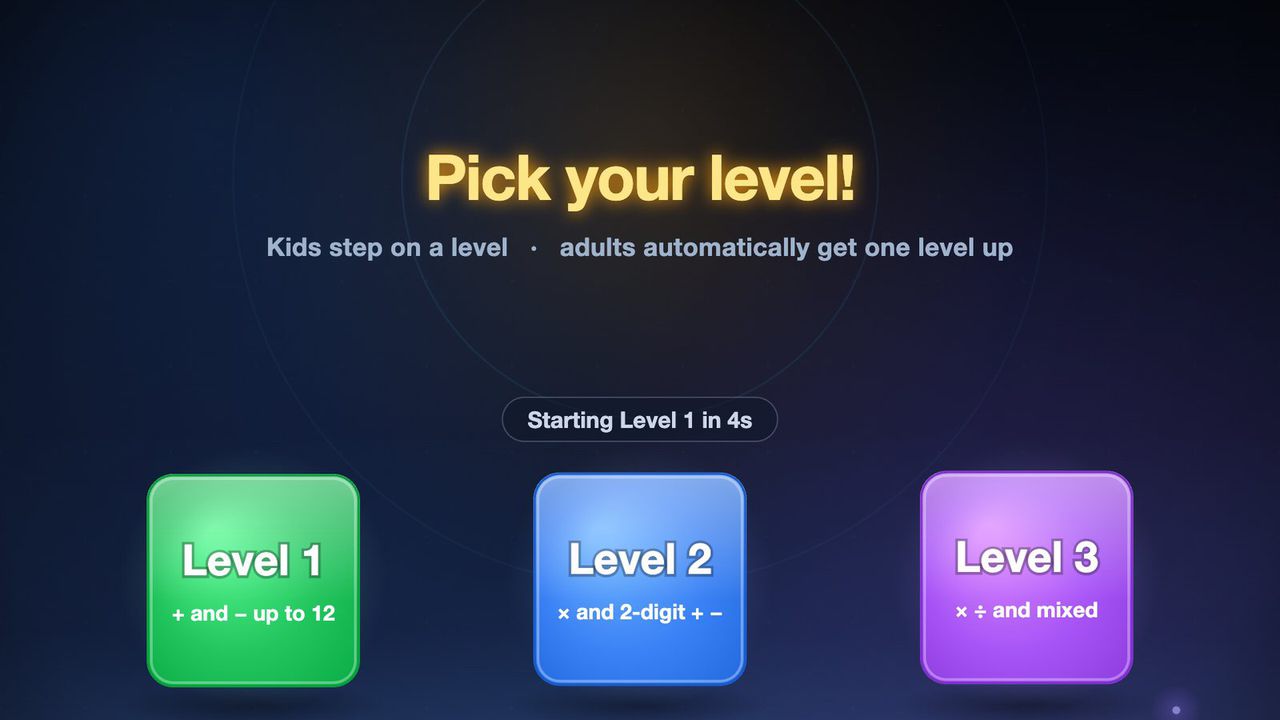
Levels offeredlevels.available | Which level stones appear: 1 (+ and − up to 12), 2 (× and 2-digit + −), 3 (× ÷ and mixed). | [1, 2, 3] |
Default levellevels.default_level | Level that starts automatically when nobody picks one. | 1 |
Harder side for adultslevels.adults_one_level_up | true = the adults' lane gets one level harder than the kids' pick; false = both lanes play the same level. | true |
Volumeaudio.volume | Sound volume from 0 (silent) to 100. | 100 |
Background humaudio.ambient_hum | Soft ambient hum during play (true/false). | true |
Hide mouse pointerdisplay.hide_cursor | Hides the pointer over the game for kiosk use; set false while testing with a mouse. | true |
Your logo and colors, another language, your own questions or content, or a new piece on the same idea.
Specs
b59fe8b27b3121e922be335d515331e4a55a41ebece23deef013c2d17ab96be4Related pieces
Floor · Foot sensor, Touch, Mouse
A true-or-false quiz on the floor: a balloon carries each statement, visitors step on O (true) or X (false), and a short explanation appears after a wrong answer.
Free evaluation buildEnglish
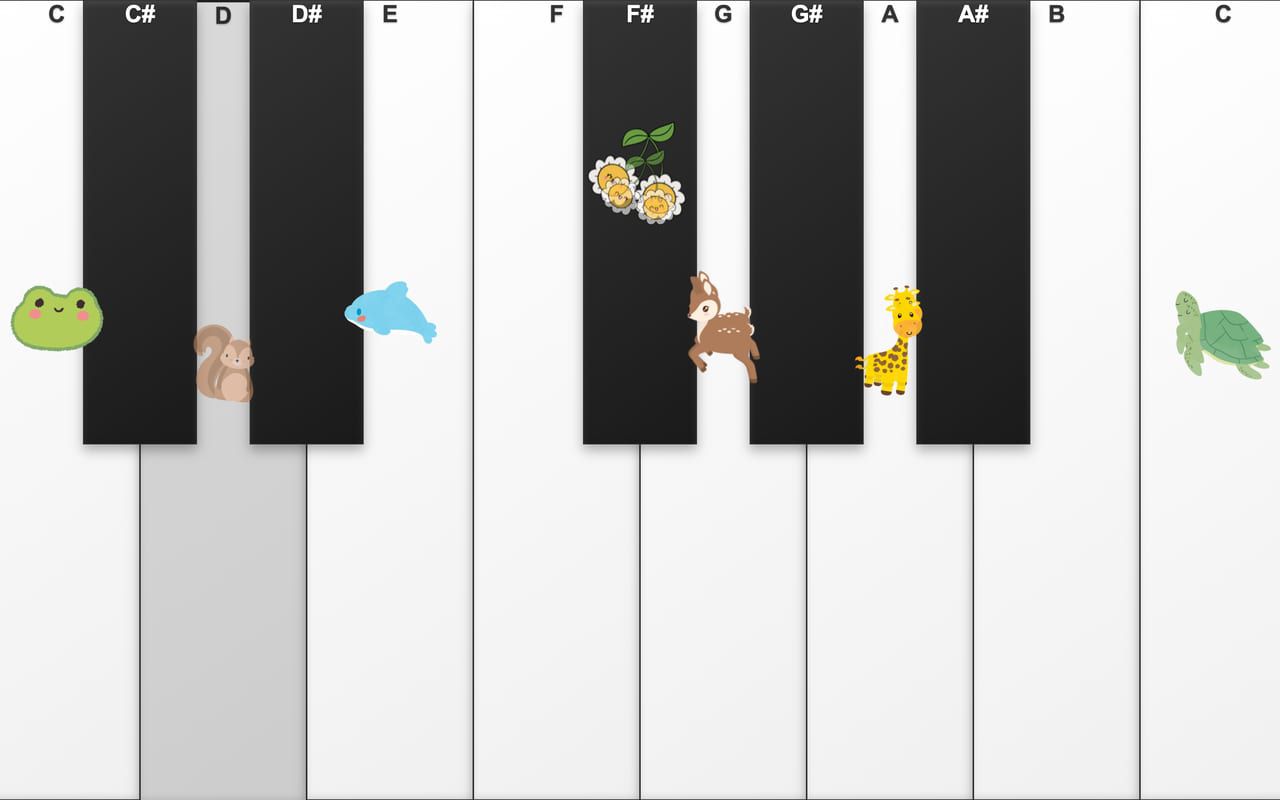
Floor · Foot sensor, Touch, Mouse, Keyboard
Thirteen giant keys on the floor: step to play, and frogs, squirrels and deer pop up as the music goes.
Free evaluation buildEnglishReal use

Floor · Foot sensor, Touch, Mouse
Turns a floor into a living reef: each step ripples the water and sends schools of 3D fish scattering.
Free evaluation buildEnglish