

Floor · Foot sensor, Touch, Mouse
Floor Aquarium
Turns a floor into a living reef: each step ripples the water and sends schools of 3D fish scattering.
Free evaluation buildEnglish
Floor · Foot sensor, Touch, Mouse, Keyboard
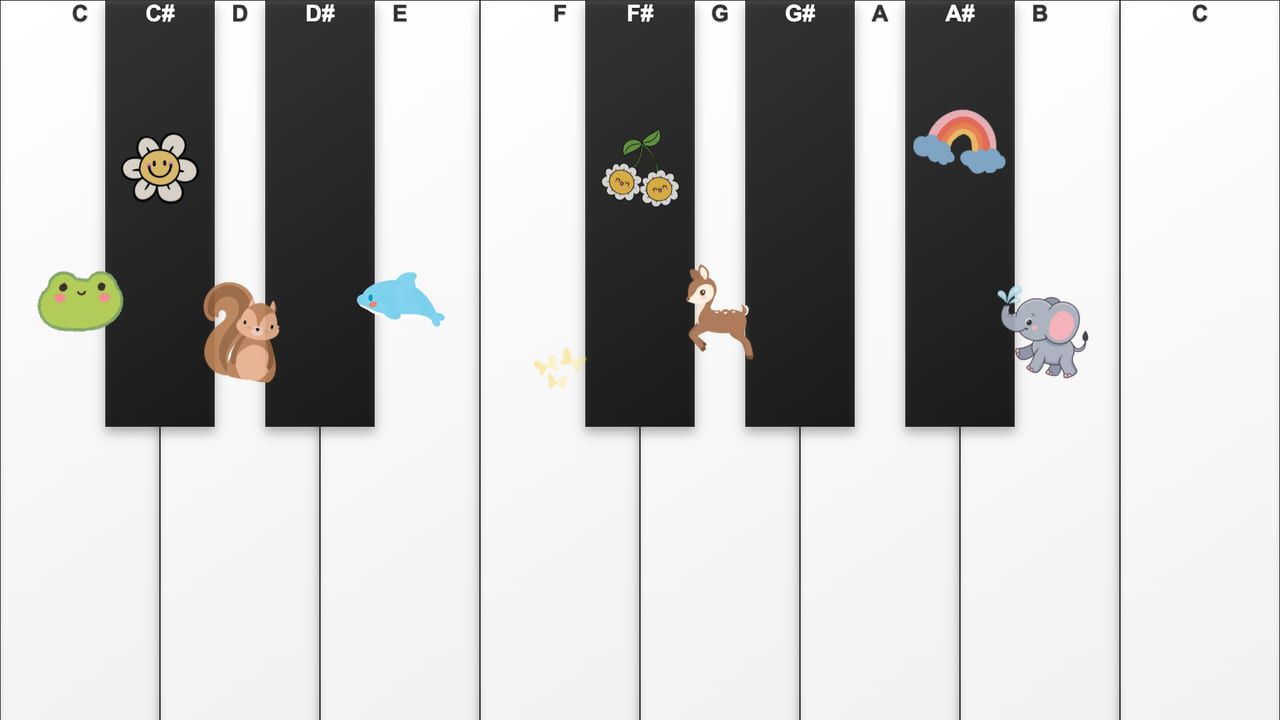
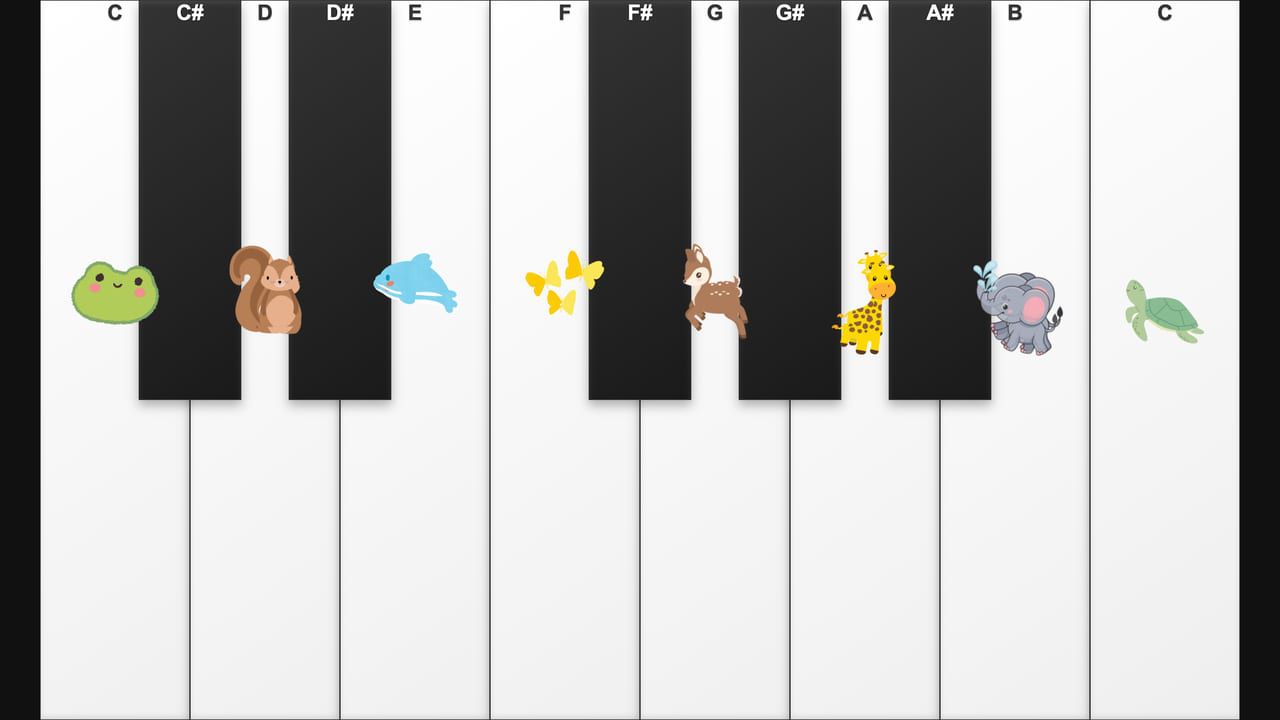
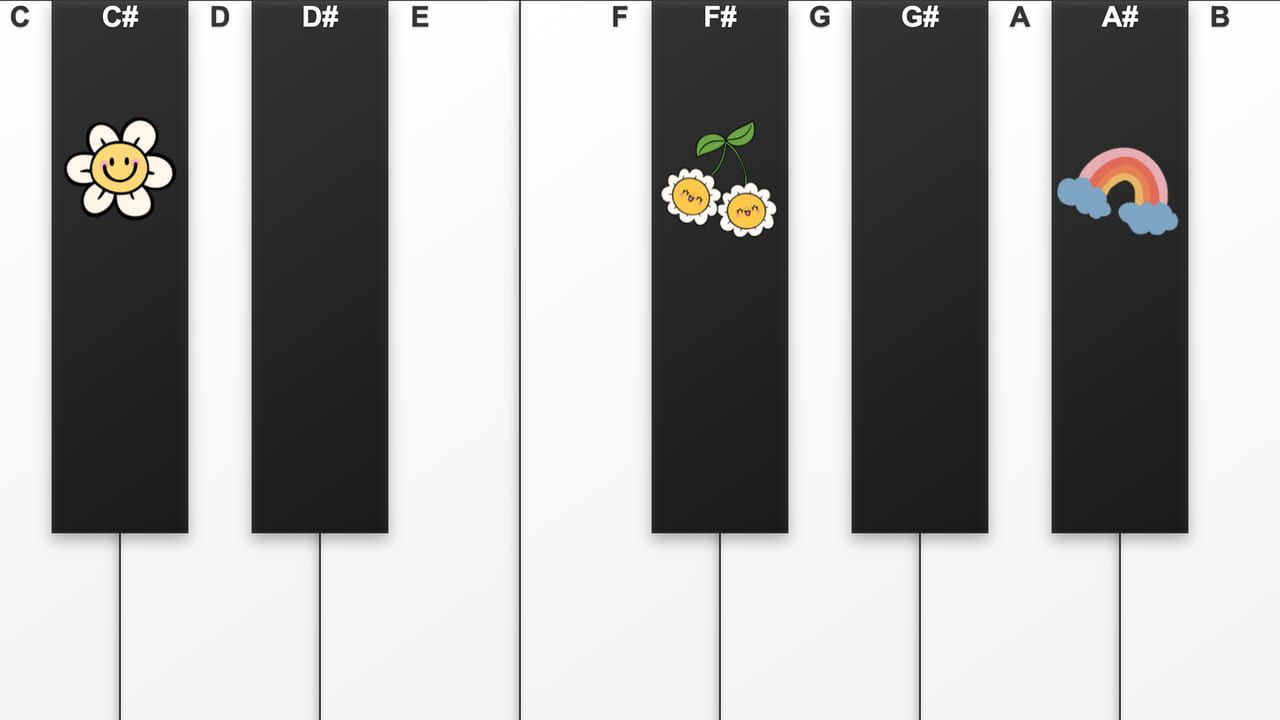
A floor piano kids figure out in one step — play the notes and watch little animals and flowers pop up.
Free · Windows & macOS · 299 KB · Download appears right after the form
In real use
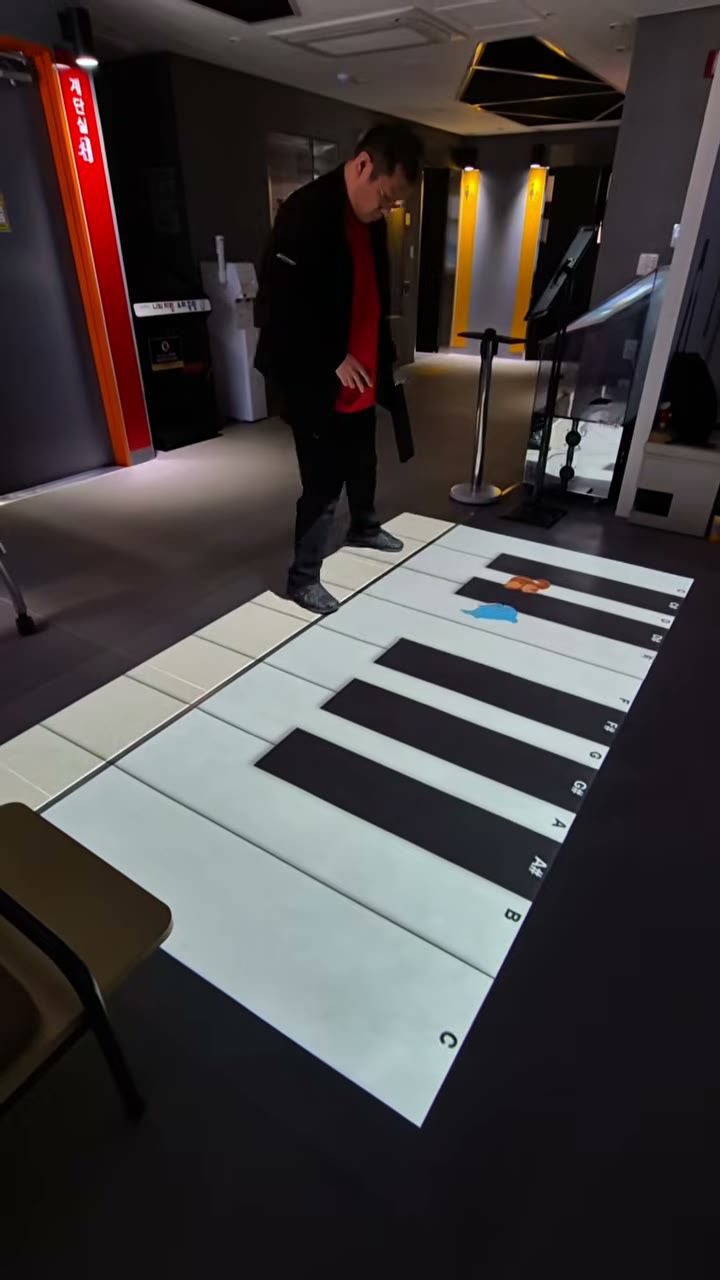
The floor piano opens this clip, and other floor games follow.
Filmed in Korea on an earlier build, so any on-screen text is in Korean. The evaluation build is in English.
Who it's for
What it does for you
Hardware
Plays on an MP-F floor projection kiosk out of the box, or on any projector paired with a sensor that sends multi-touch. It also runs on a touch panel or touch monitor, with no sensor.
Make it yours
These settings live in customize/config.js inside the download. Edit, save, reload.
| Setting | What it changes | Default |
|---|---|---|
Volumeaudio.master_volume | Volume of every note, 0 (silent) to 1 (full). | 1.0 |
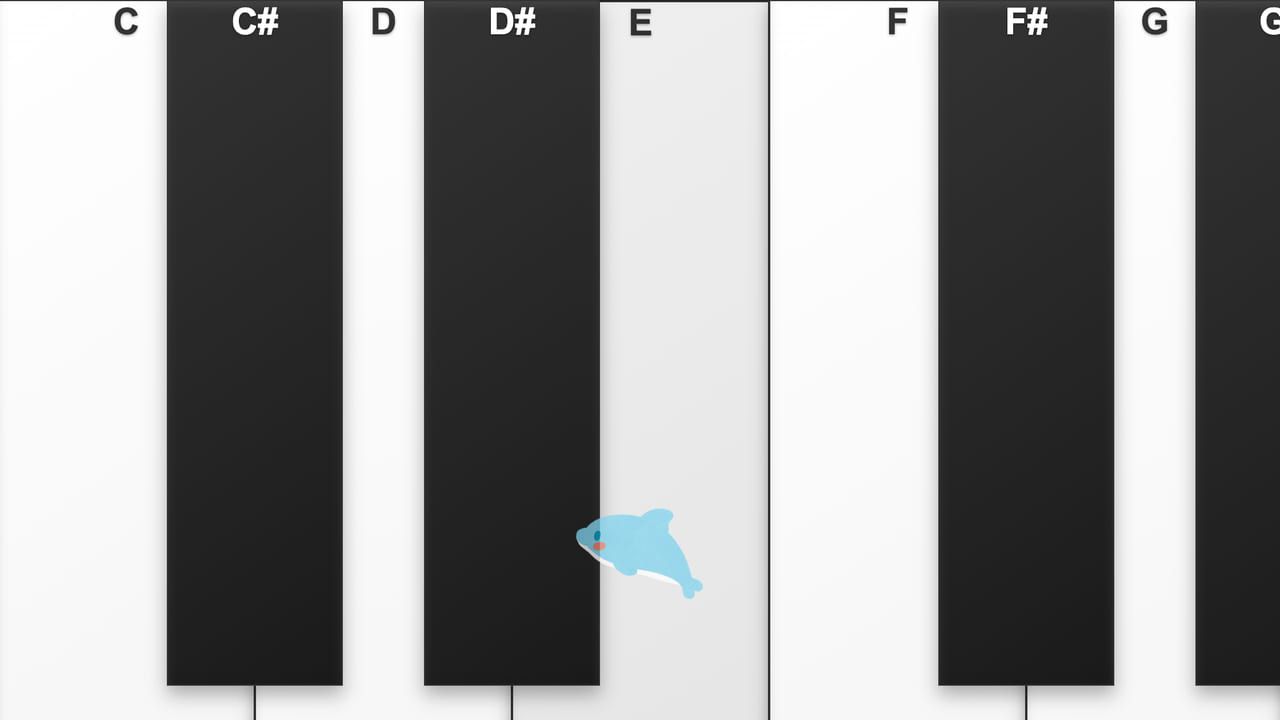
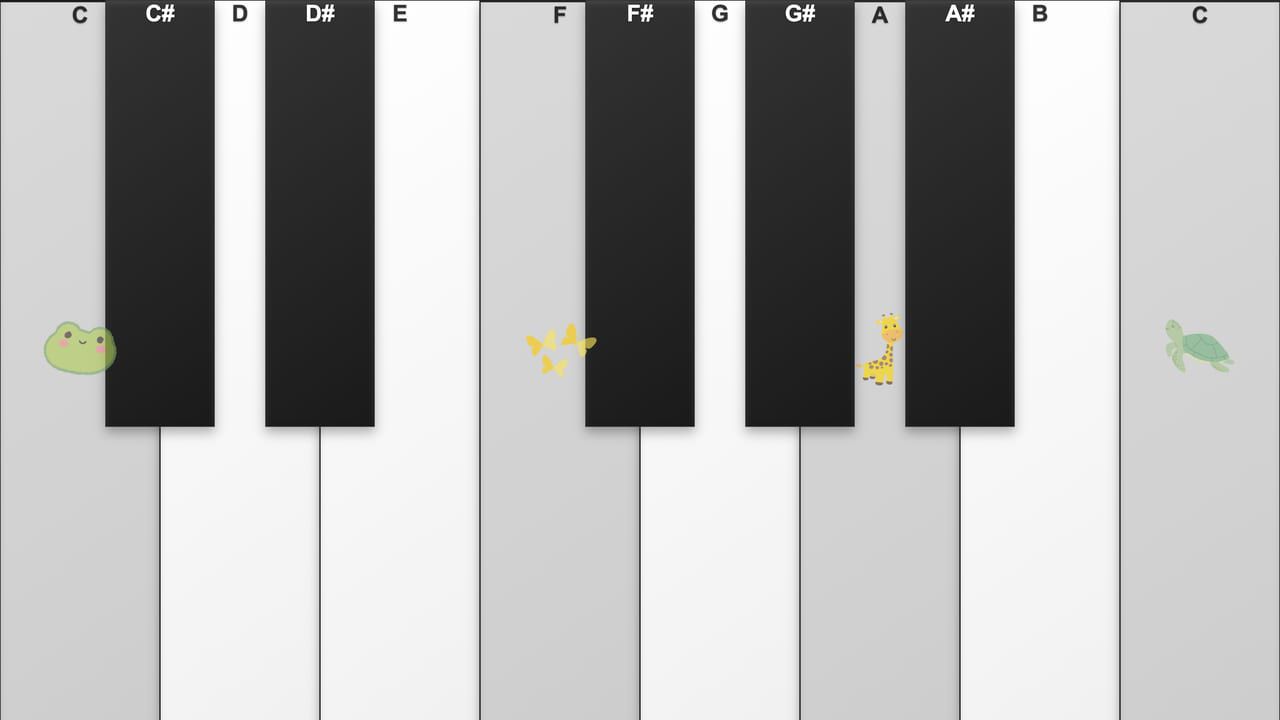
Note namesdisplay.show_note_names | Show C, C#, D … at the top of each key (true/false). | true |
Pop-up picturesdisplay.animal_popups | A picture (frog, squirrel, dolphin, deer …) pops up from most keys as they are played. Replace the PNGs in the icons folder to use your own. | true |
Window titletext.page_title | Browser window / tab title. | Piano Floor |
Your logo and colors, another language, your own questions or content, or a new piece on the same idea.
Specs
3c093438e03453b63fafc8d9134906b3af9f93d281edbf9e2d636cadfeddf4eeRelated pieces
Floor · Foot sensor, Touch, Mouse
Turns a floor into a living reef: each step ripples the water and sends schools of 3D fish scattering.
Free evaluation buildEnglish
Floor · Foot sensor, Touch, Mouse
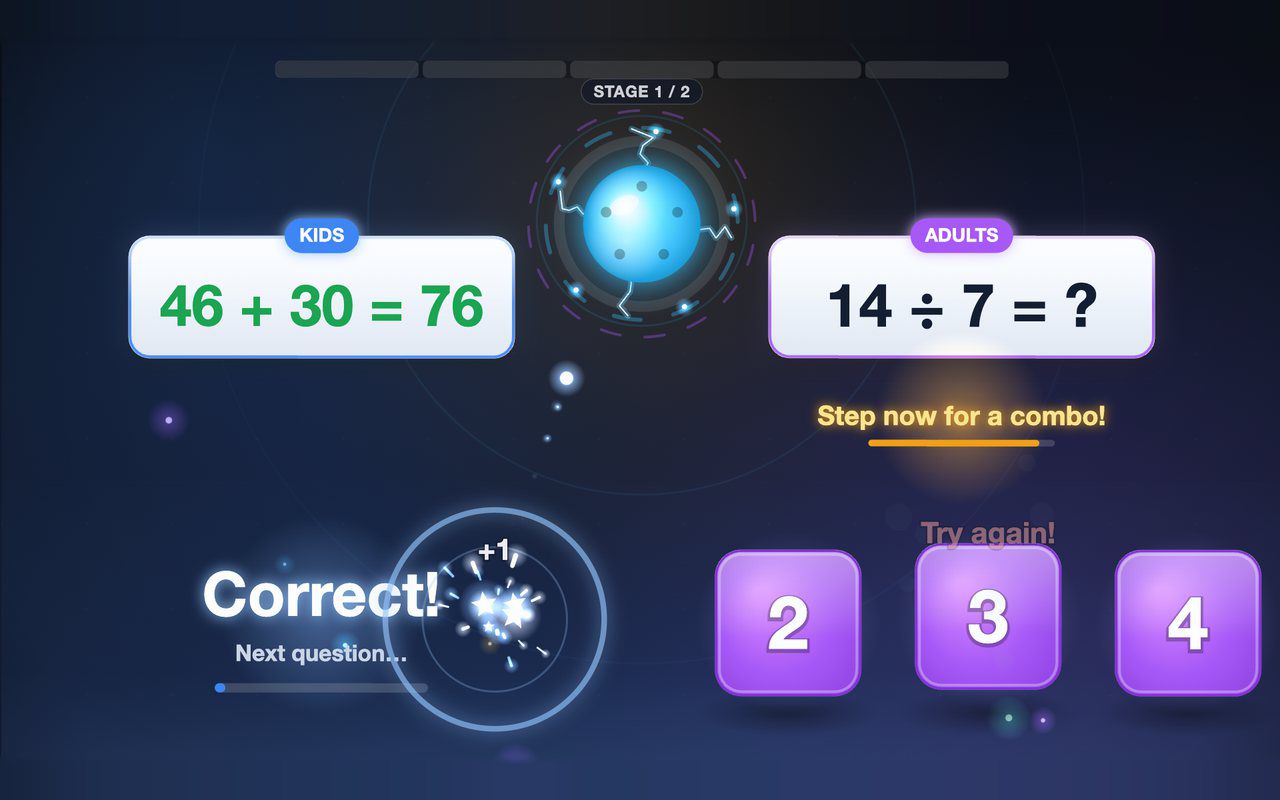
Kids and grown-ups each solve their own equation on the floor, and answering together earns a combo bonus — about a minute per game.
Free evaluation buildEnglish
Floor · Foot sensor, Touch, Mouse
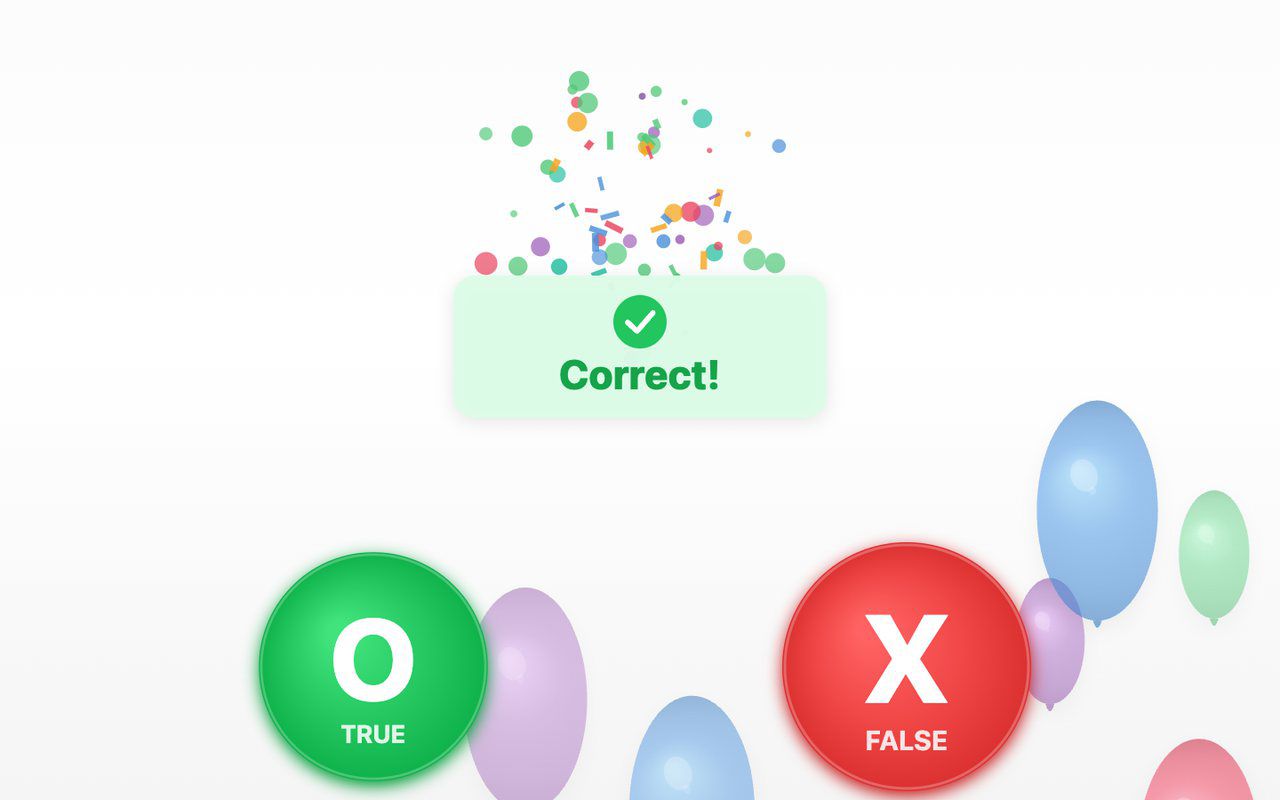
A true-or-false quiz on the floor: a balloon carries each statement, visitors step on O (true) or X (false), and a short explanation appears after a wrong answer.
Free evaluation buildEnglish