
Floor · Foot sensor, Touch, Mouse, Keyboard
Piano Floor
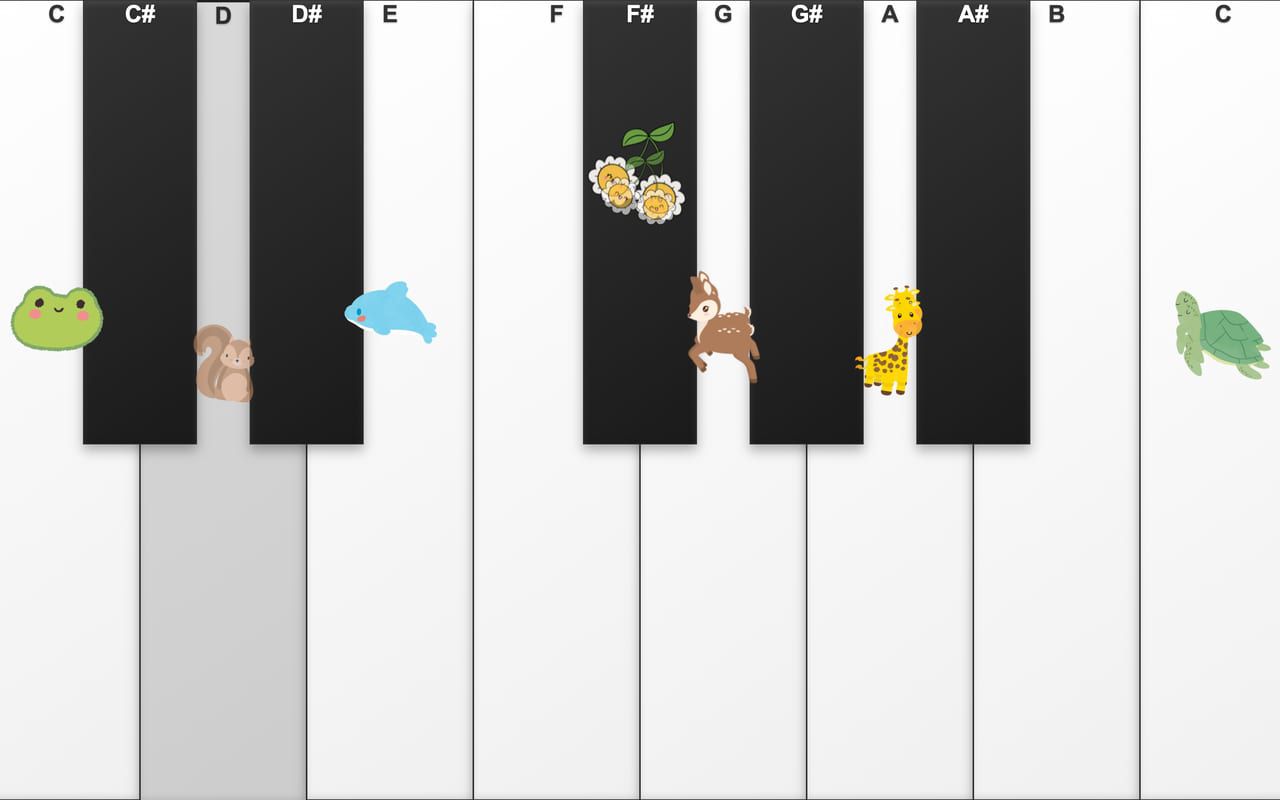
Thirteen giant keys on the floor: step to play, and frogs, squirrels and deer pop up as the music goes.
Free evaluation buildEnglishReal use
Floor · Foot sensor, Touch, Mouse
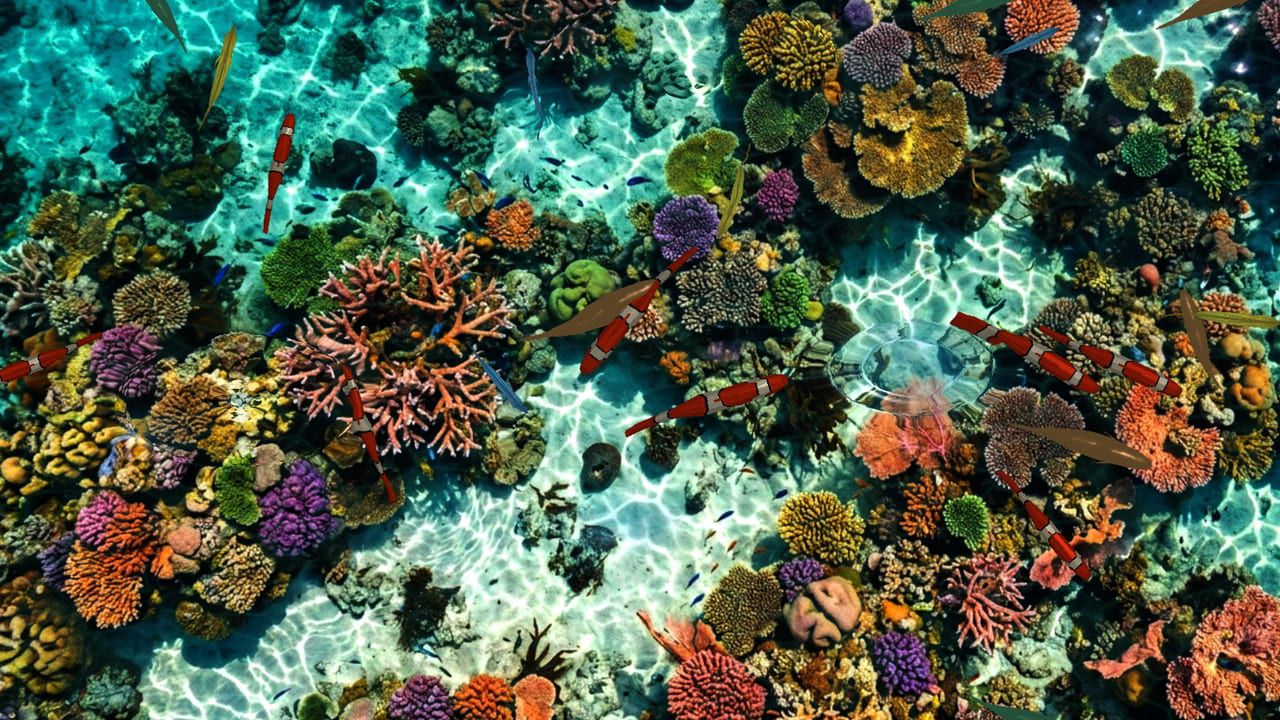
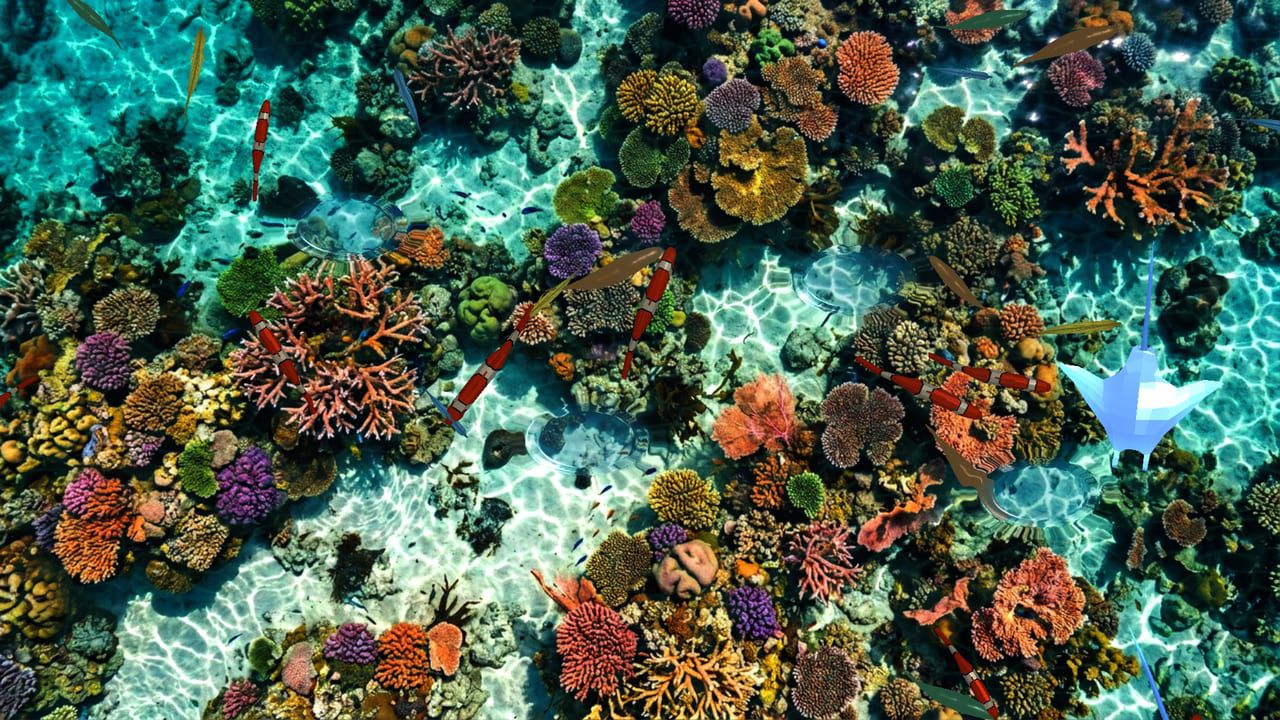
A reef under their feet — every step sends ripples out and fish darting away.
Free · Windows · macOS · 10.3 MB · Download appears right after the form
Who it's for
What it does for you
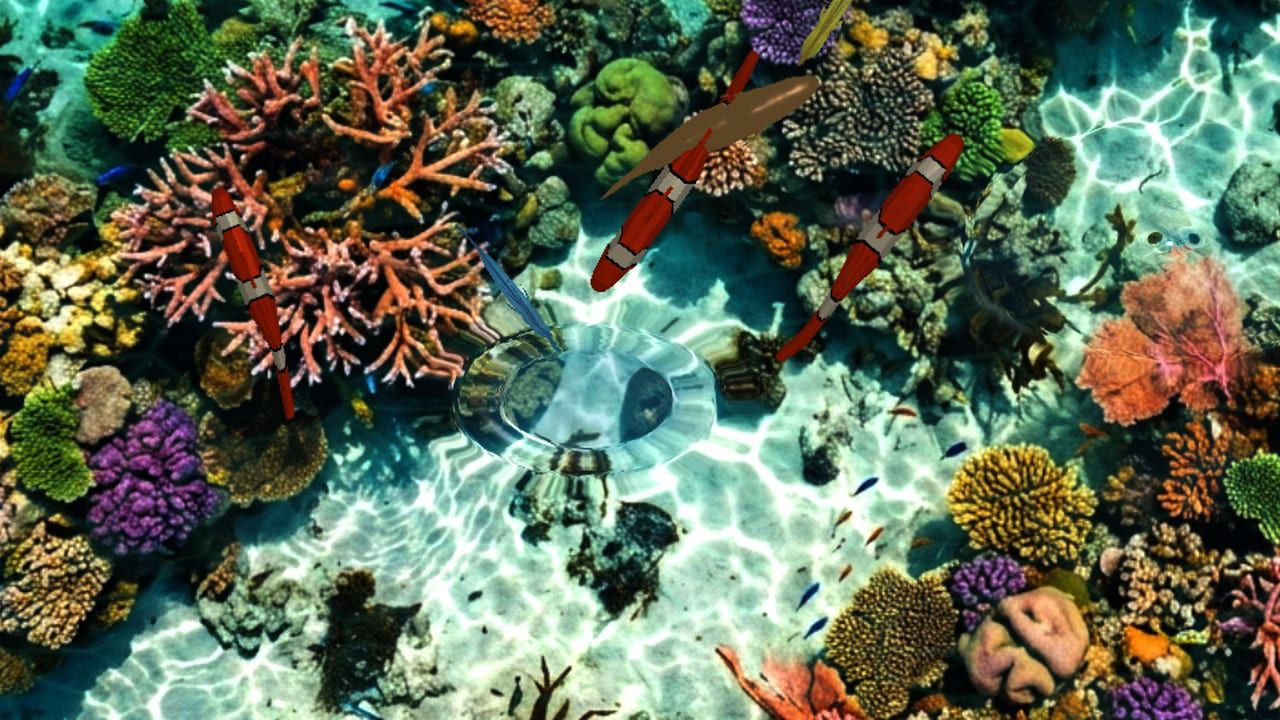
Seen in a real space
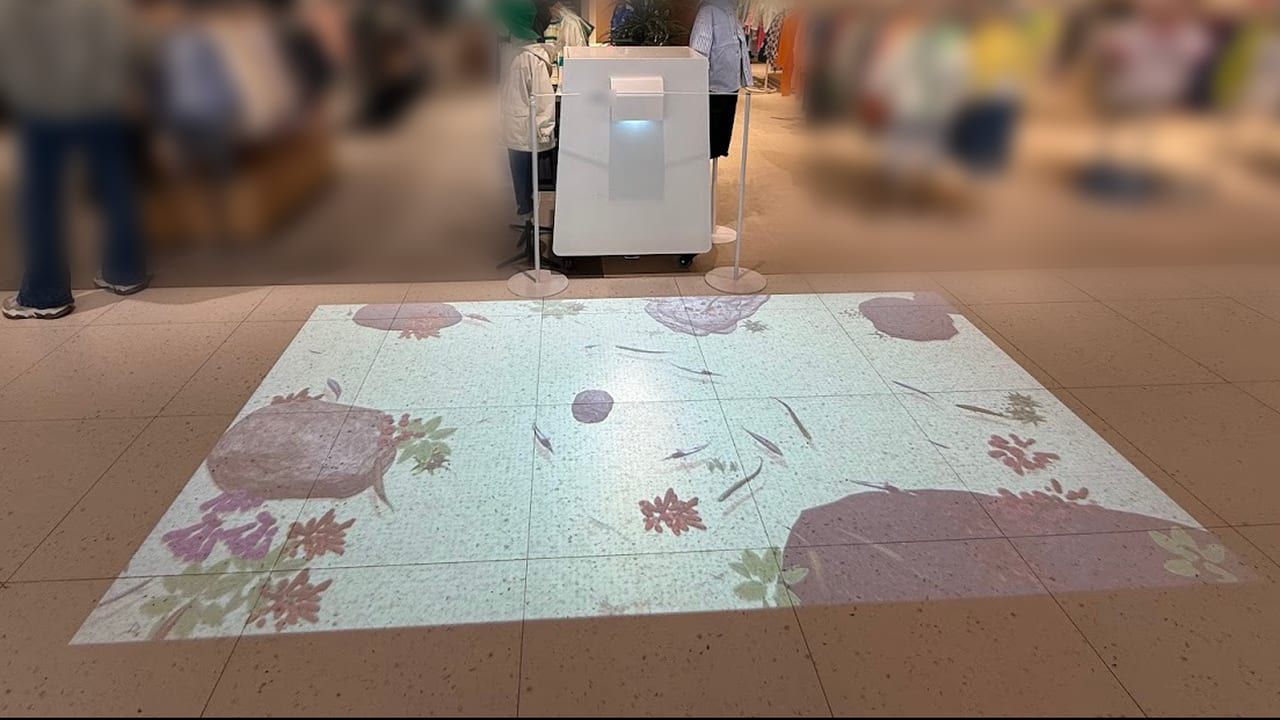
An earlier version ran on an MP-F floor unit as a three-day pop-up in the kids zone of an outlet mall in Korea, and has also been used in a hospital's children's waiting area.
Scope Earlier version · client installs in Korea, 2024–2025
Hardware
Made for the MP-F floor projection kiosk — projector, foot sensor and surface on one wheeled unit. Already have a projector and a sensor that sends touch? It runs on that too. It also runs on a touch panel or touch monitor, with no sensor.
Make it yours
These settings live in customize/config.js inside the download. Edit, save, reload.
| Setting | What it changes | Default |
|---|---|---|
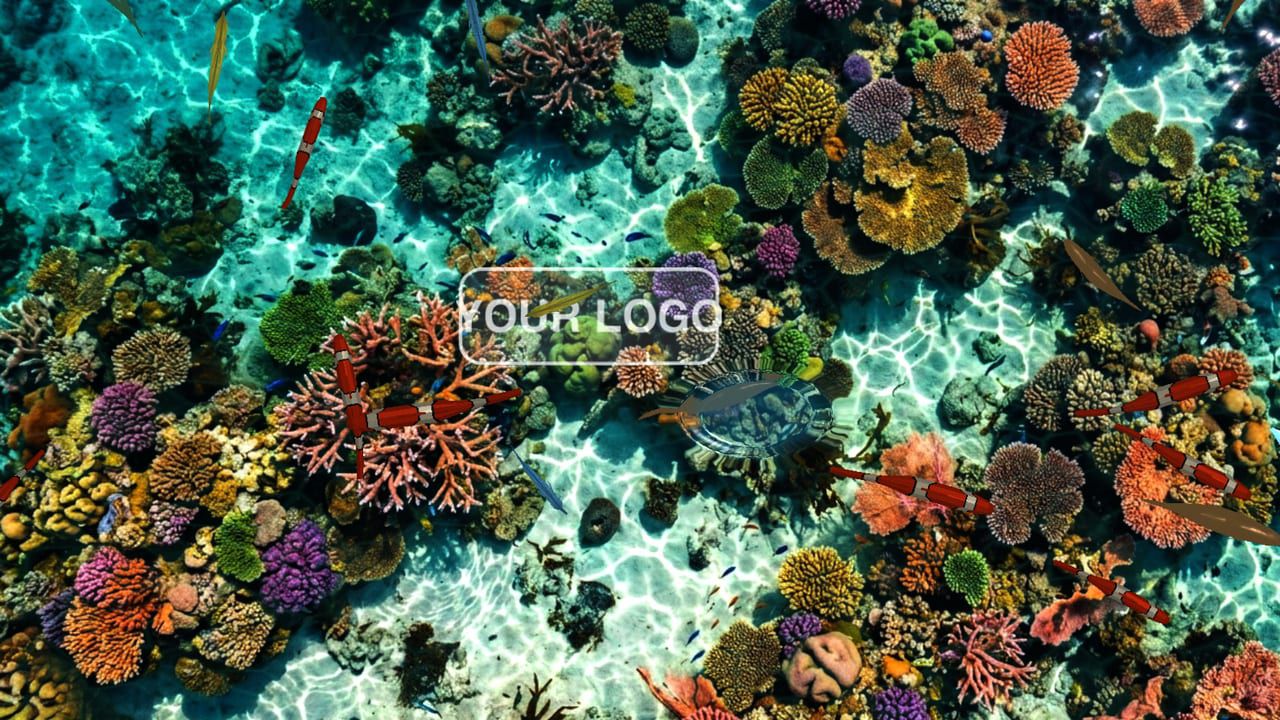
Your logo on the waterlogo.enabled | true = your logo floats on the water; fish swim around it and steps push it away. Off by default. | false |
Logo filelogo.src | Path to a transparent PNG, e.g. "customize/your-logo.png". A neutral "YOUR LOGO" sample is included. | customize/logo-sample.png |
Logo copieslogo.count | How many copies of the logo float at once (1–10). | 1 |
Logo sizelogo.scale | Logo height as a share of the floor height (0.02–0.8). 0.12 is about 130 px on a 1080 px floor. | 0.12 |
Logo opacitylogo.opacity | 0 = invisible, 1 = solid. | 0.7 |
Logo drift speedlogo.drift_speed | How fast the logo drifts across the water (0 = stays put). | 0.2 |
Picture under the waterscene.background_image | Any 16:9 JPG or PNG placed in the folder, seen through the water. Default: a coral reef from above. | assets/textures/reef-floor.jpg |
Number of fishfish.amount | 1 = 30 fish in six schools. 0.5 = about half, 2 = double, up to 3. 0 = water only. | 1 |
Water colourwater.tint | A colour wash over the whole floor as [red, green, blue, strength], each 0–1. The default is a very faint teal (strength 0.03). | [0.05, 0.3, 0.28, 0.03] |
Ripple sizewater.drop_radius | Size of the ripple under each step (0.005–0.5). | 0.055 |
Ripple heightwater.drop_strength | How strong each step's ripple is (0–10). | 2.0 |
Ripple speedwater.wave_speed | How fast ripples spread across the water (0.01–0.5). | 0.25 |
Ripple lengthwater.damping | How long ripples last (0.9–0.999; closer to 1 = longer). | 0.988 |
Scare distanceinteraction.flee_radius | How close a step has to be to make fish flee, in pixels of the 1920×1080 floor. | 350 |
Flee strengthinteraction.flee_force | How hard fish dart away from a step (0–50). | 8.0 |
Flee timeinteraction.flee_duration_ms | How long fish keep fleeing after a step, in milliseconds. | 2000 |
Step soundaudio.sound_enabled | A water-drop sound on each step (true/false). | true |
Step sound volumeaudio.sound_volume | 0 (silent) – 1 (loud). | 0.5 |
Step sound fileaudio.drop_sound | Path to an MP3 or WAV used for the step sound. | assets/sounds/water-drop-echo.mp3 |
Background loopaudio.bgm_enabled | A soft water-ambience loop that starts with the aquarium (true/false). | true |
Background loop volumeaudio.bgm_volume | 0 (silent) – 1 (loud). | 0.3 |
Background loop fileaudio.bgm_src | Path to an MP3 used as the background loop. | assets/sounds/bgm-water-ambient.mp3 |
Window titletext.page_title | Browser window / tab title. | Floor Aquarium |
Your logo and colors, another language, your own questions or content, or a new piece on the same idea.
Specs
c67a91dff8dc6f08c828c1b9435c2e2ffd9673f1233eaee58448effe3d6c3b2dfa8cf29e2d6d10b8f1ba817d55243a89b7564604ca465a8a748d15dc008fd181Related pieces
Floor · Foot sensor, Touch, Mouse, Keyboard
Thirteen giant keys on the floor: step to play, and frogs, squirrels and deer pop up as the music goes.
Free evaluation buildEnglishReal use
Floor · Foot sensor, Touch, Mouse
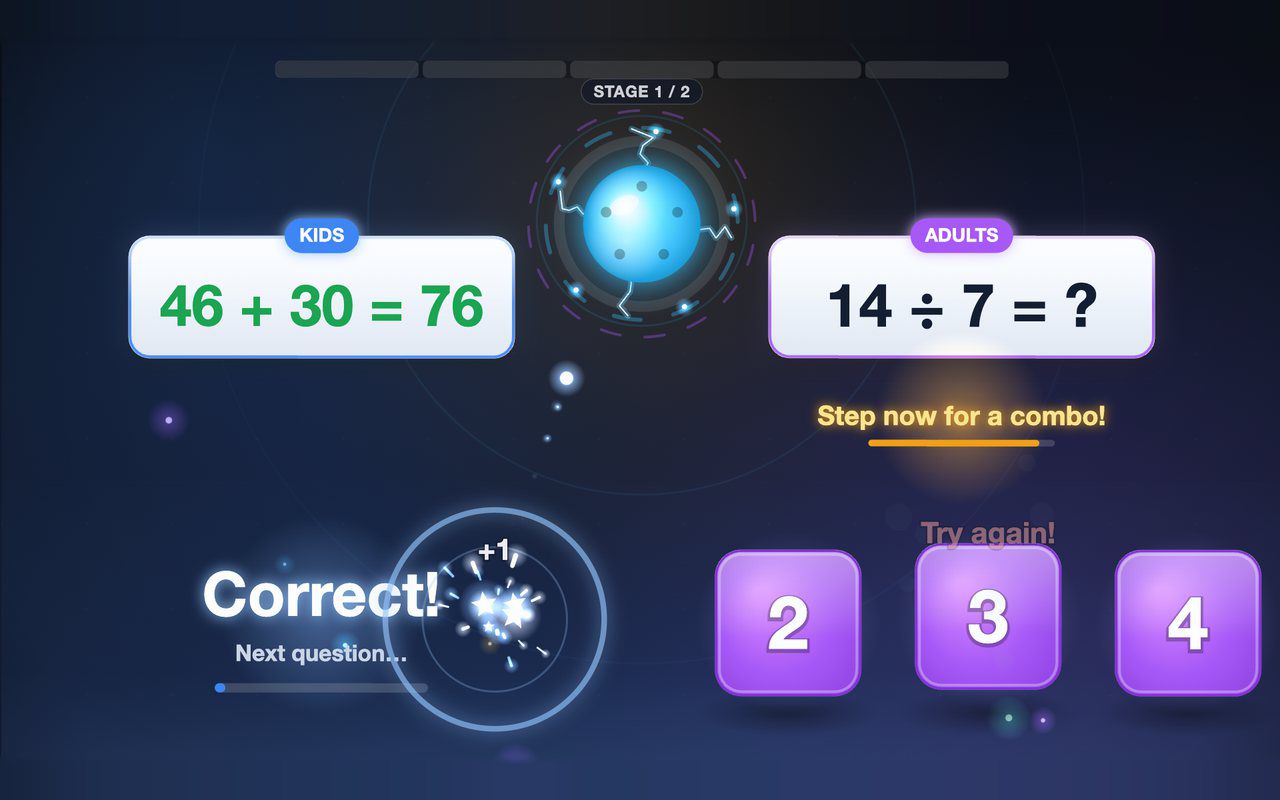
Kids and grown-ups each solve their own equation on the floor, and answering together earns a combo bonus — about a minute per game.
Free evaluation buildEnglish

Floor · Foot sensor, Touch, Mouse
A walk-on carpet of petals or autumn leaves: each step scatters it to show your picture underneath, then it flows back for the next guest.
Free evaluation buildEnglishReal use