
Floor · Foot sensor, Touch, Mouse
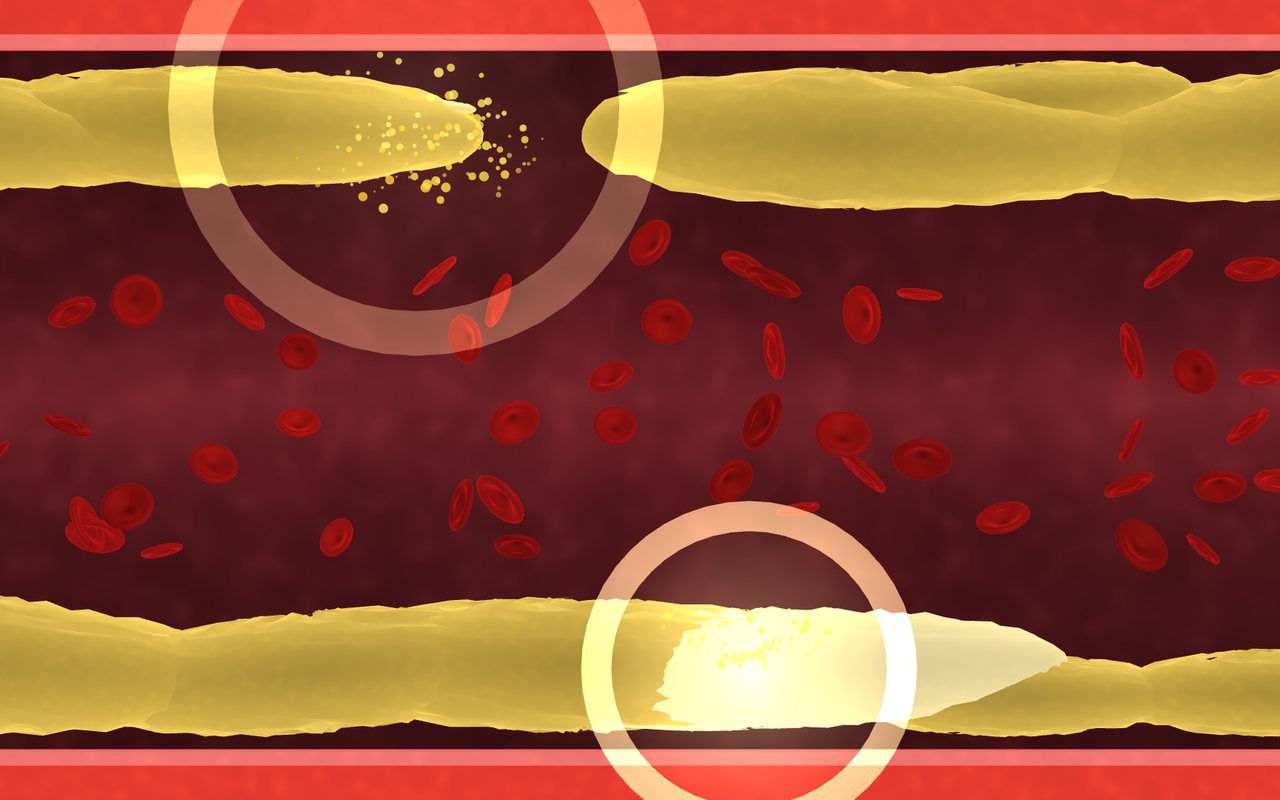
Blood Vessel — LDL Cleanup
A 3D artery on the floor: plaque builds up and slows the flow, visitors step to clear it, and the blood cells pick up speed again.
Free evaluation buildEnglishReal use
Floor · Foot sensor, Touch, Mouse
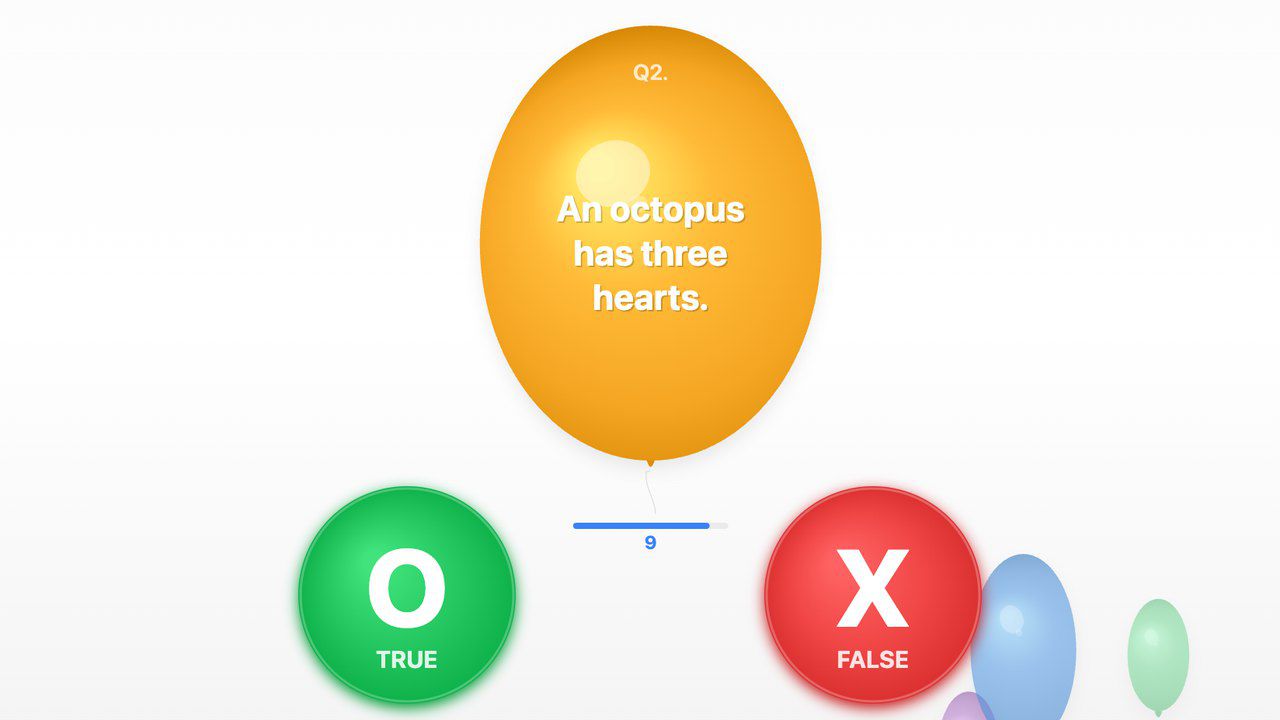
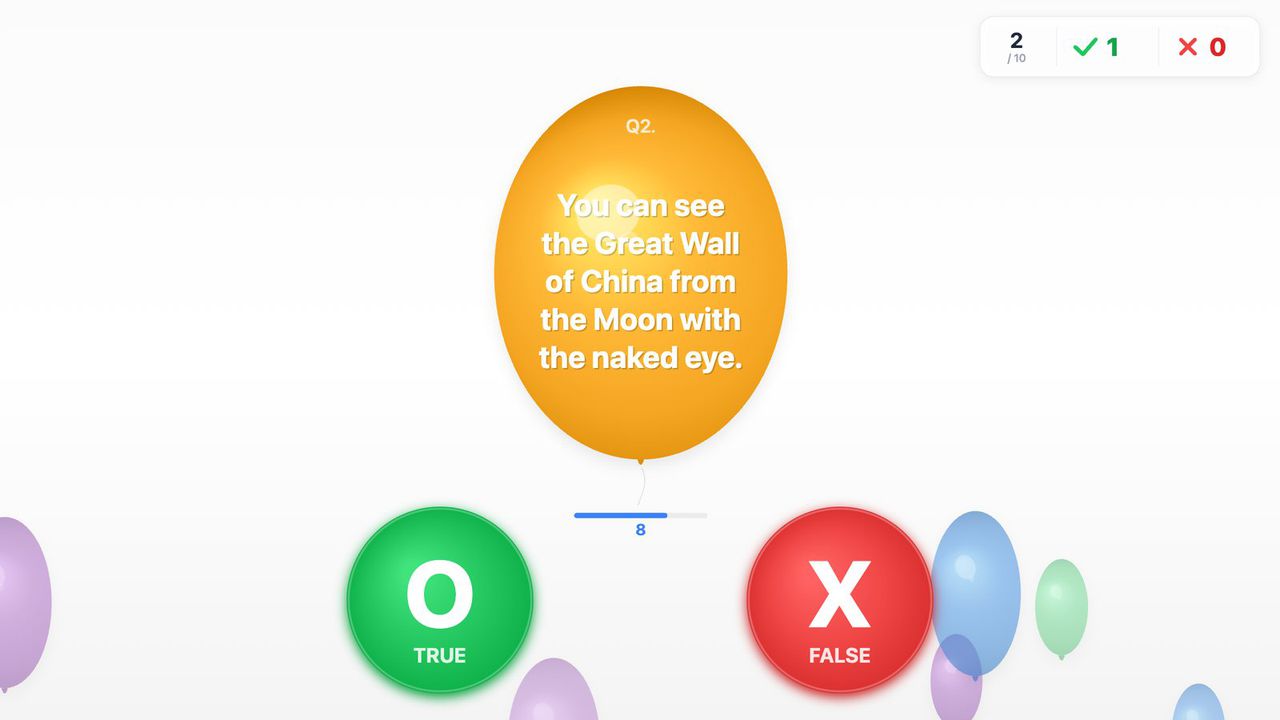
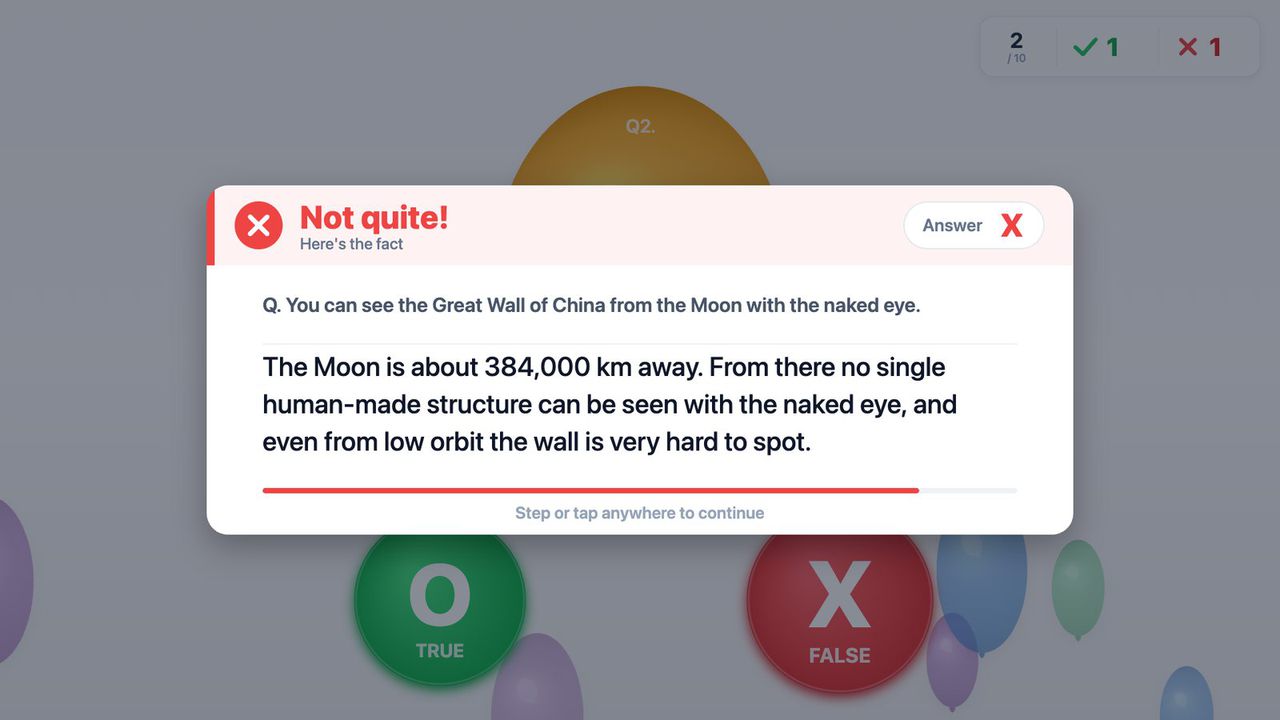
Swap the slide deck for a floor quiz — visitors step on O or X, and see why when they miss.
Free · Windows & macOS · 51 KB · Download appears right after the form
Who it's for
What it does for you
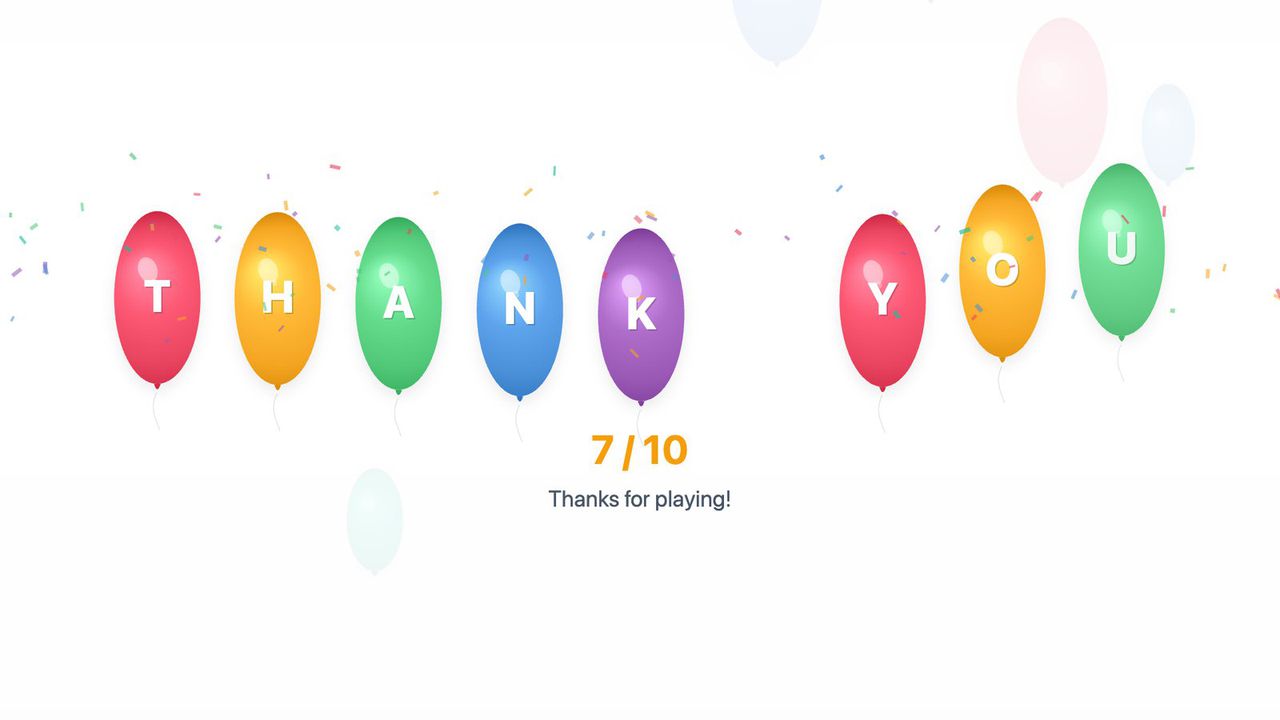
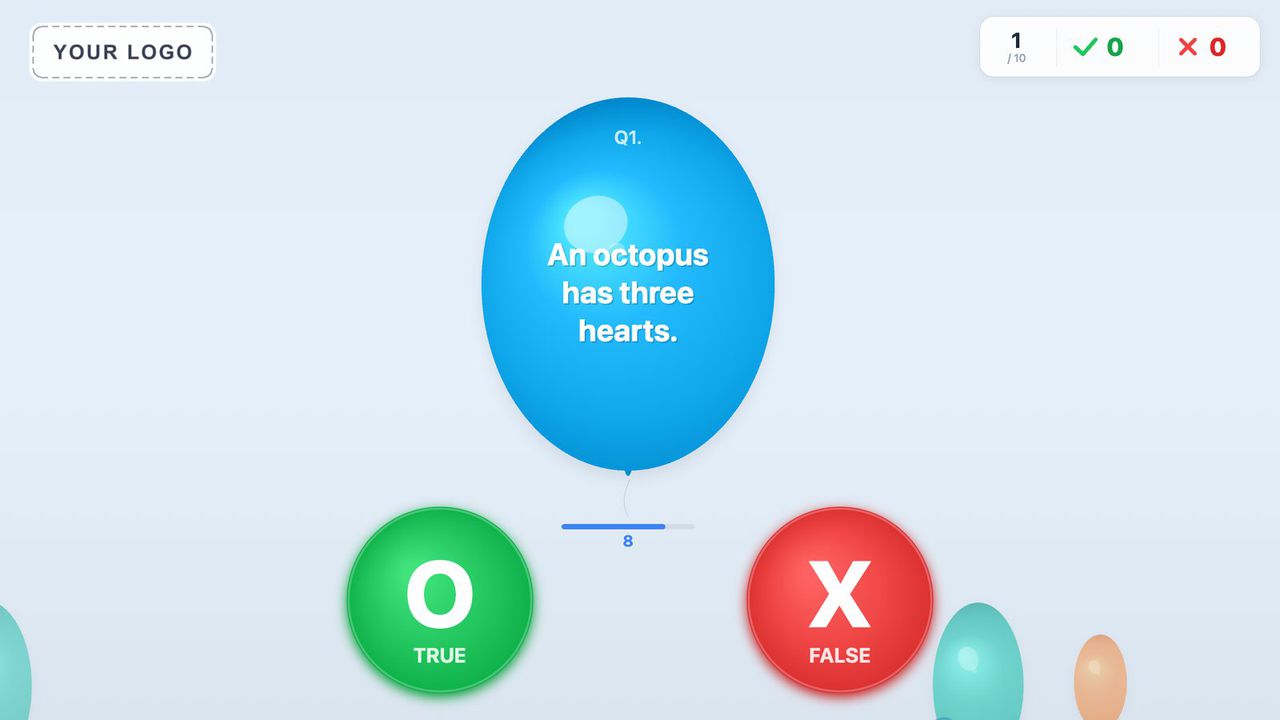
Seen in a real space
A client edition — with the client's own statements and explanations — ran at a pharmaceutical brand's media session in Seoul, next to our blood-vessel floor.
Scope Client edition · one-day rental event, 2026 · the library build ships with general-knowledge sample questions for you to replace
Hardware
Ran on an MP-F floor projection kiosk at the client event. Works on any projector or touch screen that sends touch.
Make it yours
These settings live in customize/config.js inside the download. Edit, save, reload.
| Setting | What it changes | Default |
|---|---|---|
Your questionsquiz.questions | Write your own true/false statements: each one is a statement, its answer (O = true, X = false) and an optional short fact shown after a miss. Long statements wrap inside the balloon by themselves. Any number of questions; incomplete ones are skipped. | 10 sample general-knowledge questions |
Shufflequiz.shuffle | Questions come in a new random order every round. Turn off to ask them in the order written. | true |
Questions per roundquiz.questions_per_round | Ask only this many (random) questions per round, e.g. 5 for a shorter round. 0 = all of them. | 0 |
When to show the factquiz.show_explanation | "wrong" shows the fact card after a miss or time-out, "always" after every answer, "never" just shows the right answer. | wrong |
Time per questiongame.time_per_question_seconds | Countdown for each question, 3–120 seconds. When it runs out, the right answer and the fact are shown. | 10 |
Fact card timegame.explanation_seconds | The fact card moves on by itself after this many seconds (3–120). Visitors can also step anywhere to continue. | 10 |
Balloon rise speedgame.balloon_rise_speed | How fast the question balloon floats up (0 = stays put, 1 = fast). | 0.35 |
End screen timegame.end_screen_seconds | How long the final score stays up before the quiz returns to the start screen (3–120 seconds). | 8 |
Idle resetgame.idle_reset_seconds | Back to the start screen when nobody steps during a round for this many seconds. 0 = never. | 45 |
On-screen wordstext | Every word on screen can be changed or translated: title and start prompt, the TRUE / FALSE labels, Correct! / Not quite! / Time's up!, the fact-card heading, the end message and the letters on the end-screen balloons. | English |
Colorscolors | Background, balloon colors, the O and X circles, text and accent colors — hex values like "#22c55e" or color names. | White background, green O, red X |
Your logologo.file | Path to a PNG or JPG in the customize folder, shown top-left on every screen. A sample (customize/your-logo.png) is included to try. Empty = no logo. | empty |
Logo sizelogo.height | Logo height in pixels on the 1920×1080 screen (30–300). | 100 |
Volumeaudio.volume | Sound volume, 0 (silent) to 100. Sounds are generated in the browser; there are no sound files. | 100 |
Hide mouse pointerdisplay.hide_cursor | Hides the mouse pointer over the quiz for a clean kiosk screen. Set false to see it while testing with a mouse. | true |
Your logo and colors, another language, your own questions or content, or a new piece on the same idea.
Specs
3a19c7fe317ee41c5496b3c071efc95a41cd83a288f48a21fcc50b40ed126077Related pieces
Floor · Foot sensor, Touch, Mouse
A 3D artery on the floor: plaque builds up and slows the flow, visitors step to clear it, and the blood cells pick up speed again.
Free evaluation buildEnglishReal use
Floor · Foot sensor, Touch, Mouse
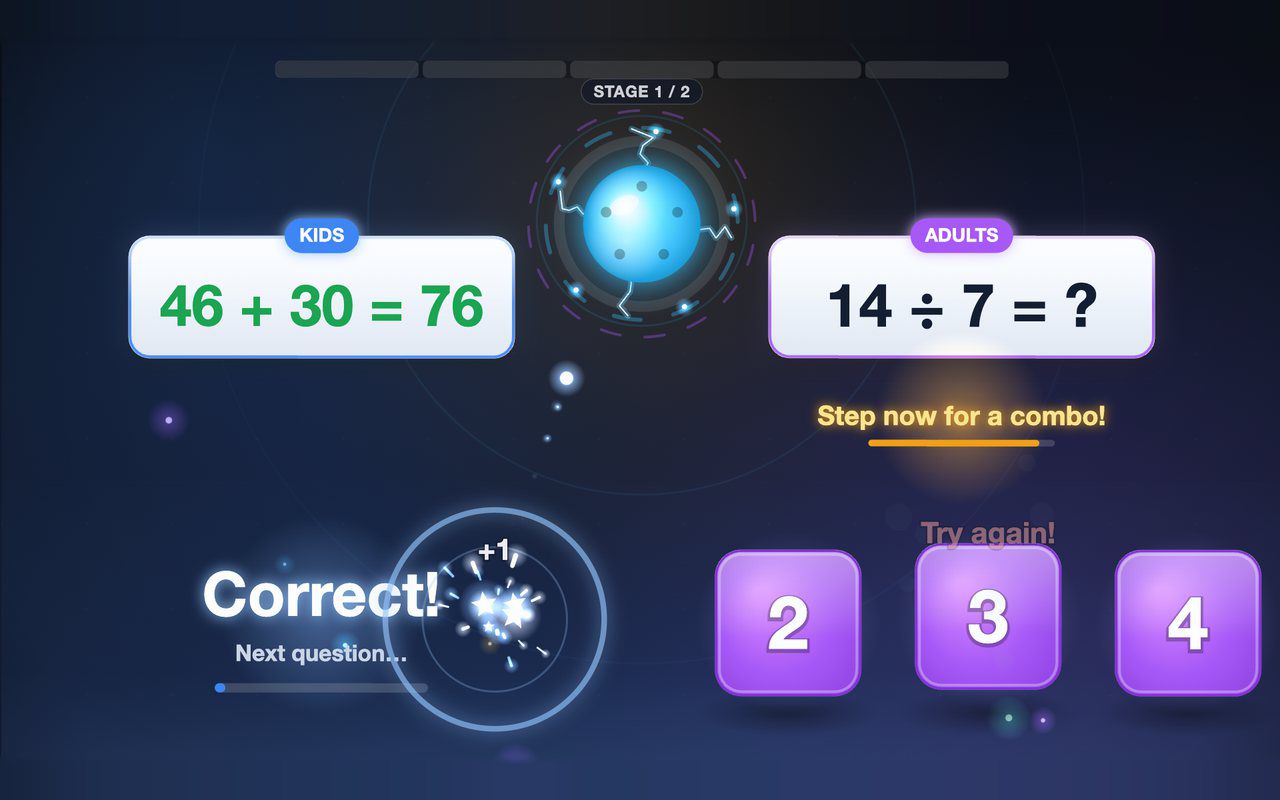
Kids and grown-ups each solve their own equation on the floor, and answering together earns a combo bonus — about a minute per game.
Free evaluation buildEnglish
Portrait kiosk · Keyboard, Arcade button
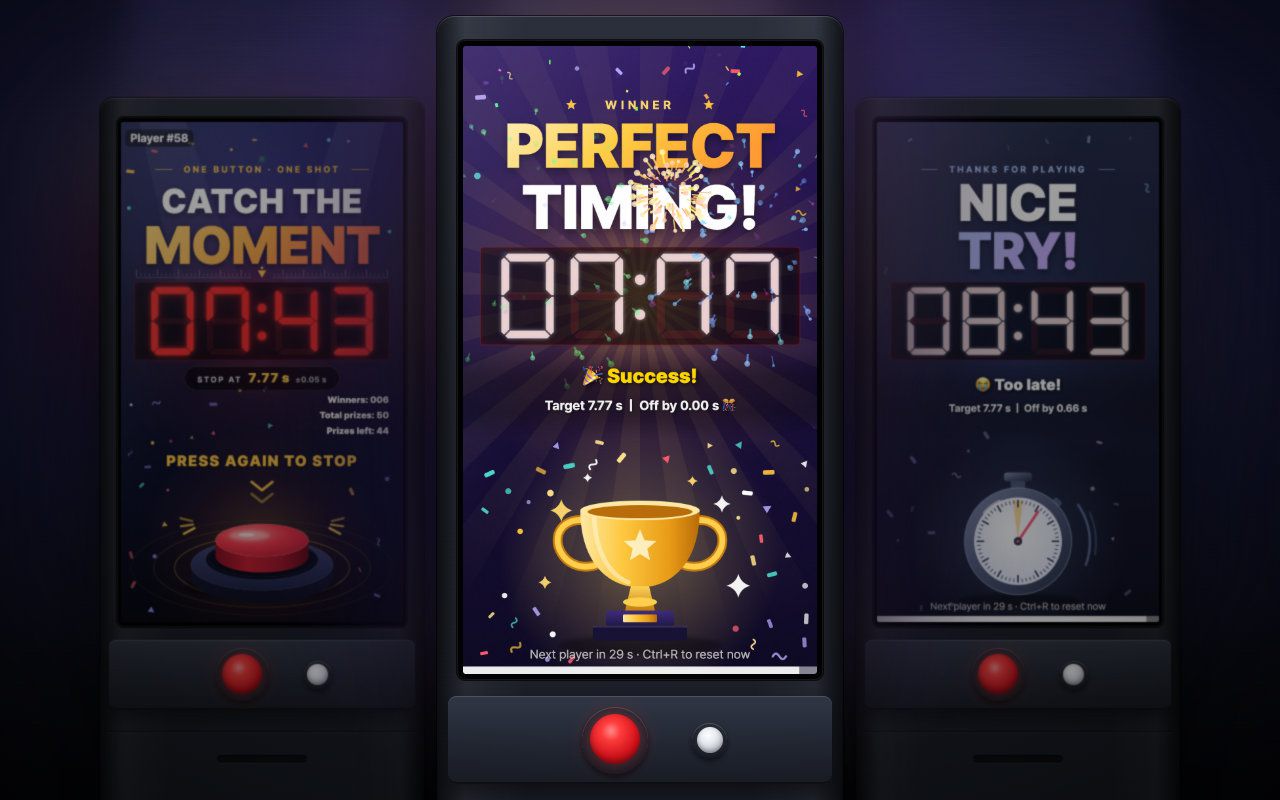
Press to start, press again at exactly 7.77 seconds: a one-button portrait booth game with a live prize count and daily stats.
Free evaluation buildEnglishReal use