
Screen · Touch, Mouse
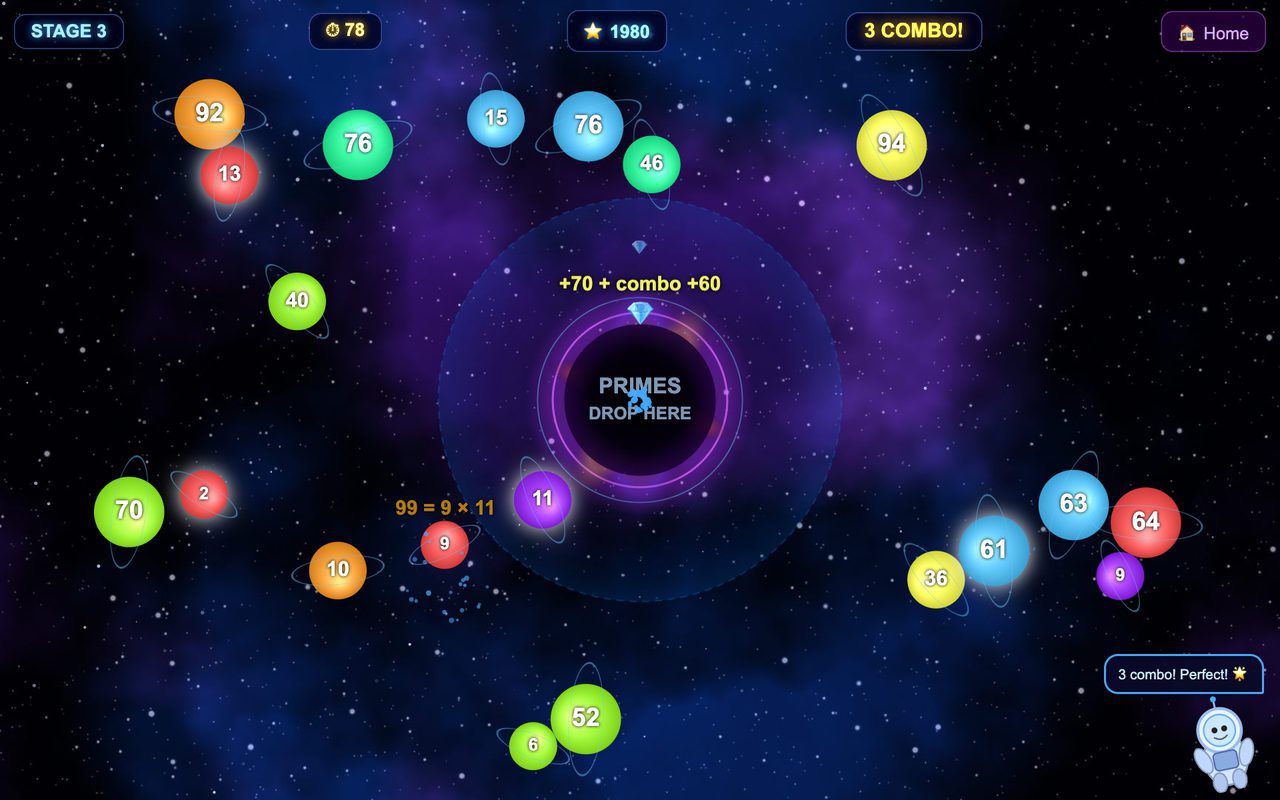
Black Hole Prime Factors
Planets carry numbers: tap a composite to split it into factors, drag each prime into the black hole, and clear the screen before time runs out.
Free evaluation buildEnglishReal use
Screen · Touch, Mouse
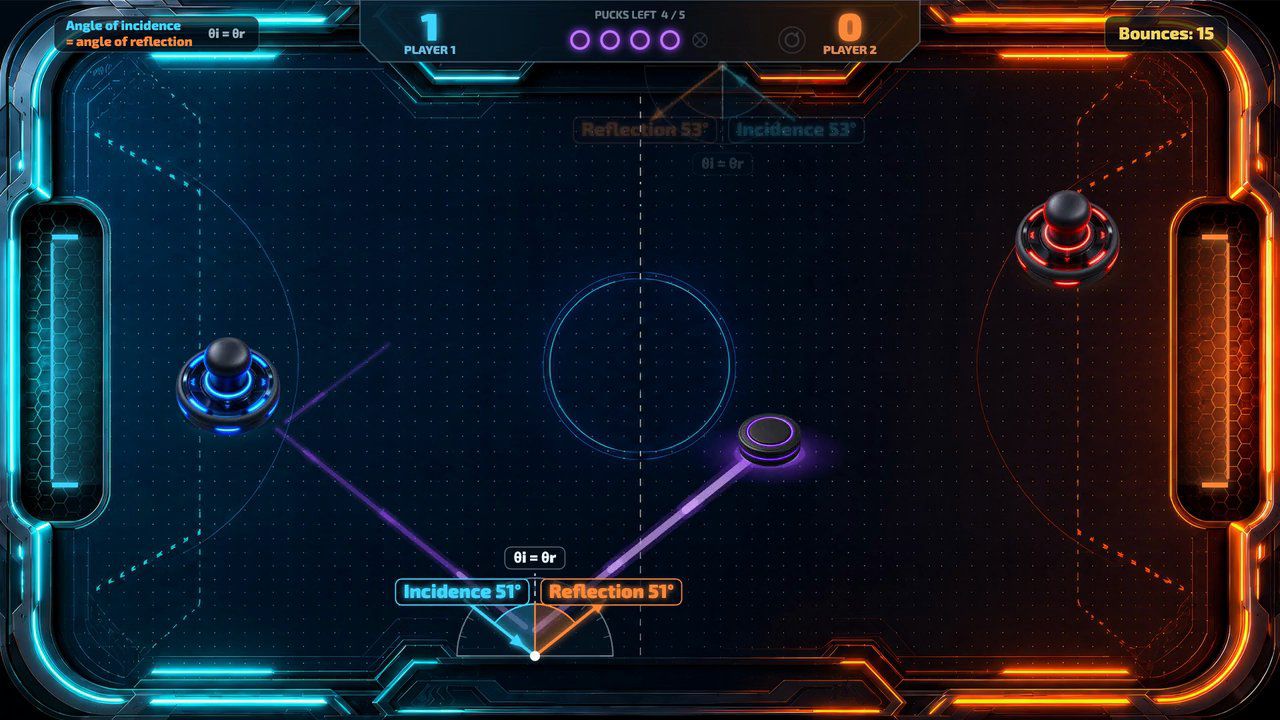
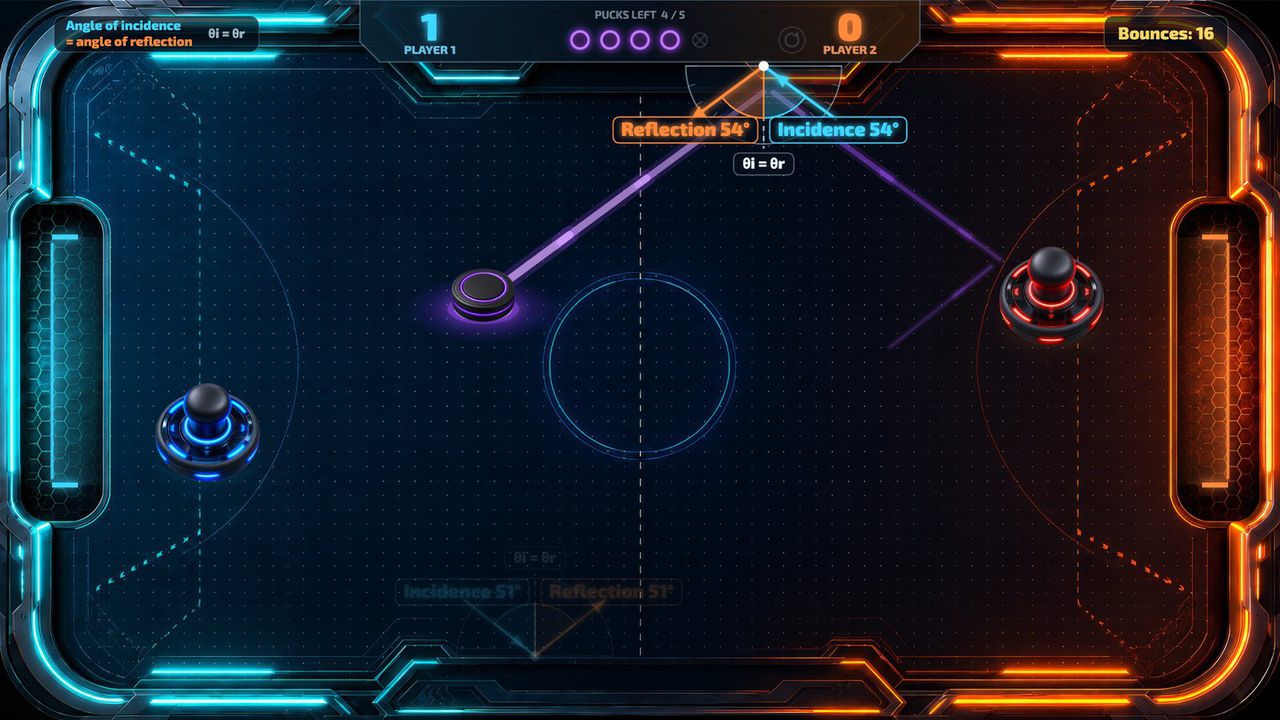
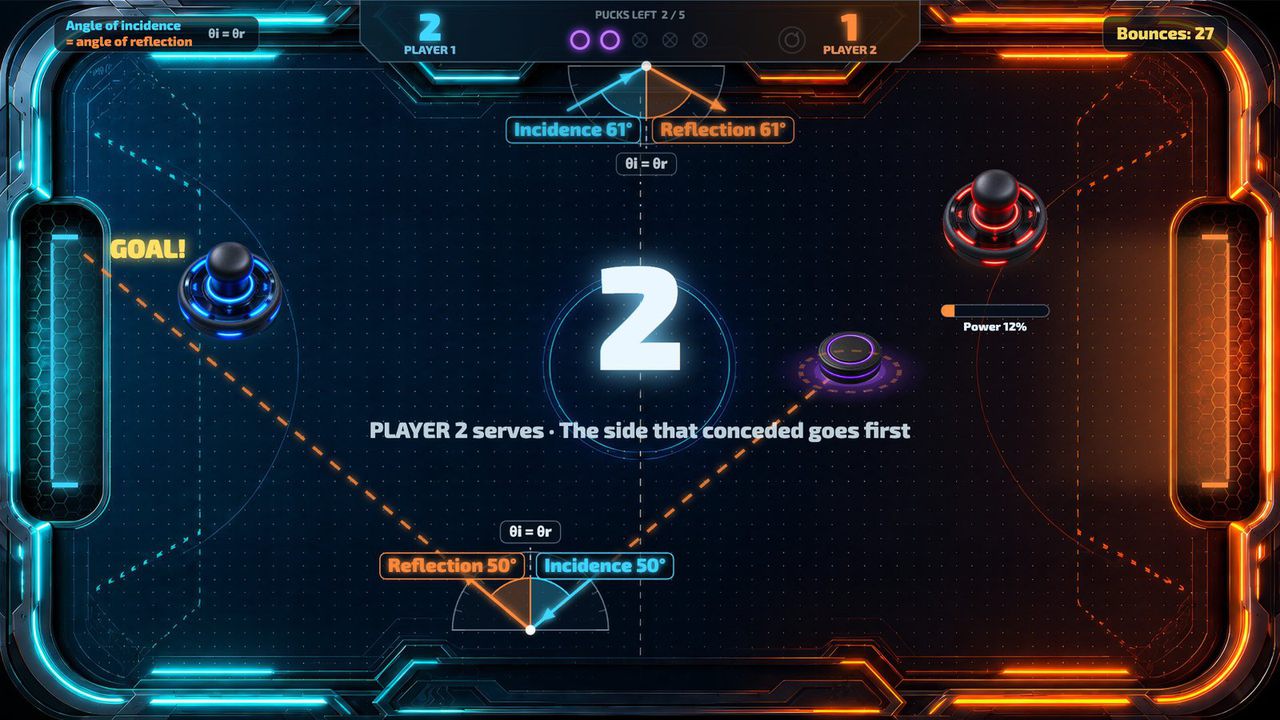
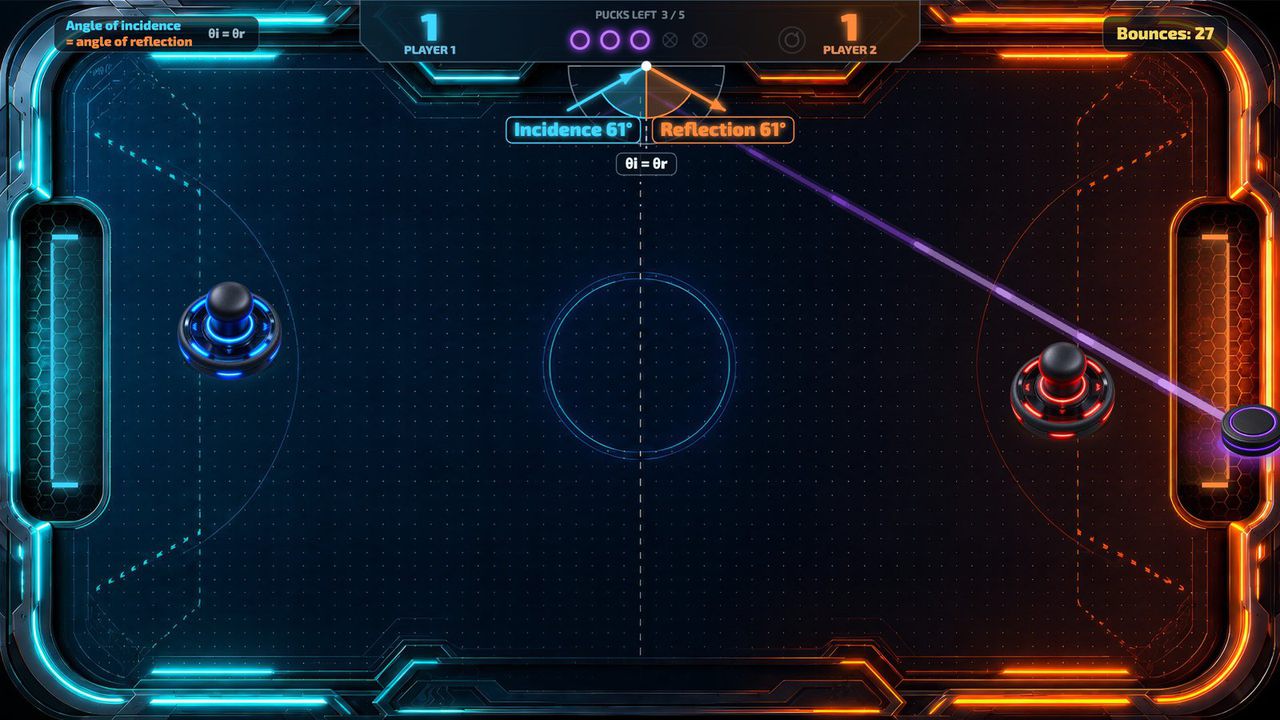
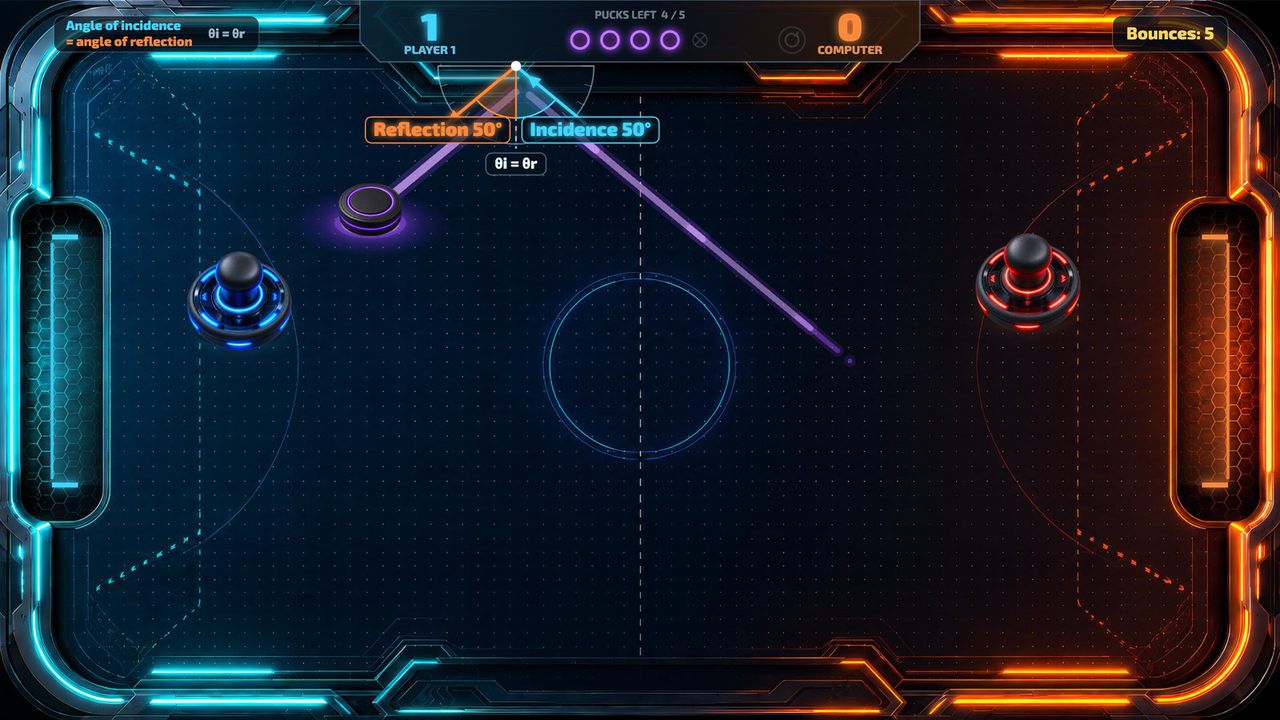
Air hockey on a touch screen, where every wall bounce shows that the angle of incidence equals the angle of reflection.
Free · Windows & macOS · 8.5 MB · Download appears right after the form
In real use
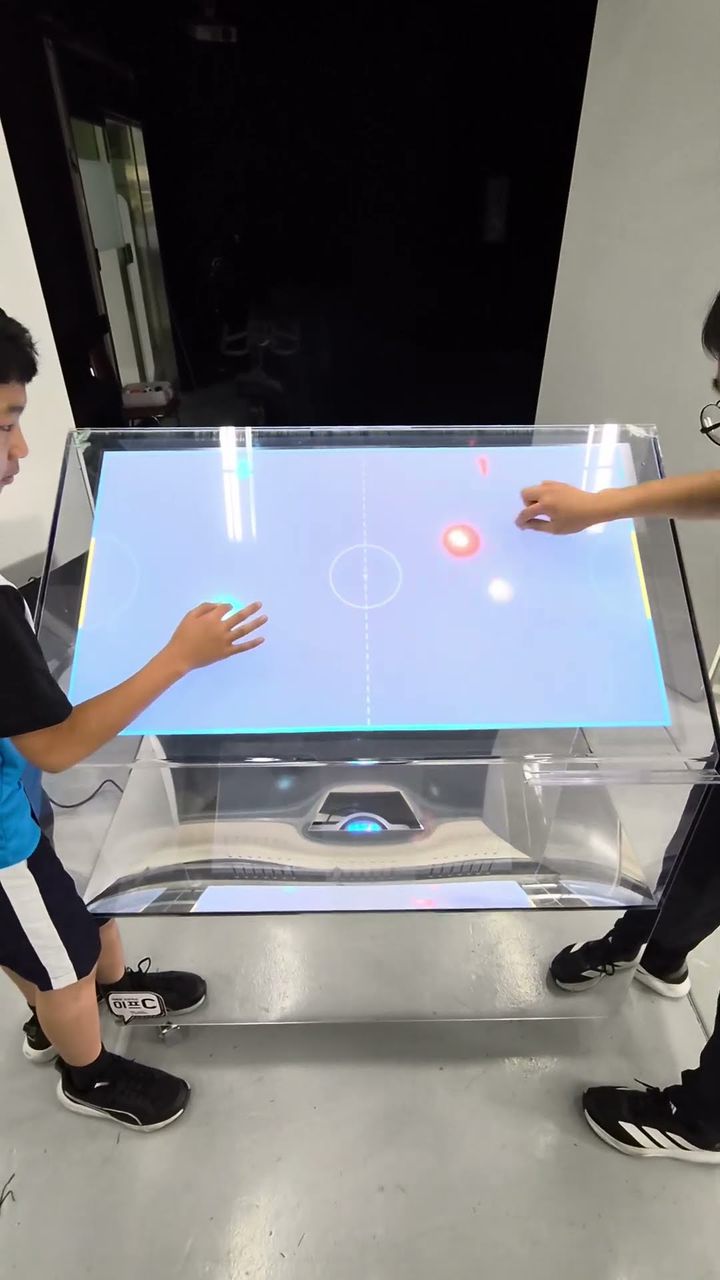
Two players on a transparent touch table.
Filmed in Korea on an earlier build, so any on-screen text is in Korean. The evaluation build is in English.
Who it's for
What it does for you
Hardware
Runs on any landscape touch screen that reports two touches at once. Looking for hardware? Ask us which MP Series unit fits your space.
Make it yours
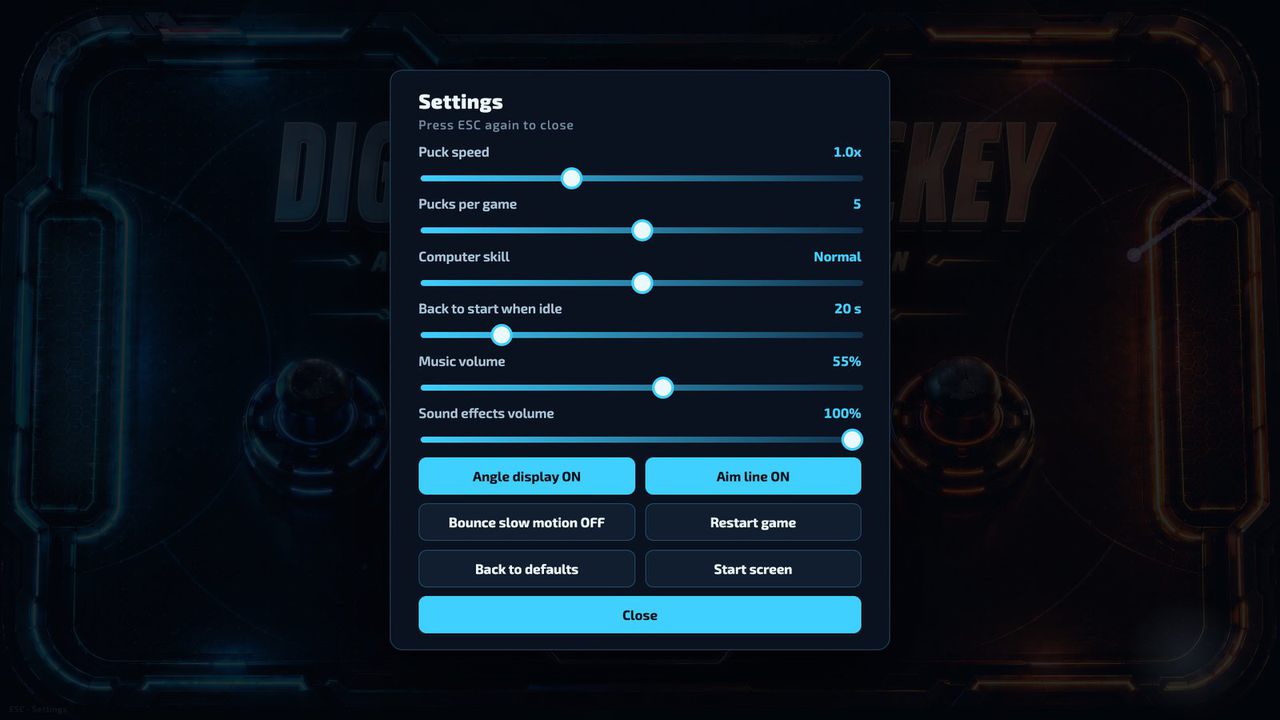
These settings live in customize/config.js inside the download. Edit, save, reload.
| Setting | What it changes | Default |
|---|---|---|
Window titletext.page_title | Browser tab / window title. | Digital Air Hockey |
Your titletext.title | Your own big title on the start screen, in place of the title lines in the artwork. Long titles shrink to fit. Empty = artwork. | empty |
Your subtitletext.subtitle | A smaller line under your title. Also replaces the title lines in the artwork. Empty = none. | empty |
Your logologo.file | Path to a PNG or JPG placed in the folder (e.g. customize/logo.png), shown at the lower left of the start screen. Empty = no logo. | empty |
Logo sizelogo.height | Logo height in pixels on the 1920×1080 screen (40–240). | 120 |
Game lengthgame.pucks_per_game | Goals in one game, 1–9. Each goal uses up one puck; when they are gone the higher score wins. | 5 |
Puck speedgame.puck_speed | Speed multiplier for the puck, 0.5–2.0. | 1.0 |
Computer skillgame.computer_skill | How well the computer plays in vs Computer: "easy", "normal" or "hard". | normal |
Idle resetgame.idle_reset_seconds | Back to the start screen when nobody touches it for this many seconds (0–120). 0 = never. | 20 |
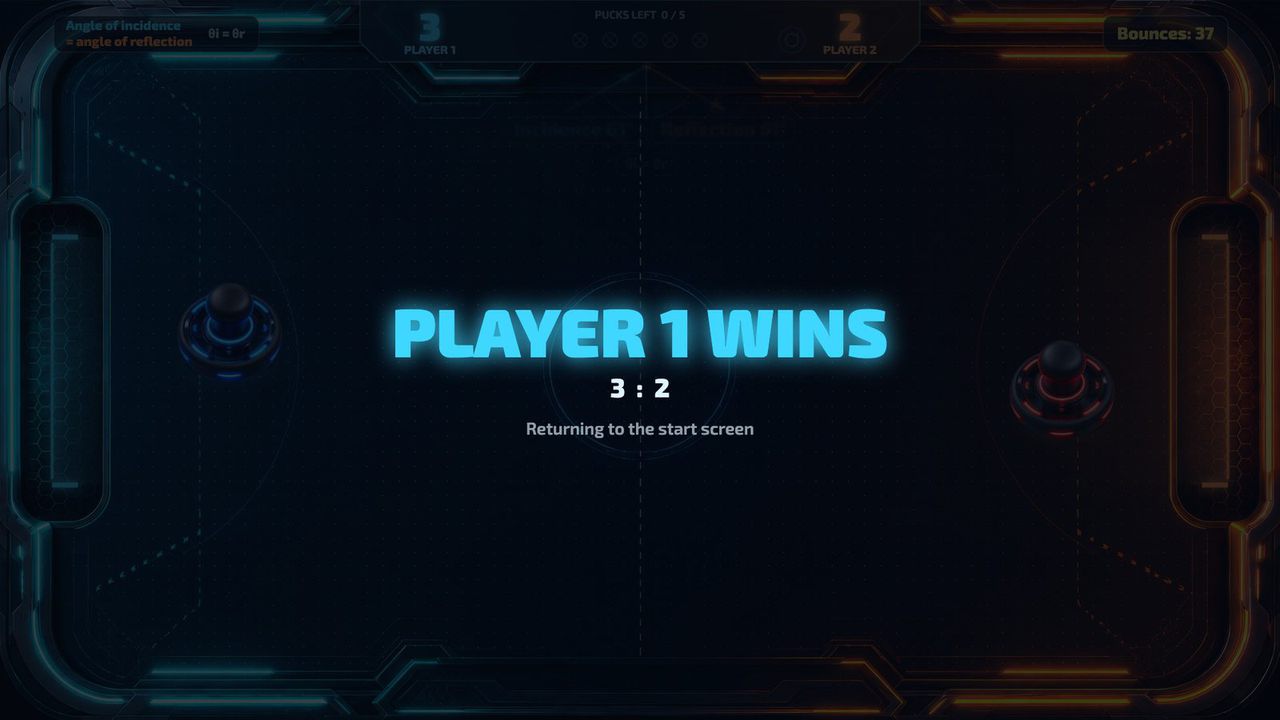
Winner screen timegame.results_seconds | How long the winner screen stays up, in seconds (1–60). | 4 |
Angle displaylearning.show_angles | Protractor with the angle of incidence and the angle of reflection at each wall bounce. Turn it off for plain air hockey. | true |
Aim linelearning.show_aim_line | Dashed predicted path while a player lines up a serve. | true |
Slow motion on bouncelearning.slow_motion_on_bounce | The puck slows briefly at each wall bounce so the angle is easier to follow. | false |
Music volumeaudio.music_volume | Background music, 0 (off) to 100. | 55 |
Effects volumeaudio.effects_volume | Hits, walls, goals and countdown, 0 (off) to 100. | 100 |
Settings hintdisplay.show_settings_hint | The small "ESC · Settings" note in the corner. Turn it off once setup is done. | true |
Your logo and colors, another language, your own questions or content, or a new piece on the same idea.
Specs
6e9ea4a66010407981066fed18c8c8b65b5c36e8a690a10976b8da329301646cRelated pieces
Screen · Touch, Mouse
Planets carry numbers: tap a composite to split it into factors, drag each prime into the black hole, and clear the screen before time runs out.
Free evaluation buildEnglishReal use
Screen · Touch, Mouse
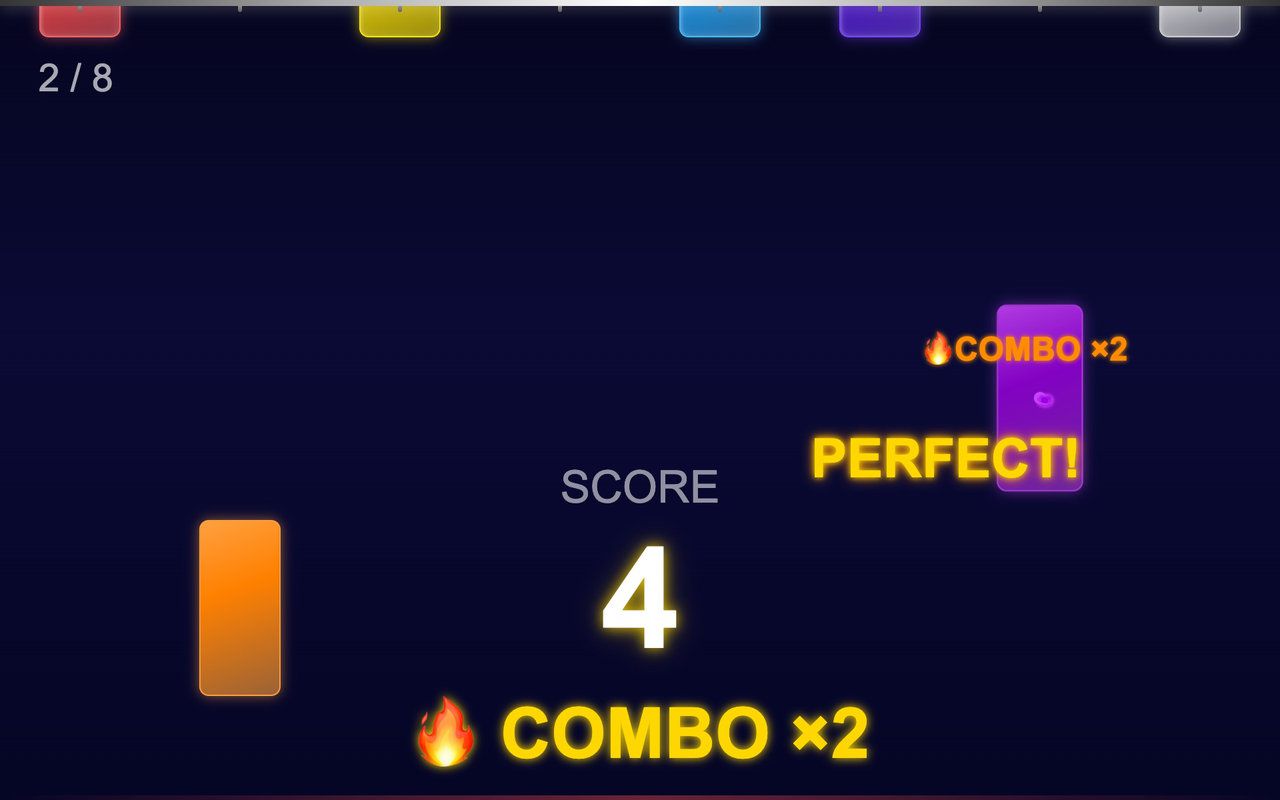
Colored sticks hang from the top of the screen and drop in a random order: tap each one before it lands and build a combo.
Free evaluation buildEnglishReal use
Floor · Foot sensor, Touch, Mouse
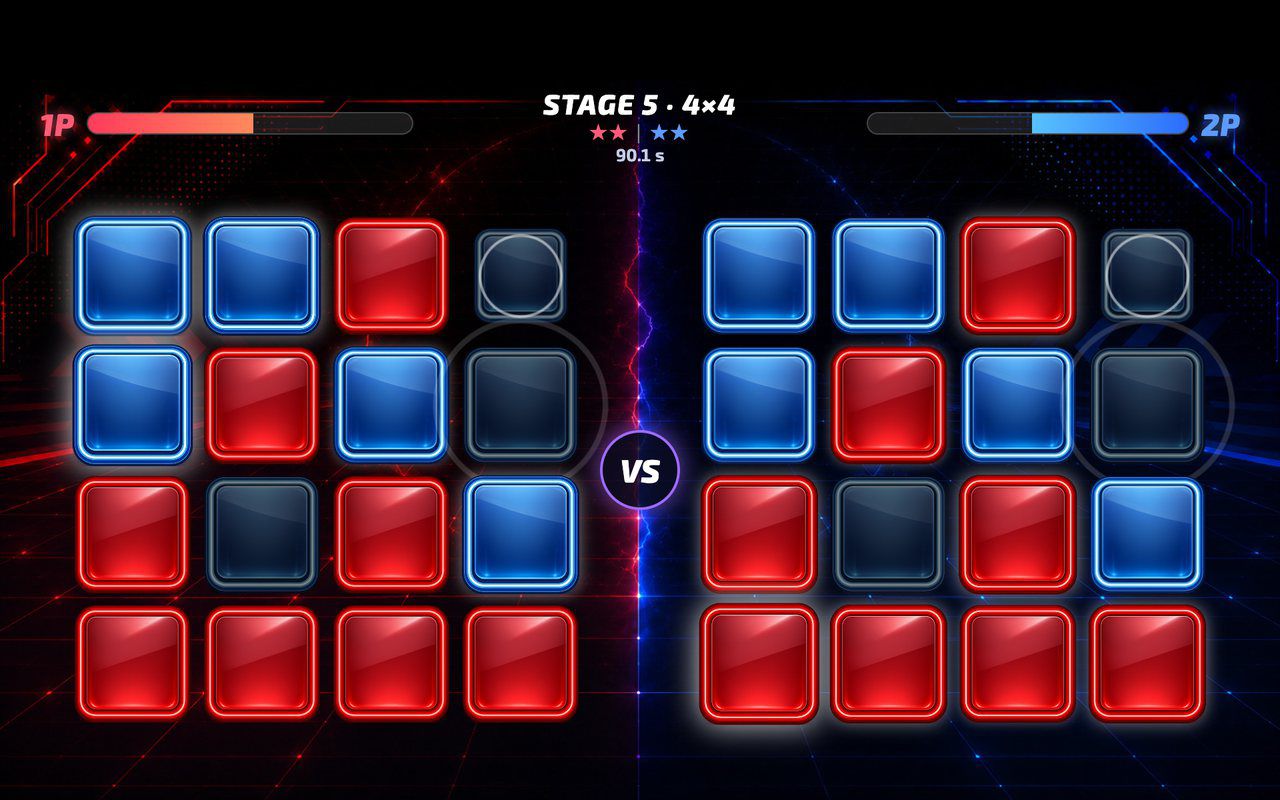
A head-to-head floor game where every step flips a button to your color, played against a rival or the CPU over five growing boards.
Free evaluation buildEnglishReal use