
Floor · Foot sensor, Touch, Mouse
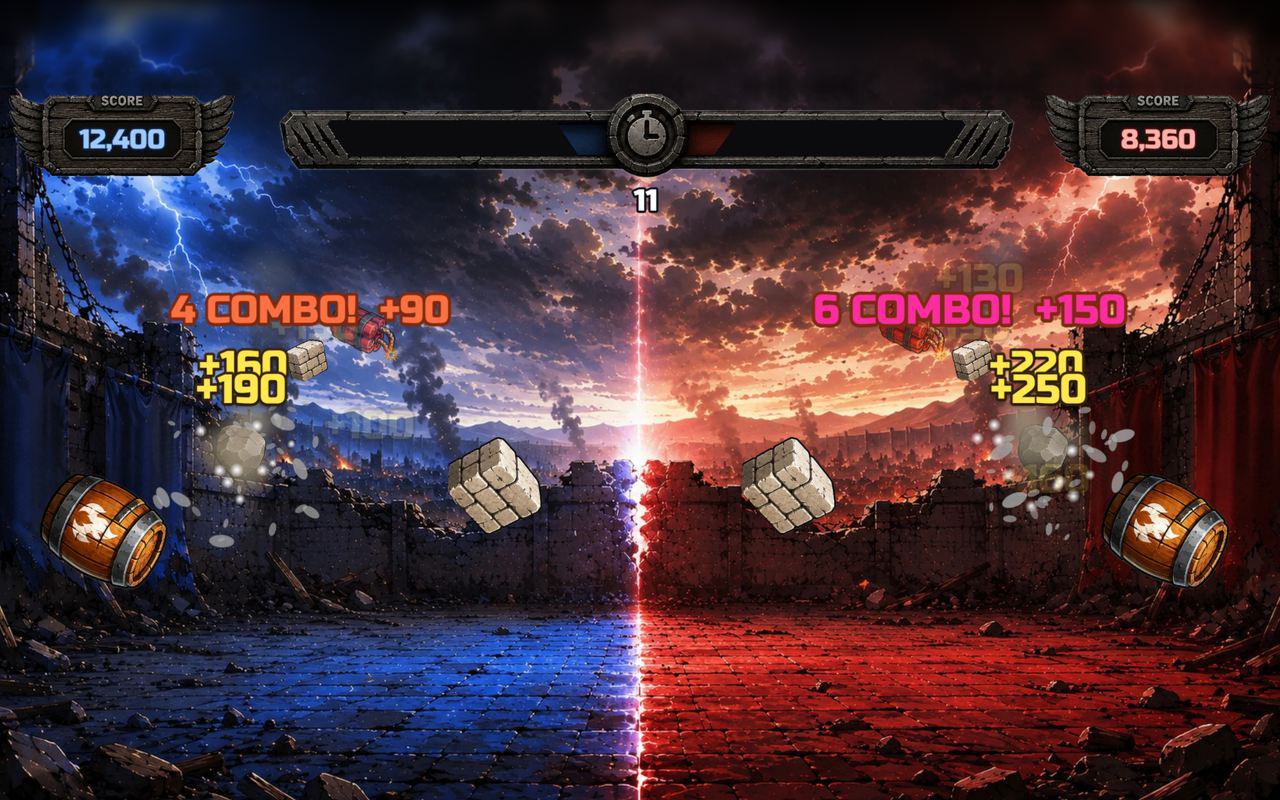
Stomp Attack
A floor game where visitors stomp flying icons for points, alone against a top 10 or head to head with a friend — 60 seconds a game.
Free evaluation buildEnglishReal use
Floor · Foot sensor, Touch, Mouse
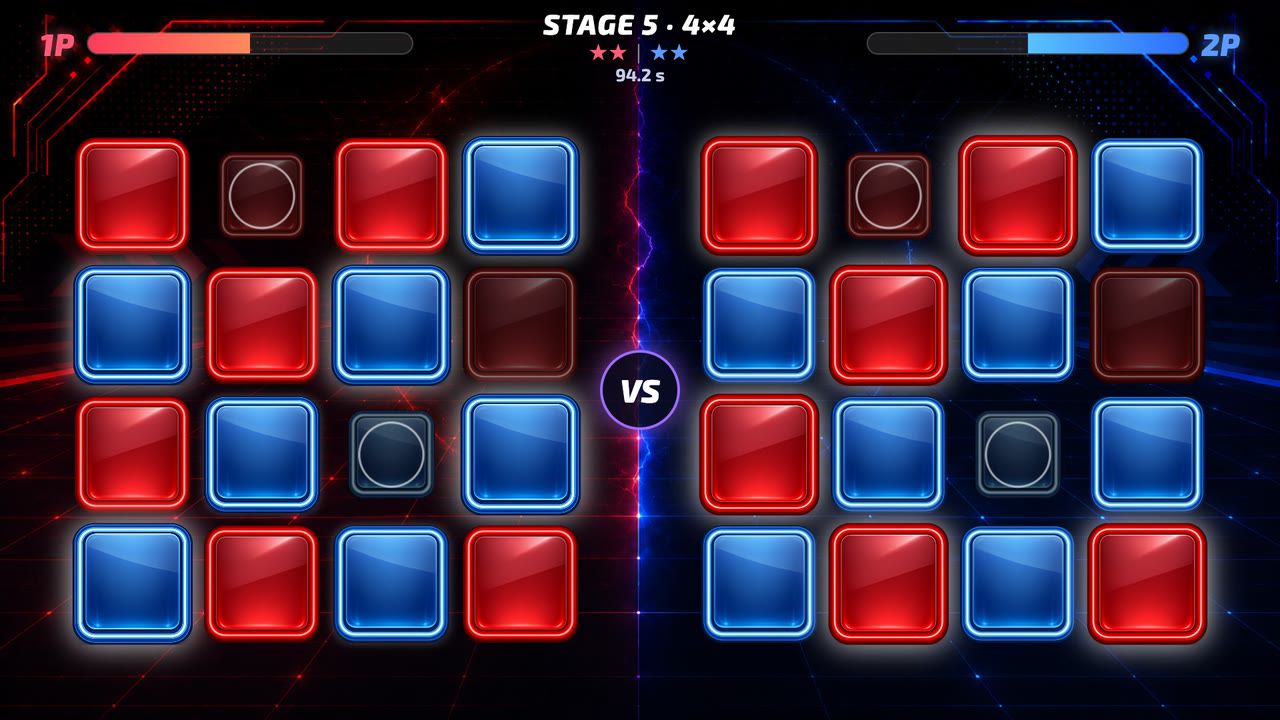
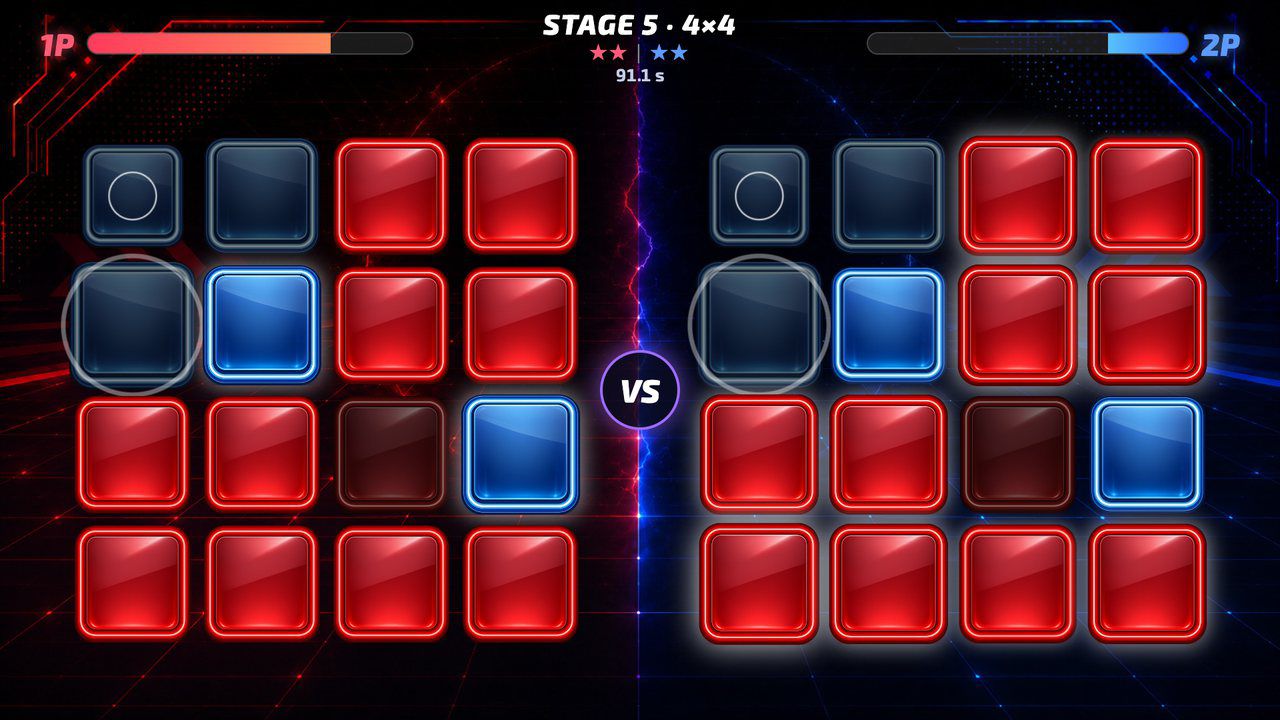
Red against blue on the floor: step on buttons to flip them your color before your rival flips them back.
Free · Windows & macOS · 2.0 MB · Download appears right after the form
In real use
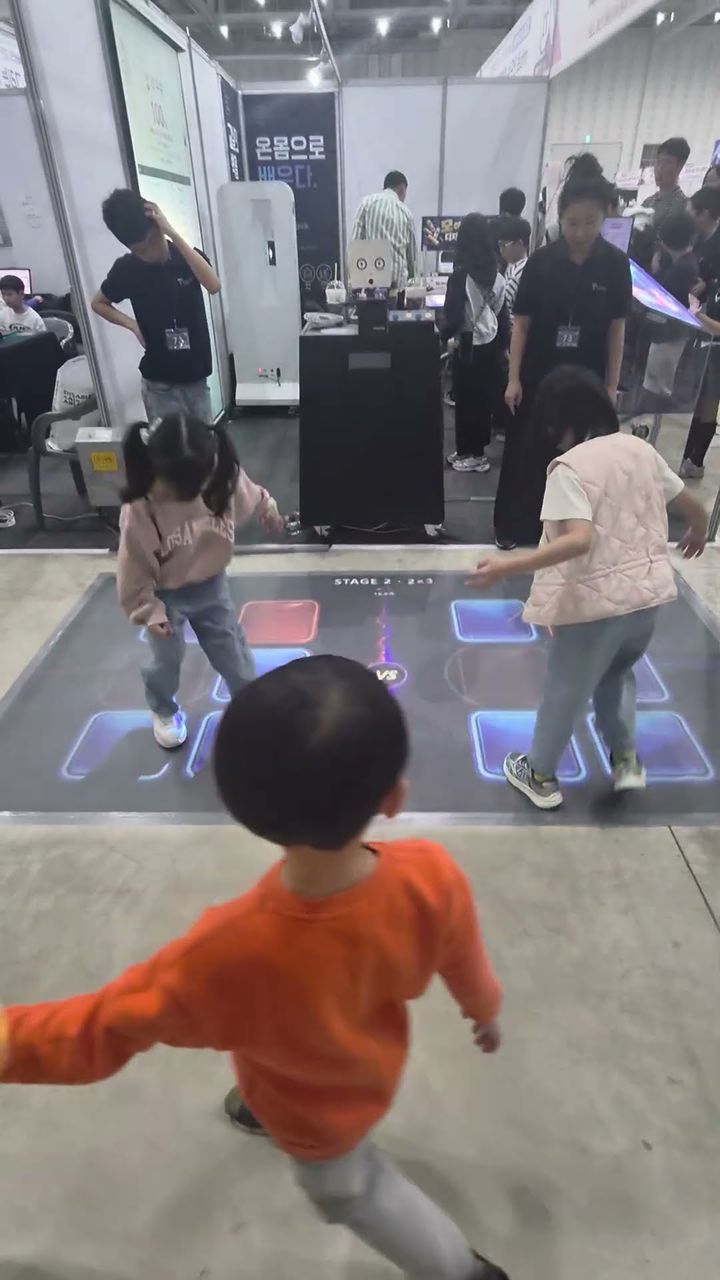
Children racing to flip tiles on a floor unit at a math festival in Korea.
Filmed in Korea on an earlier build, so any on-screen text is in Korean. The evaluation build is in English.
Who it's for
What it does for you
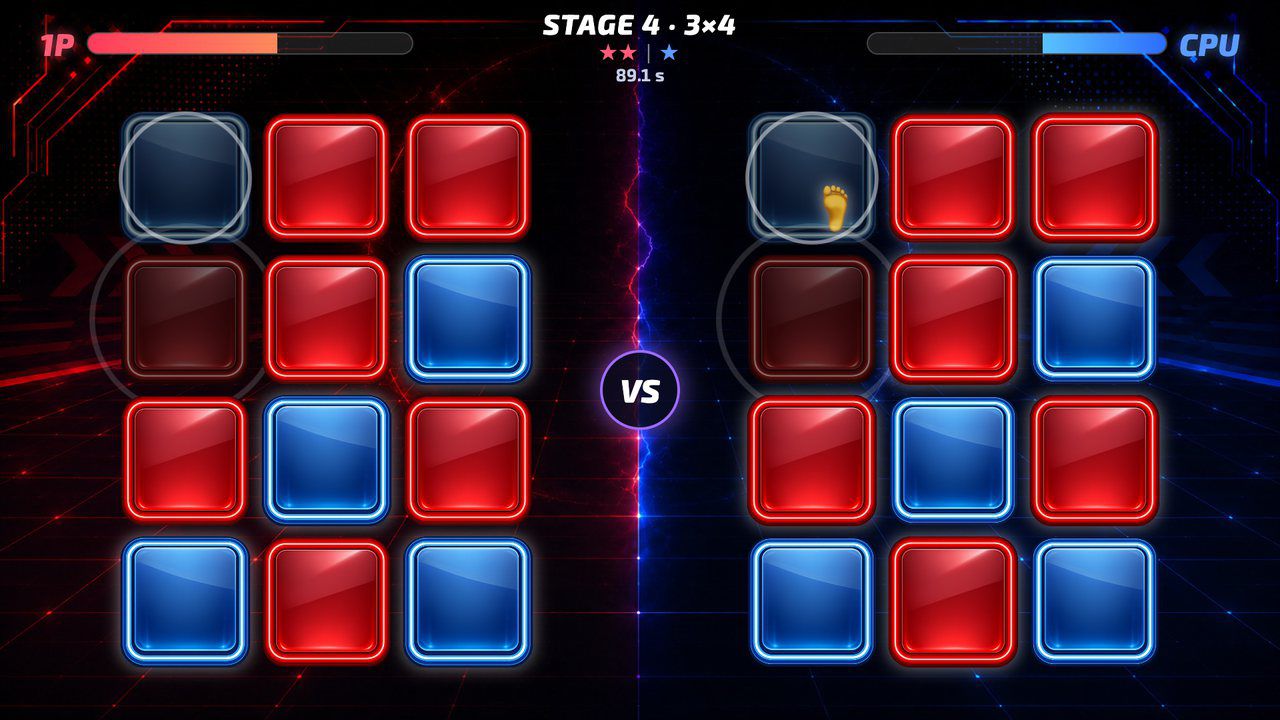
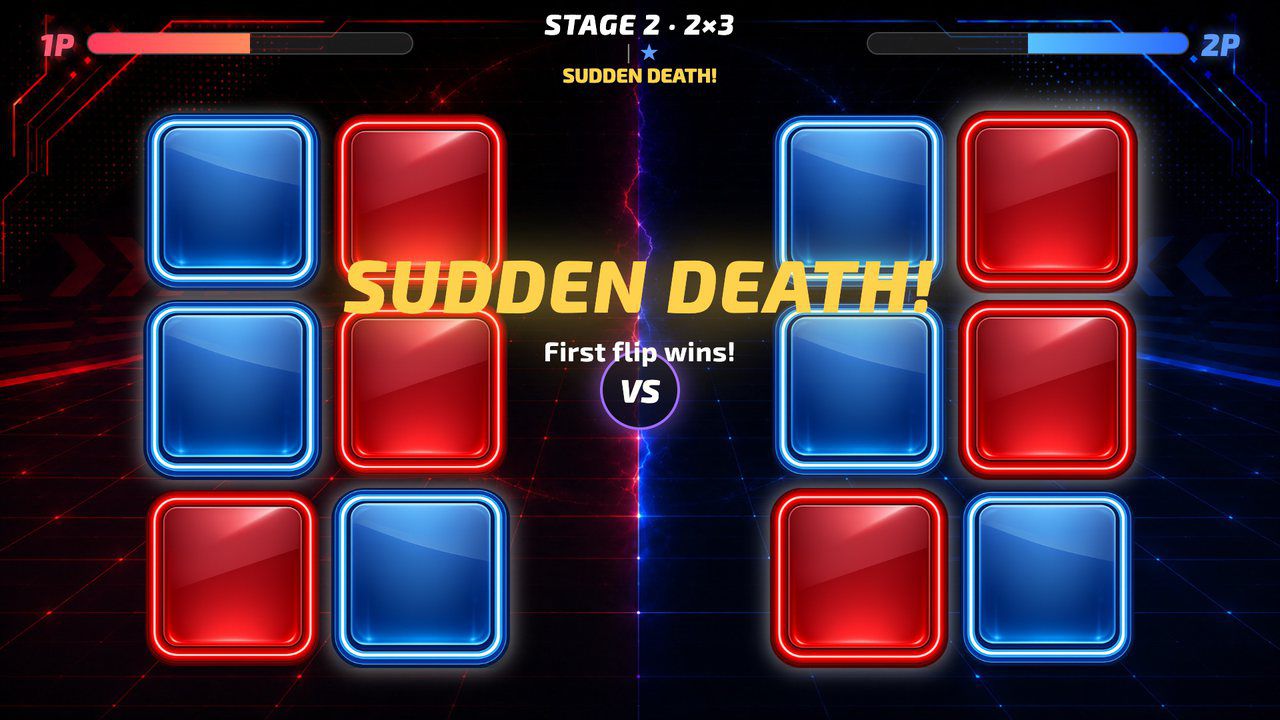
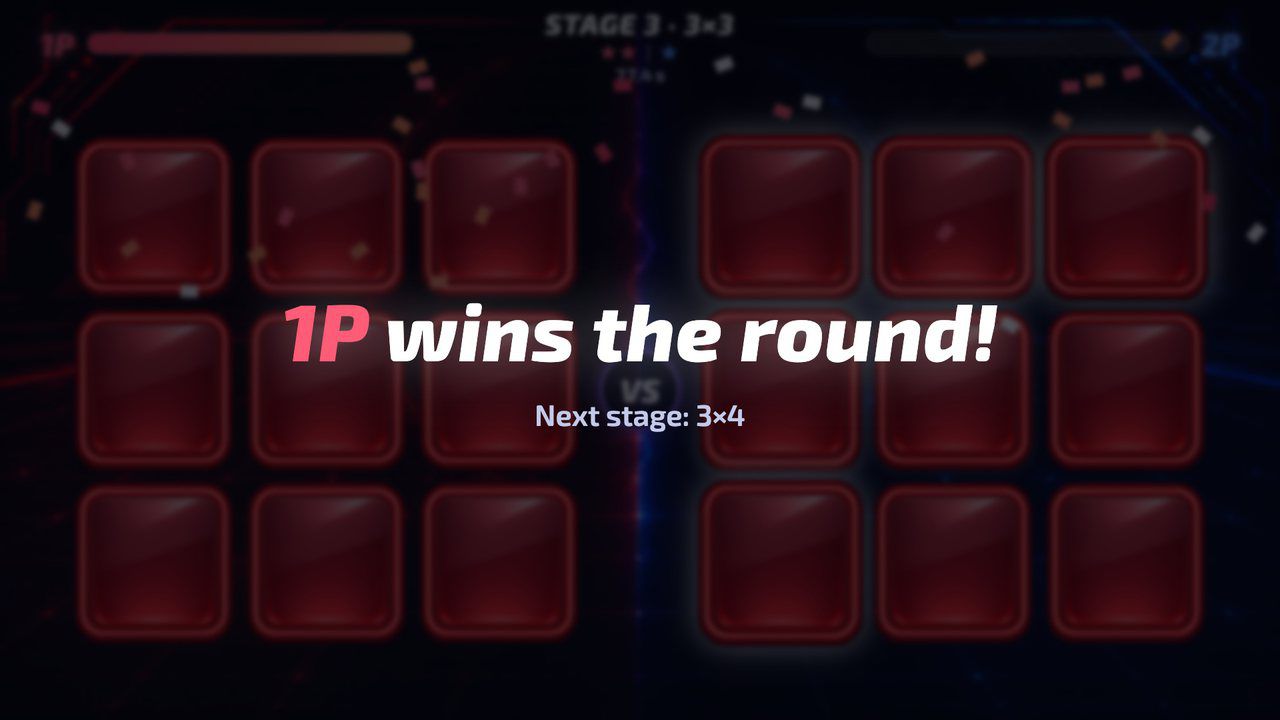
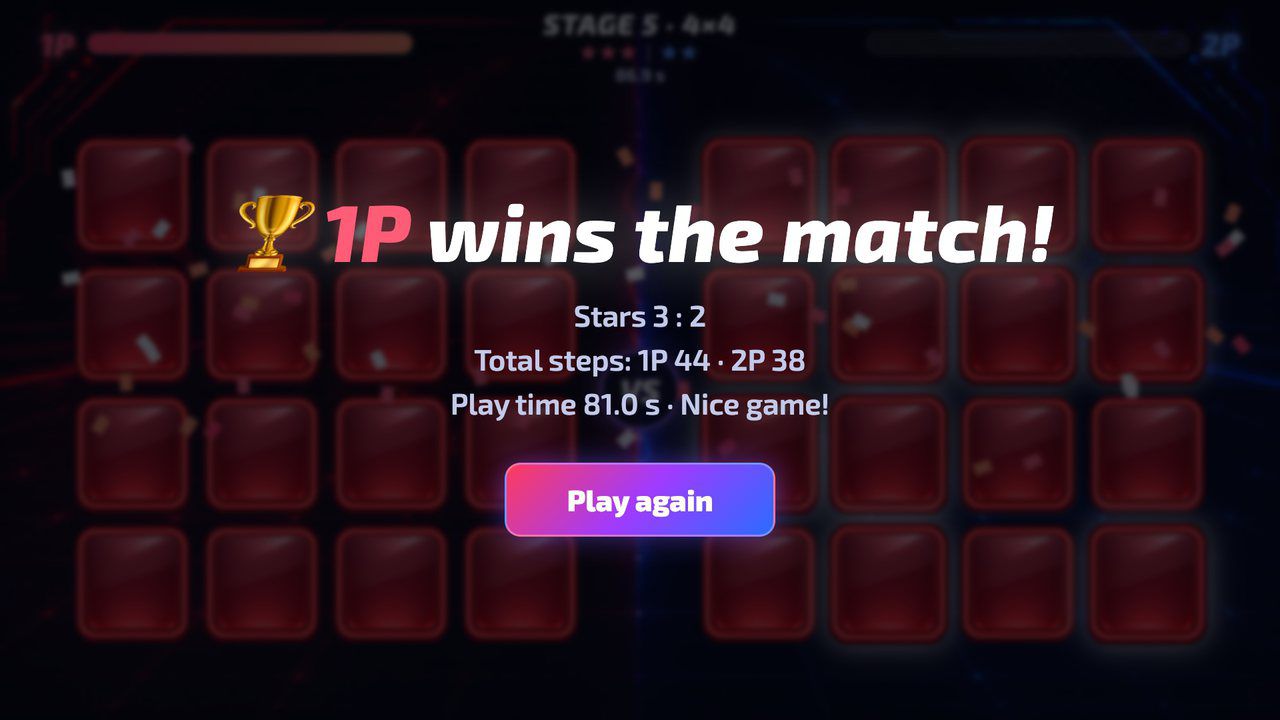
Hardware
Runs on MP Series floor units, or on any 1920×1080 projector with a floor sensor that sends touch. It also runs on a touch panel or touch monitor, with no sensor.
Make it yours
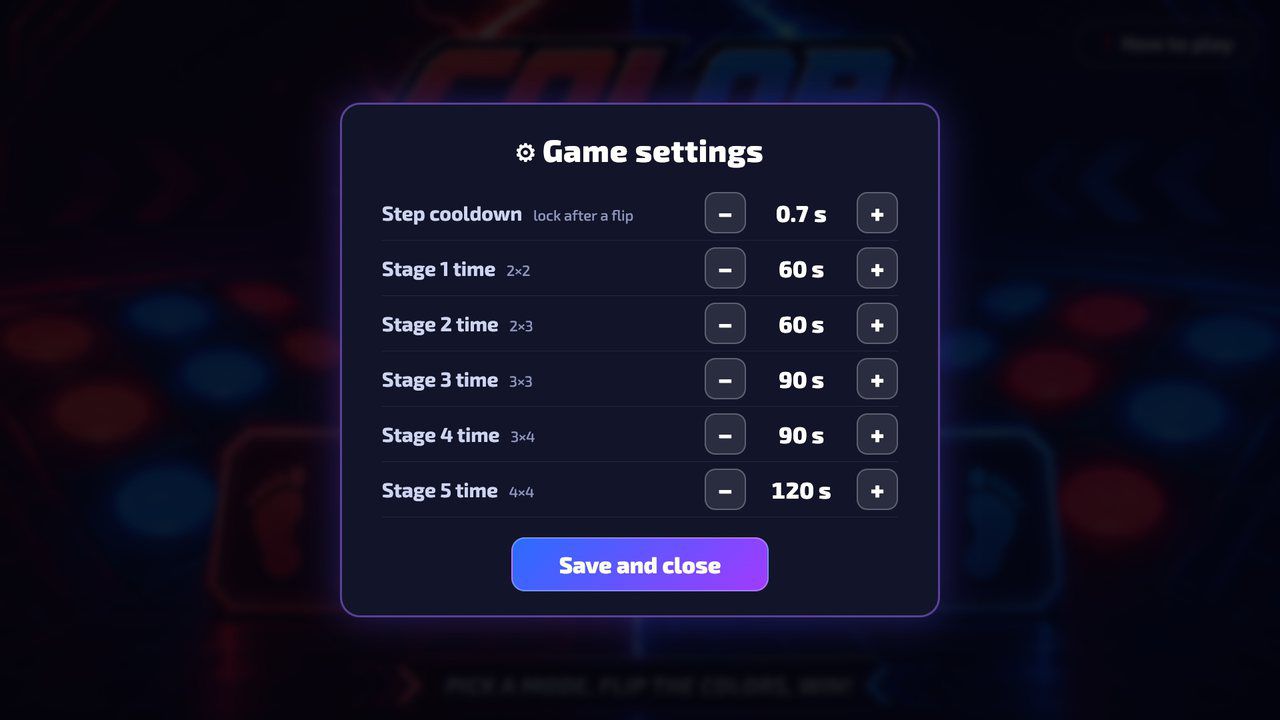
These settings live in customize/config.js inside the download. Edit, save, reload.
| Setting | What it changes | Default |
|---|---|---|
Window titletext.page_title | Browser tab / window title. | Color Flip Battle |
Title-screen linetext.tagline | Replaces the line under the logo on the title screen, up to 40 characters. Empty = the artwork line, FLIP THE COLOR, FLIP THE WIN! | empty |
Your logologo.file | Path to a PNG or JPG placed in the folder (e.g. customize/logo.png), shown top-left on the title screen. Empty = no logo. | empty |
Logo sizelogo.height | Logo height in pixels on the 1920×1080 screen (40–240). | 120 |
Rounds and board sizesgame.stages | One entry per round, columns x rows, 2 to 5 each, up to 7 rounds. Fewer rounds = shorter matches. An even number of rounds can end in a tiebreak round. | ["2x2", "2x3", "3x3", "3x4", "4x4"] |
Time limit per roundgame.stage_seconds | Seconds for each round in order (10–300). If there are fewer numbers than rounds, the last one repeats. Also adjustable in the Esc panel. | [60, 60, 90, 90, 120] |
Step cooldowngame.step_cooldown_seconds | How long a button stays locked after it flips, in seconds (0.2–3). Raise it if your sensor keeps firing while a foot stays down. Also adjustable in the Esc panel. | 0.7 |
How-to waitgame.howto_countdown_seconds | After picking a mode, the how-to screen starts the match by itself after this many seconds (3–60). A step anywhere starts it sooner. | 10 |
Idle resetgame.idle_reset_seconds | Returns to the title screen when nobody steps during a match for this many seconds (10–300). 0 = never. | 30 |
Results screen timegame.results_seconds | How long the final results stay up (3–120 seconds). 0 = until someone steps on Play again. | 15 |
CPU speedcpu.difficulty | How fast the CPU flips in 1P mode: easy, normal or hard. | easy |
Volumeaudio.volume | Sound volume from 0 (silent) to 100. | 100 |
Hide mouse pointerdisplay.hide_cursor | Hides the pointer after 3 seconds without movement; it comes back when the mouse moves. false = always visible. | true |
Settings buttondisplay.show_settings_button | true = a Settings button on the title screen. Visitors can step on it, so it stays off by default and staff use the Esc key. | false |
Your logo and colors, another language, your own questions or content, or a new piece on the same idea.
Specs
c452276d6413703795007498eba2a3cdabd4c25fefd88caccb17b4da1315931bRelated pieces
Floor · Foot sensor, Touch, Mouse
A floor game where visitors stomp flying icons for points, alone against a top 10 or head to head with a friend — 60 seconds a game.
Free evaluation buildEnglishReal use
Floor · Foot sensor, Touch, Mouse
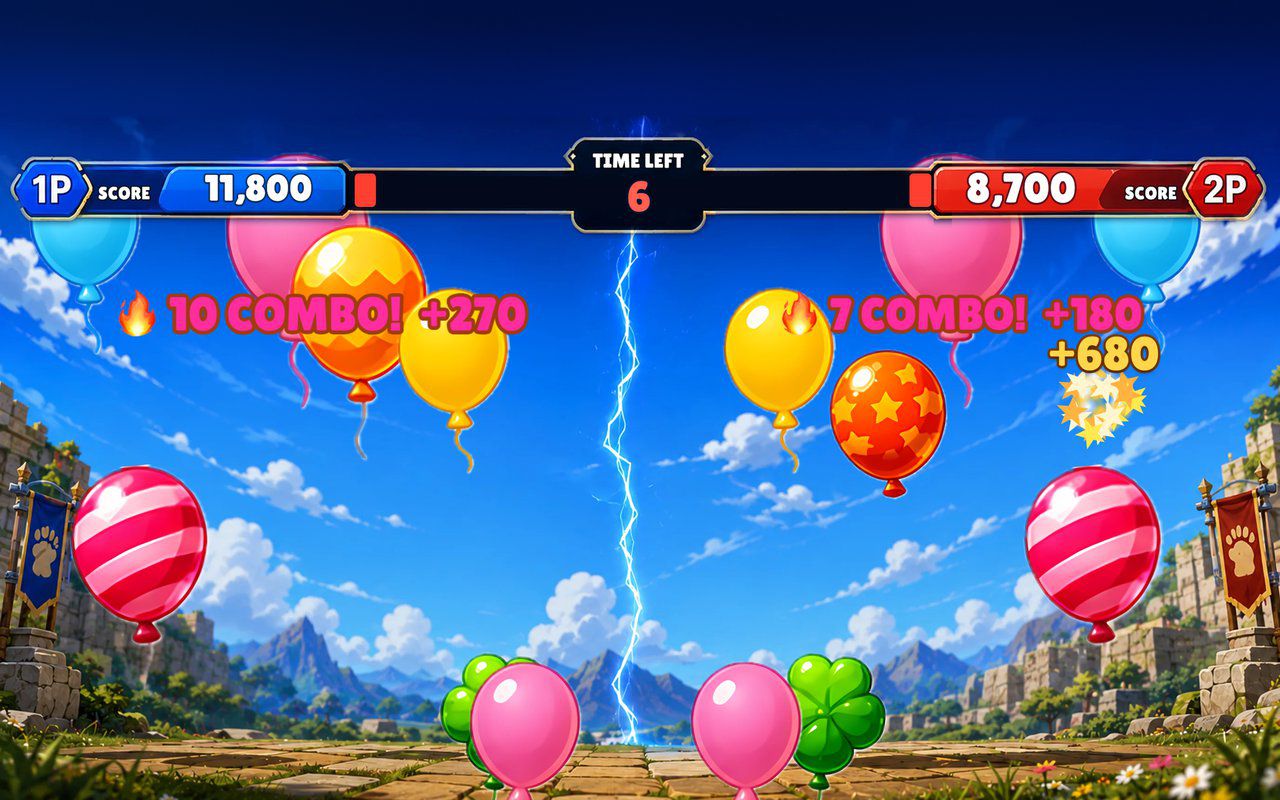
Balloons rise across the floor and players stomp them for points: chase a top-10 score alone, or race a friend on mirrored balloons.
Free evaluation buildEnglish
Floor · Foot sensor, Touch, Mouse
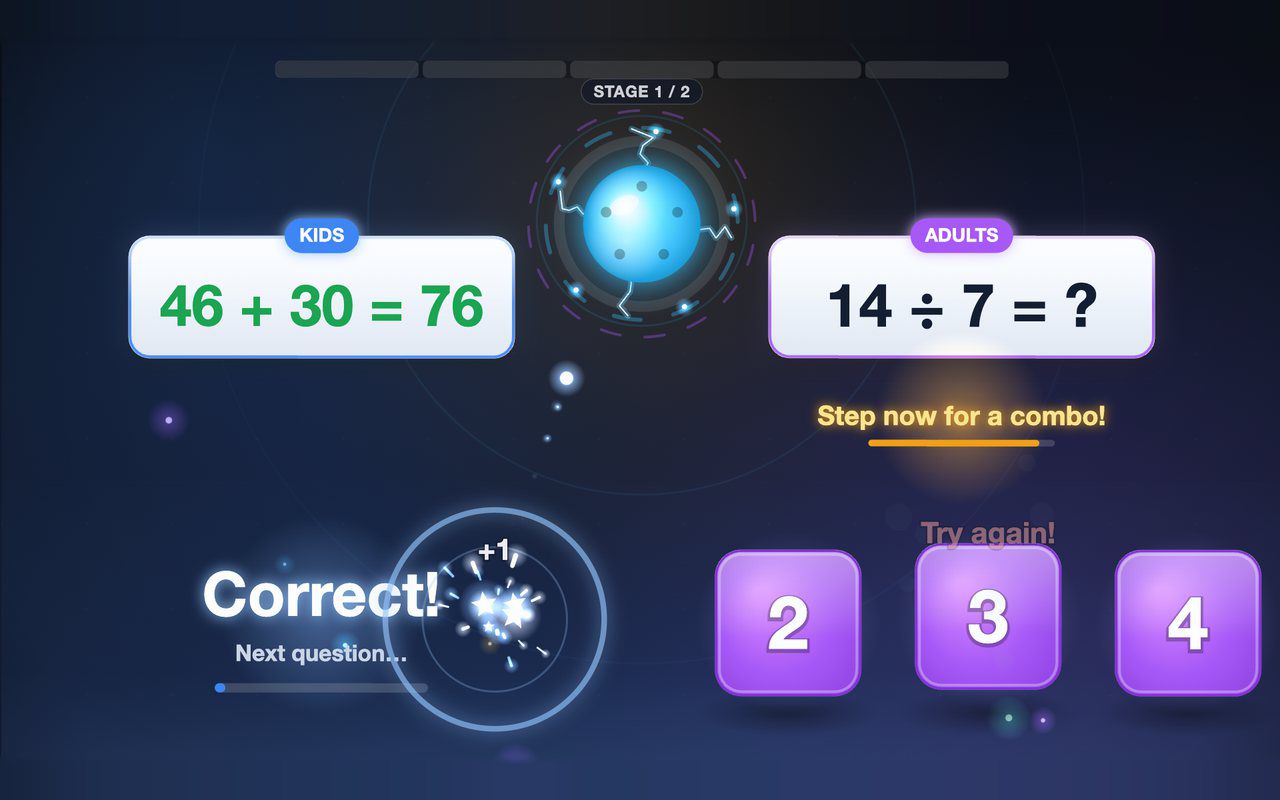
Kids and grown-ups each solve their own equation on the floor, and answering together earns a combo bonus — about a minute per game.
Free evaluation buildEnglish