
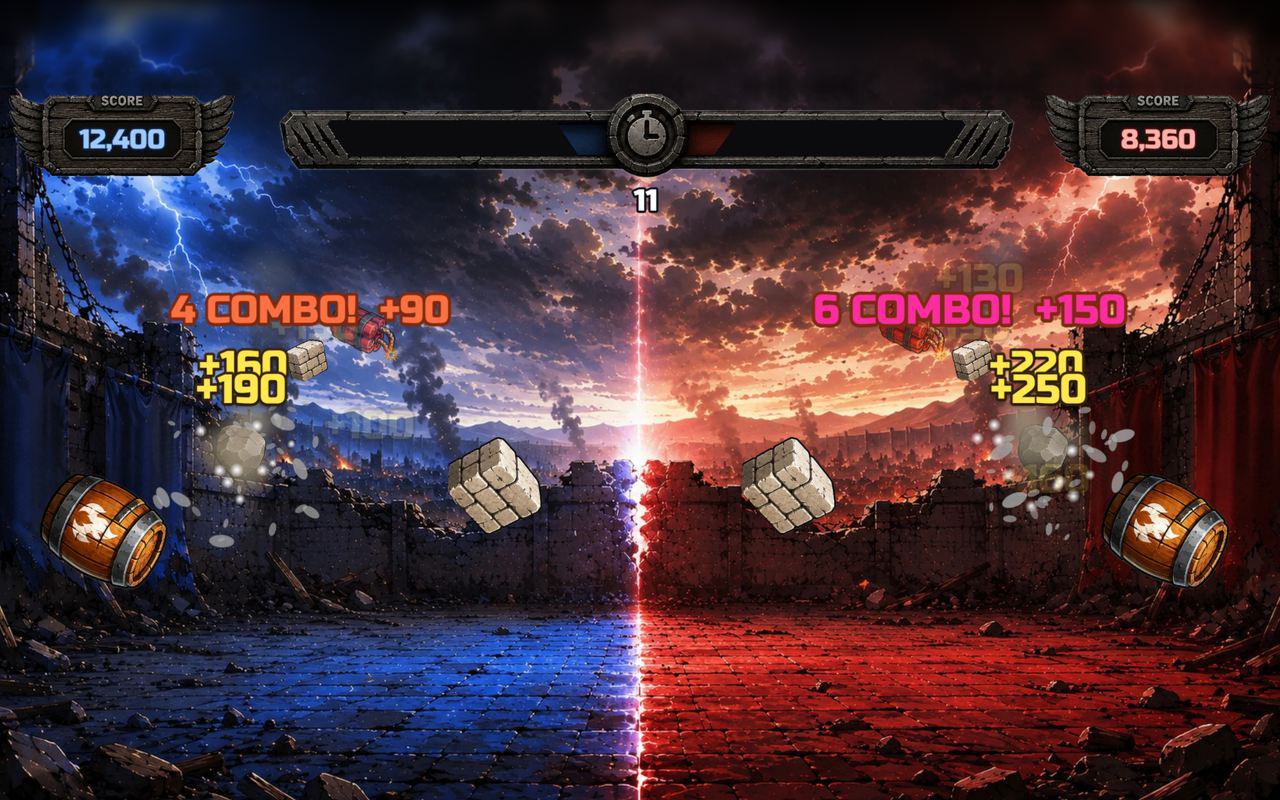
Floor · Foot sensor, Touch, Mouse
Stomp Attack
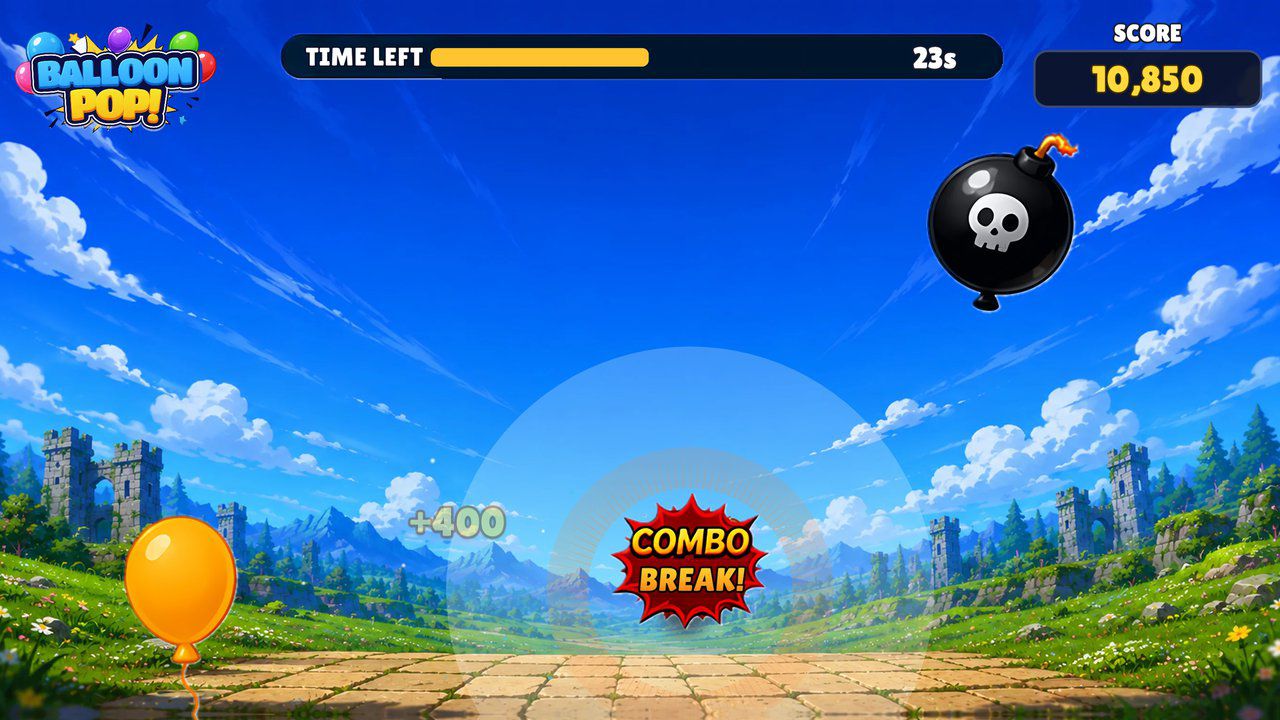
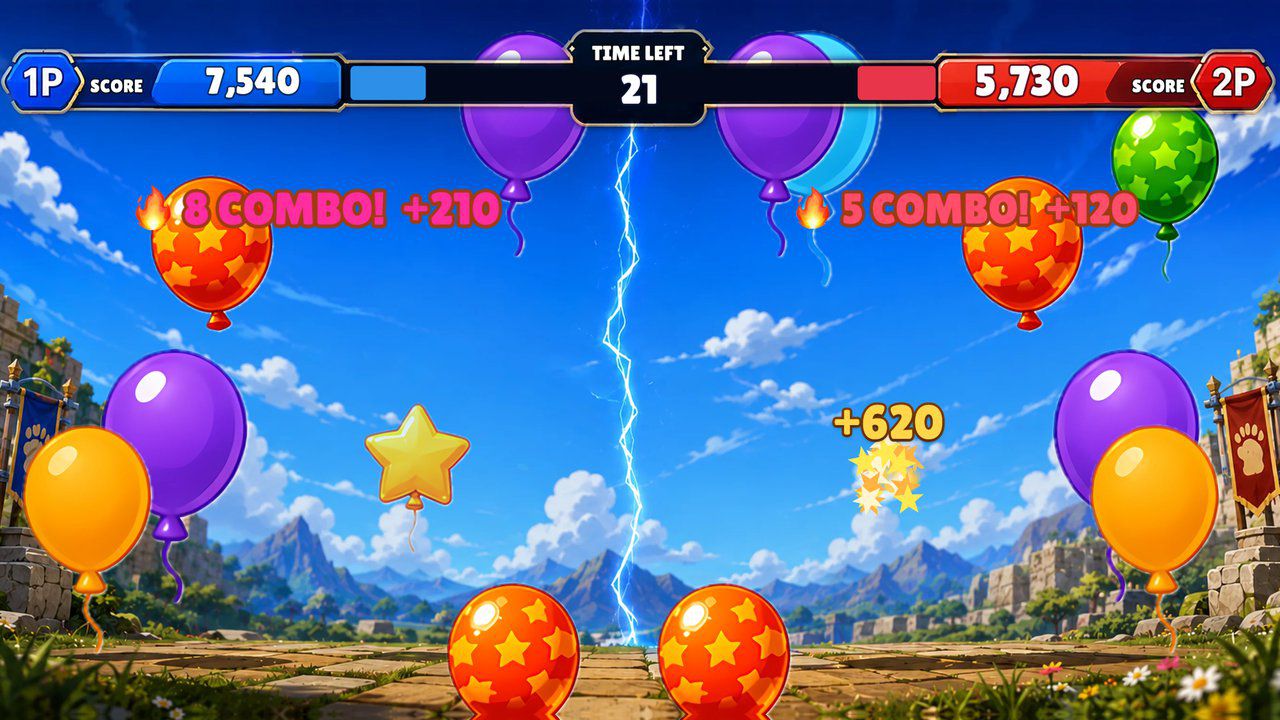
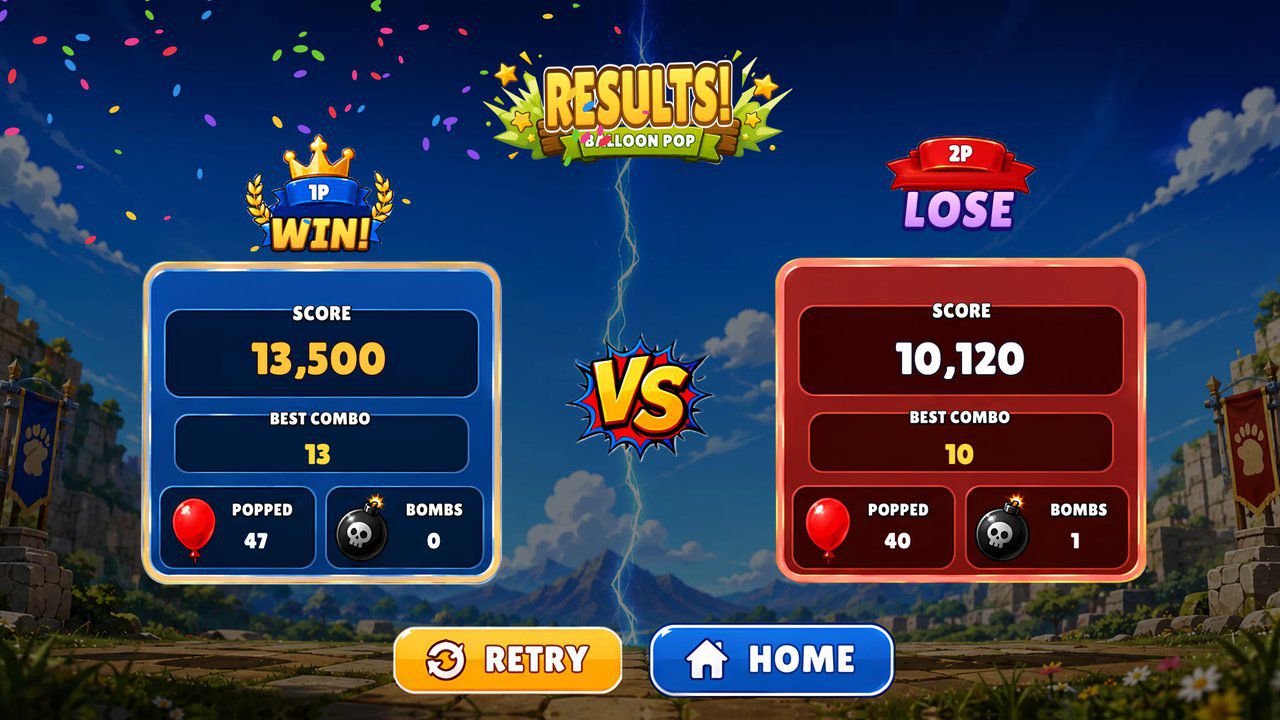
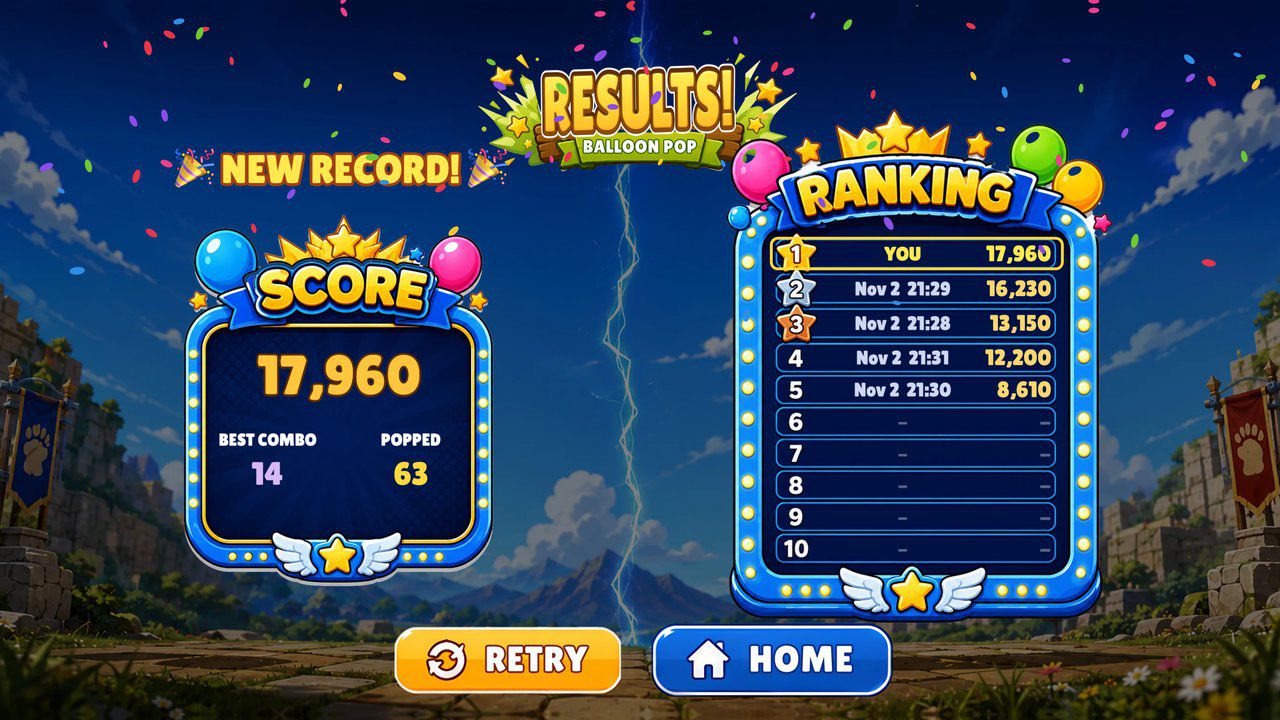
A floor game where visitors stomp flying icons for points, alone against a top 10 or head to head with a friend — 60 seconds a game.
Free evaluation buildEnglishReal use
Floor · Foot sensor, Touch, Mouse
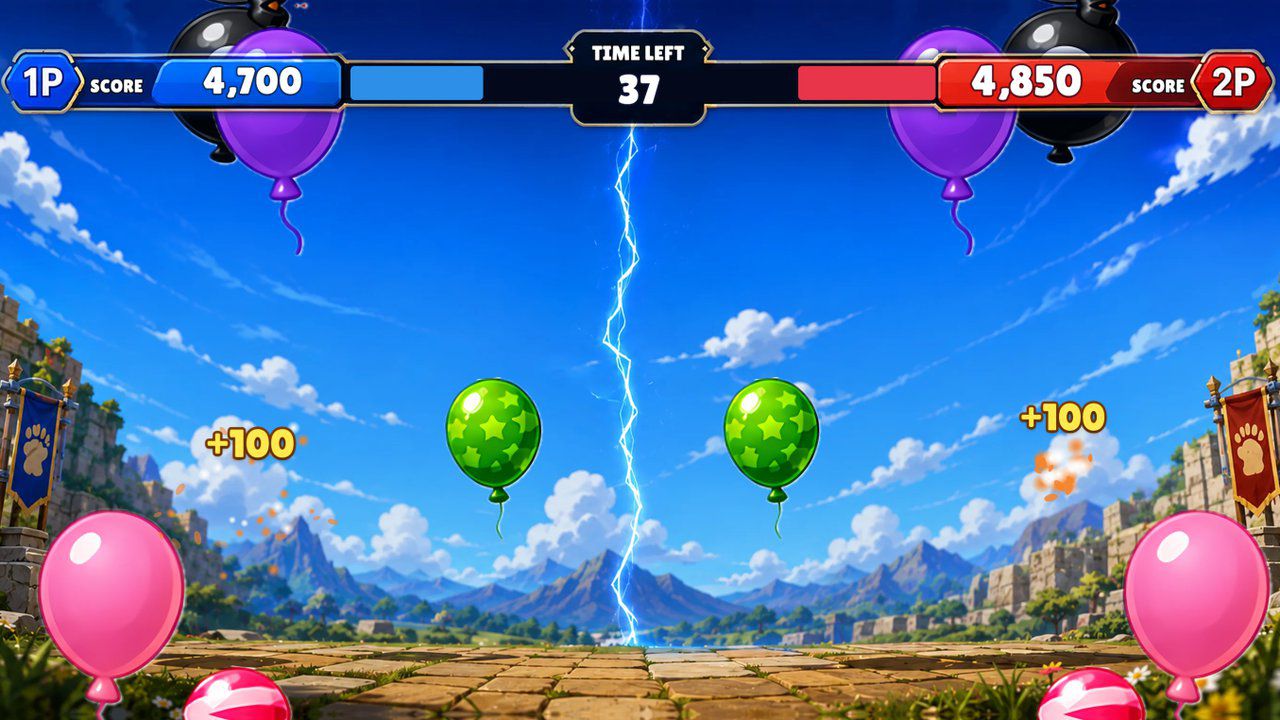
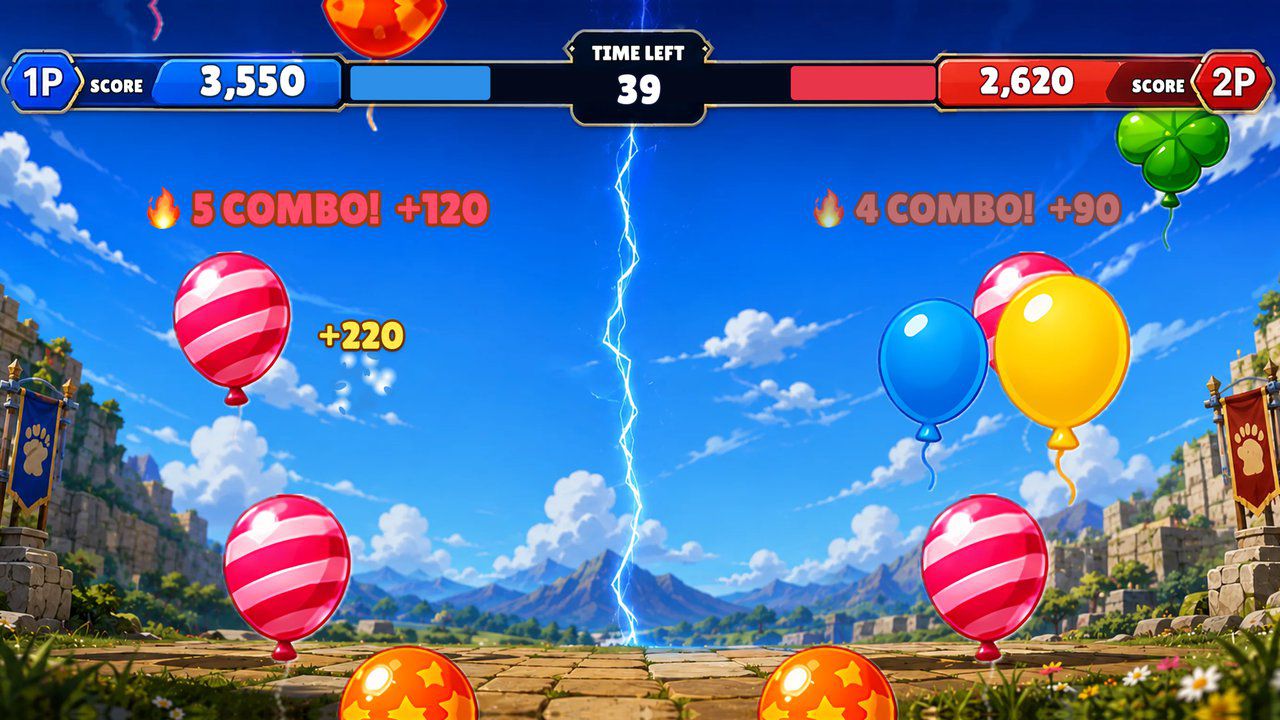
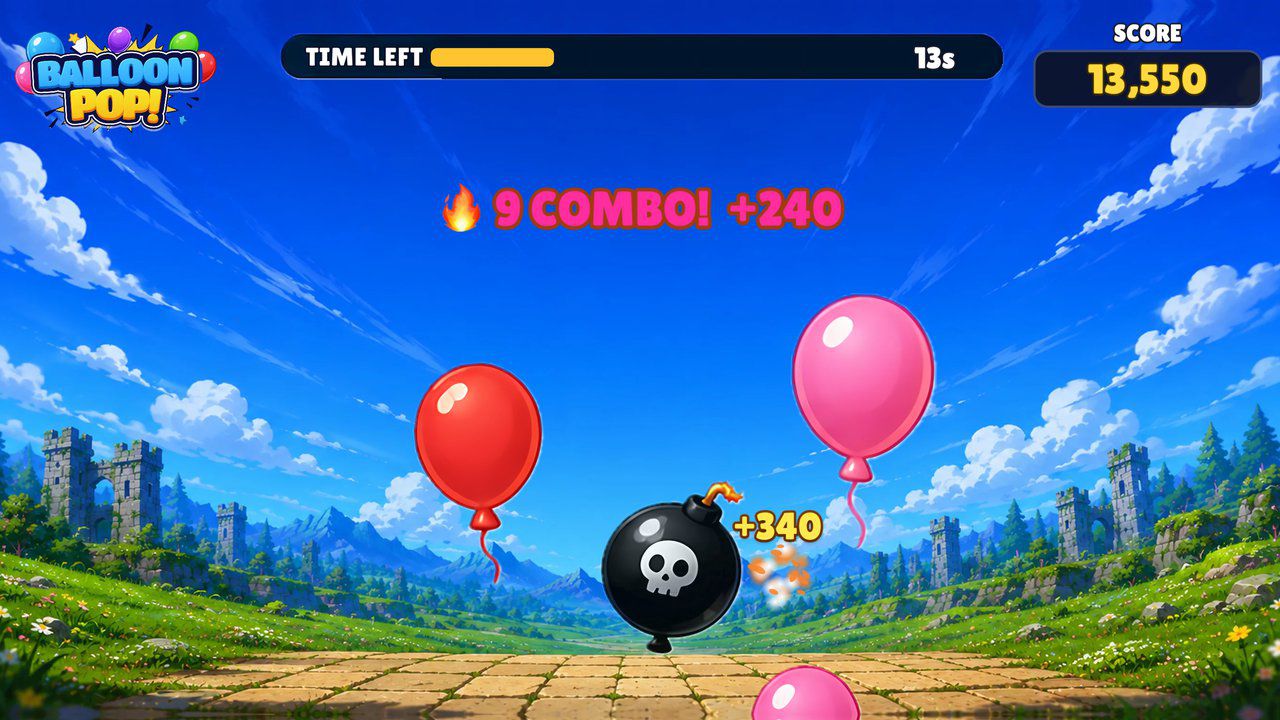
Stomp the balloons before they float away — a 60-second floor game for one player or two side by side.
Free · Windows & macOS · 4.5 MB · Download appears right after the form
Who it's for
What it does for you
Hardware
Made for floor projection, such as an MP-F floor unit. Any projector with a floor sensor that sends touch works too. It also runs on a touch panel or touch monitor, with no sensor.
Make it yours
These settings live in customize/config.js inside the download. Edit, save, reload.
| Setting | What it changes | Default |
|---|---|---|
Window titletext.page_title | Browser tab and window title. | Balloon Pop |
Title screen linetext.start_hint | Line at the bottom of the title screen. Empty hides it. | Step on a button to start |
Start wordtext.go_message | Word shown after the 3-2-1 countdown (up to 16 characters). | GO! |
Your logologo.file | PNG or JPG in the customize folder, shown in the top-left corner of the title screen. A sample is included: customize/sample-logo.png. | empty |
Logo heightlogo.height | Logo height in game pixels; the full screen is 1500 tall (40-500). | 180 |
Game lengthgame.time_seconds | Seconds per game, 30-120. A long queue? Try 45. | 60 |
Difficultygame.difficulty_percent | Balloon speed, how often they appear and how many bombs, 50-200. | 100 |
Bomb balloonsgame.bombs | false removes the bomb balloons, for young children. | true |
Results screen timegame.results_seconds | The results screen returns to the title after this many seconds if nobody steps on it (5-120). | 25 |
Trophy buttonranking.show_trophy | false hides the rankings button on the title screen. Scores are still kept and shown on the results screen. | true |
Music volumeaudio.music_volume | Background music, 0-100. | 100 |
Effects volumeaudio.effects_volume | Pops, bombs and countdown, 0-100. | 100 |
Hide mouse pointerdisplay.hide_cursor | true hides the pointer once the foot sensor is running. Leave false while testing with a mouse. | false |
Your logo and colors, another language, your own questions or content, or a new piece on the same idea.
Specs
4c9c2df217e9e4aaa9d03c562bf8b358b4f093cef3fc4a898049d38ae9ec0dddRelated pieces
Floor · Foot sensor, Touch, Mouse
A floor game where visitors stomp flying icons for points, alone against a top 10 or head to head with a friend — 60 seconds a game.
Free evaluation buildEnglishReal use
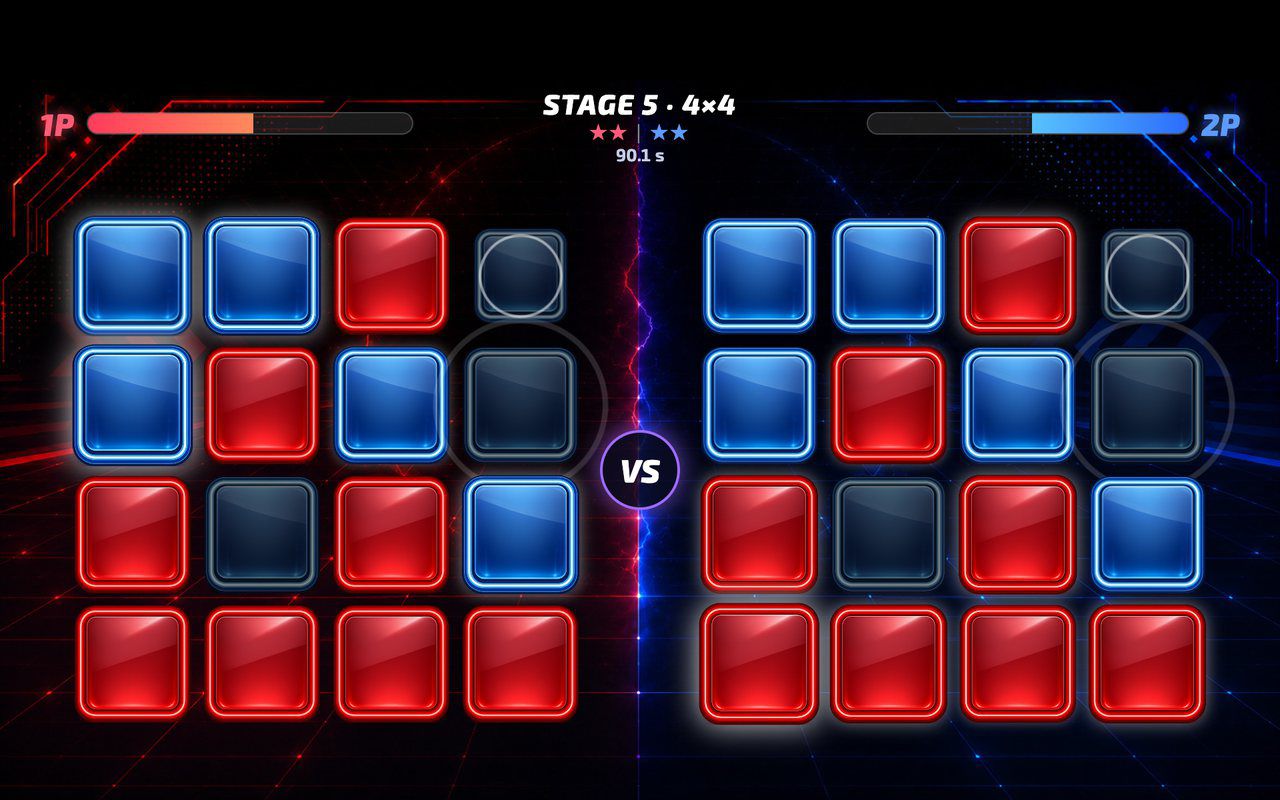
Floor · Foot sensor, Touch, Mouse
A head-to-head floor game where every step flips a button to your color, played against a rival or the CPU over five growing boards.
Free evaluation buildEnglishReal use
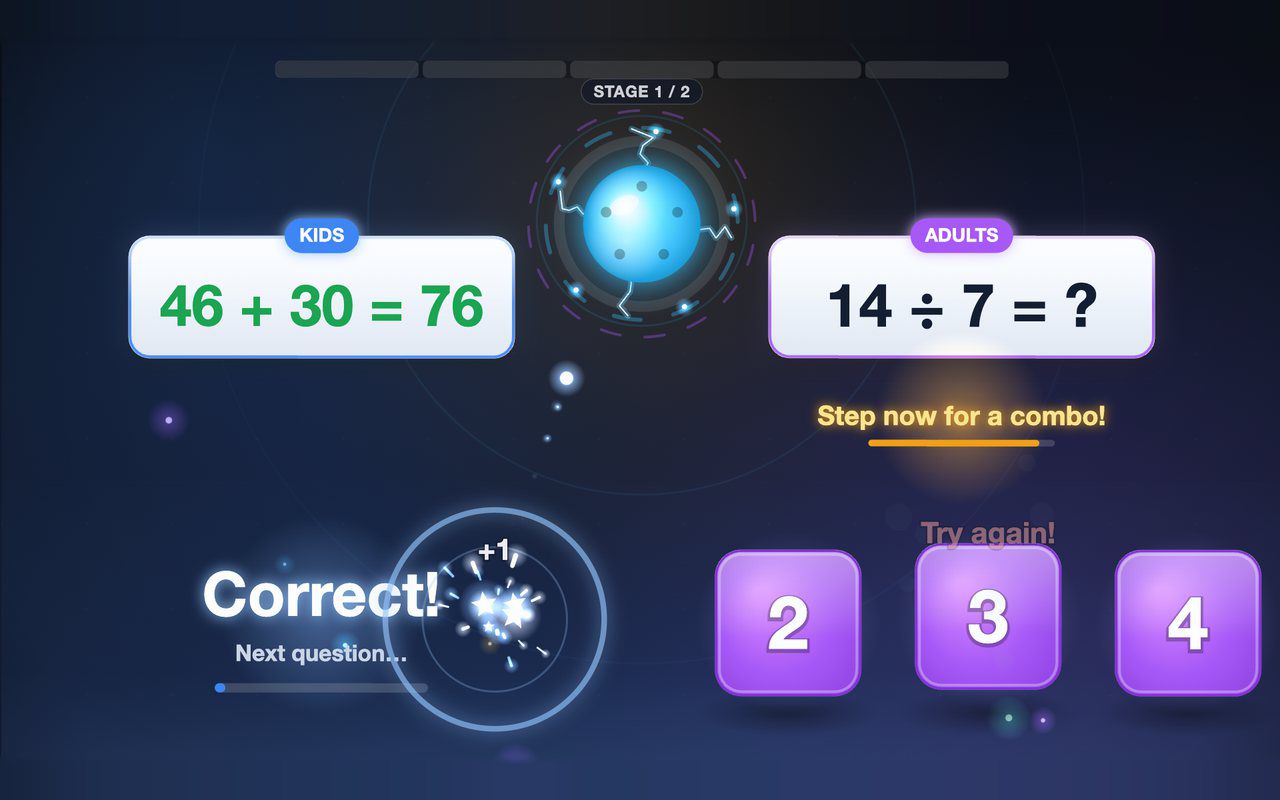
Floor · Foot sensor, Touch, Mouse
Kids and grown-ups each solve their own equation on the floor, and answering together earns a combo bonus — about a minute per game.
Free evaluation buildEnglish