
Screen · Touch, Mouse
Digital Air Hockey
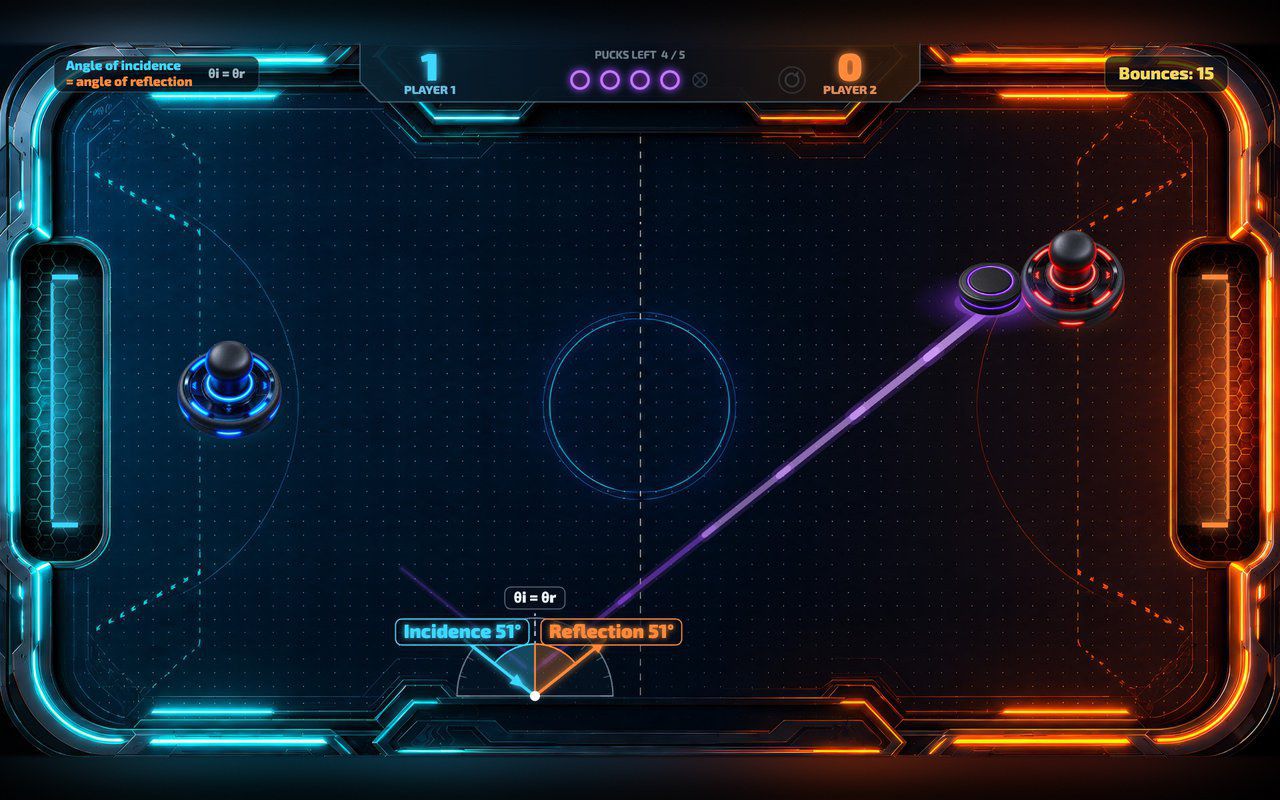
Two players push a glowing puck, or one plays the computer, and every wall bounce shows the two equal angles.
Free evaluation buildEnglishReal use
Screen · Touch, Mouse
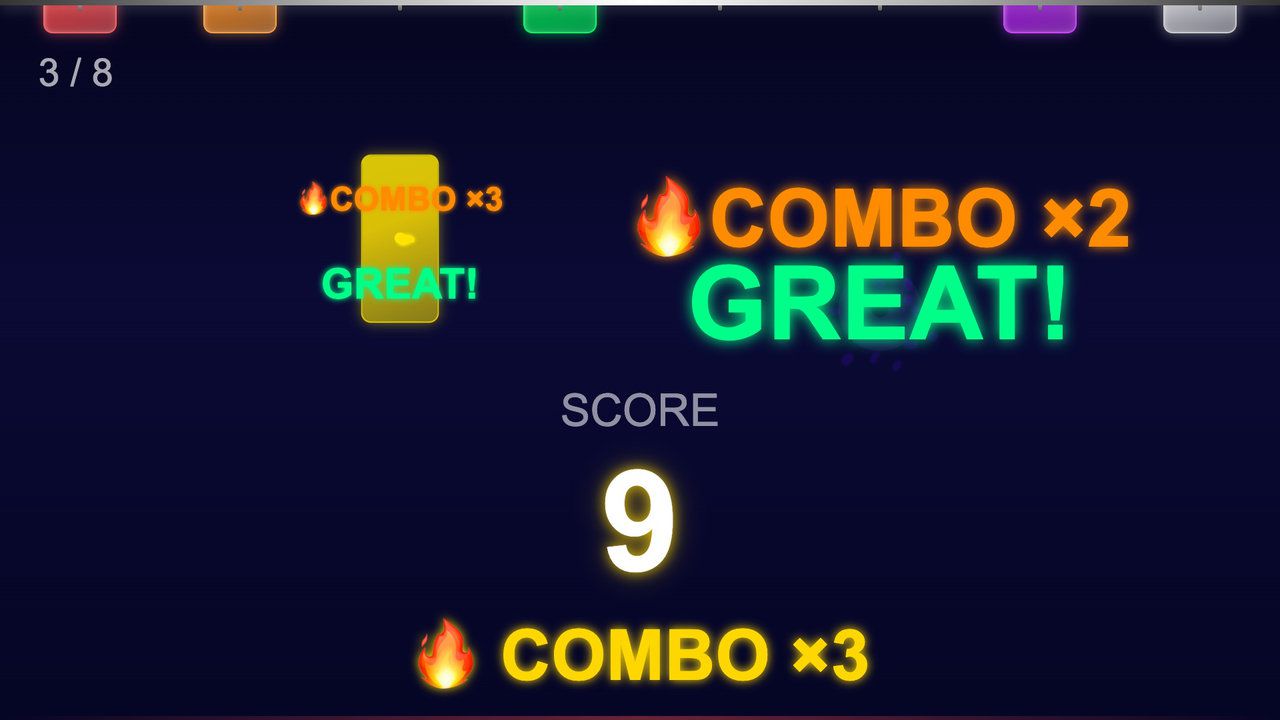
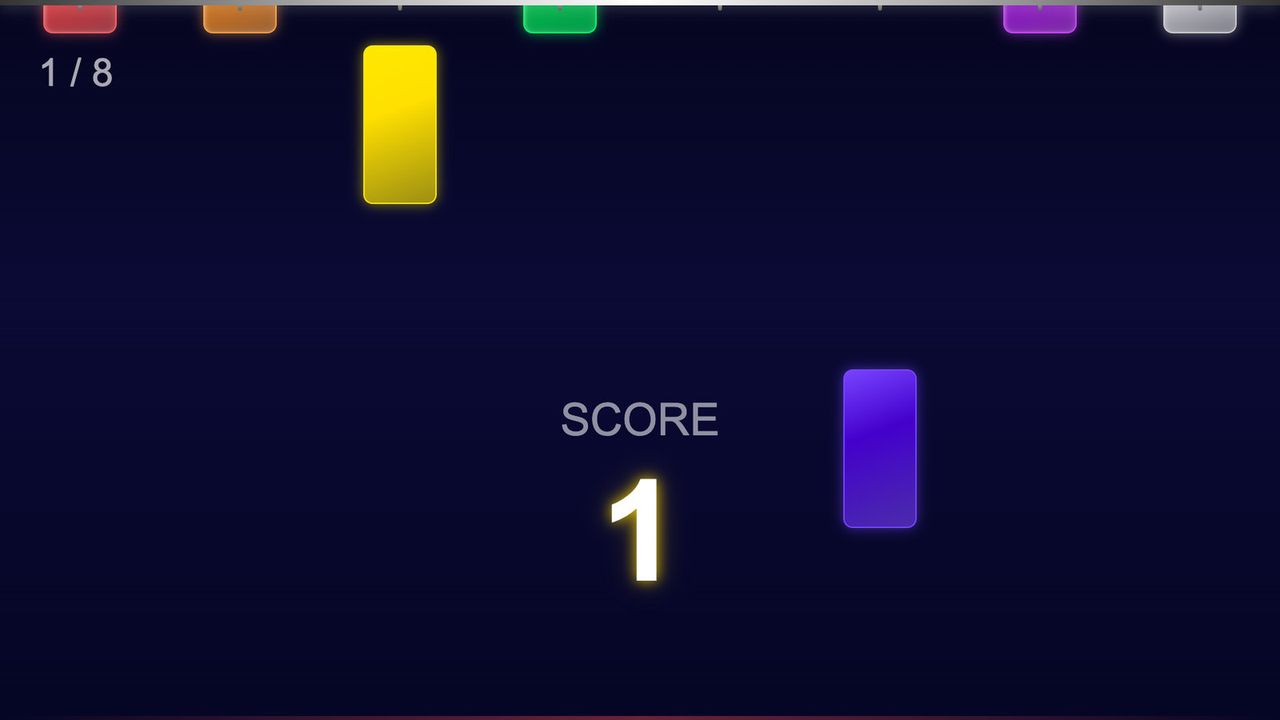
Eight sticks drop at random moments. Tap each one before it hits the ground: a quick reaction game for touch screens.
Free · Windows & macOS · 78 KB · Download appears right after the form
In real use
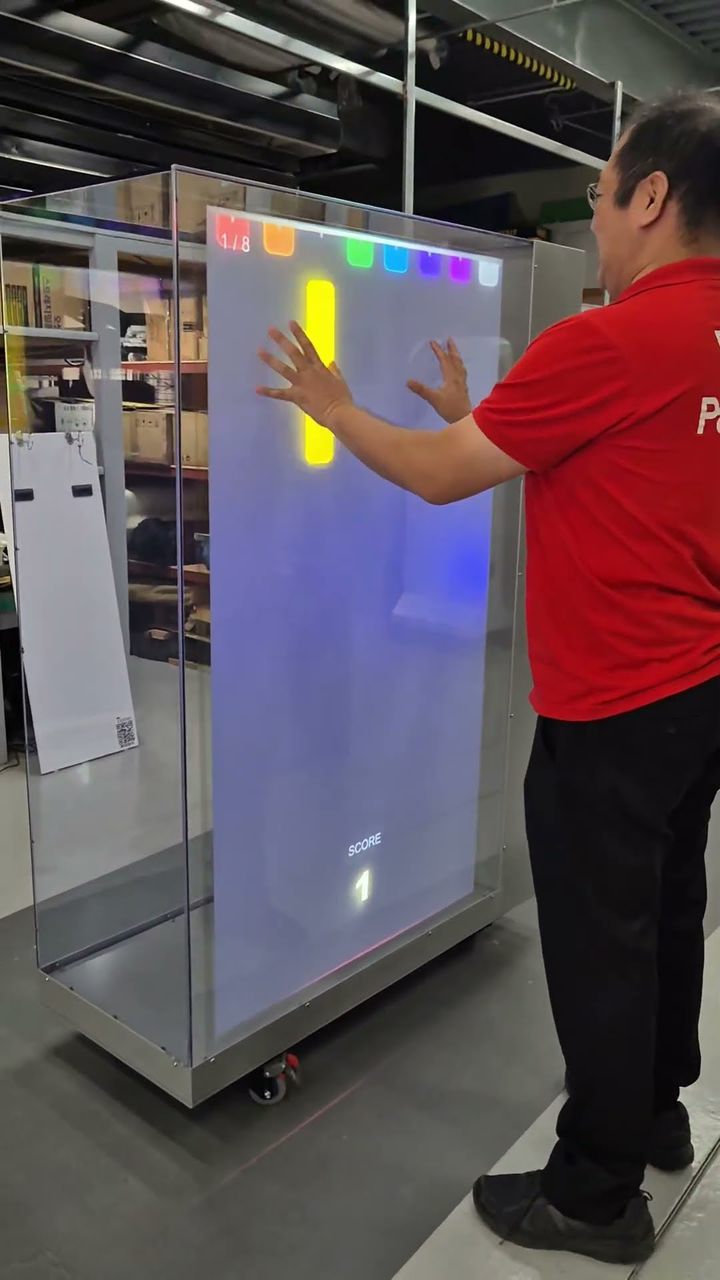
A player catching falling sticks on a portrait touch kiosk.
Filmed in Korea on an earlier build, so any on-screen text is in Korean. The evaluation build is in English.
Who it's for
What it does for you
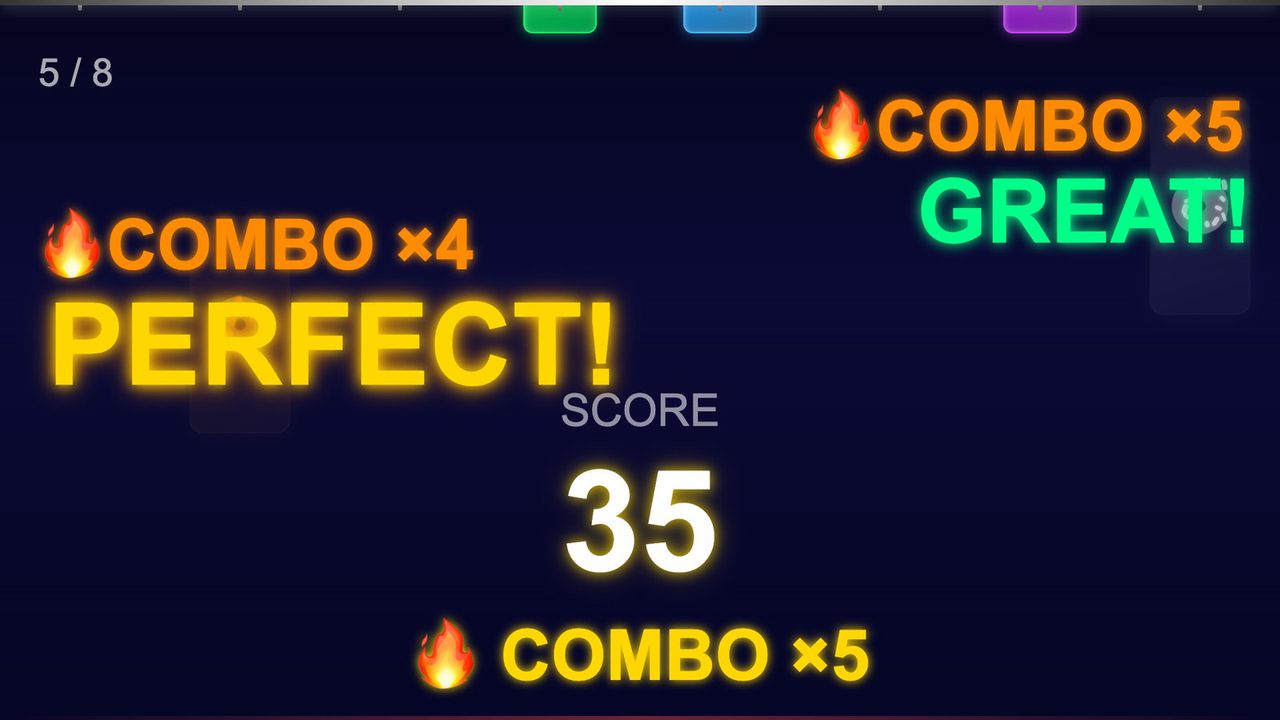
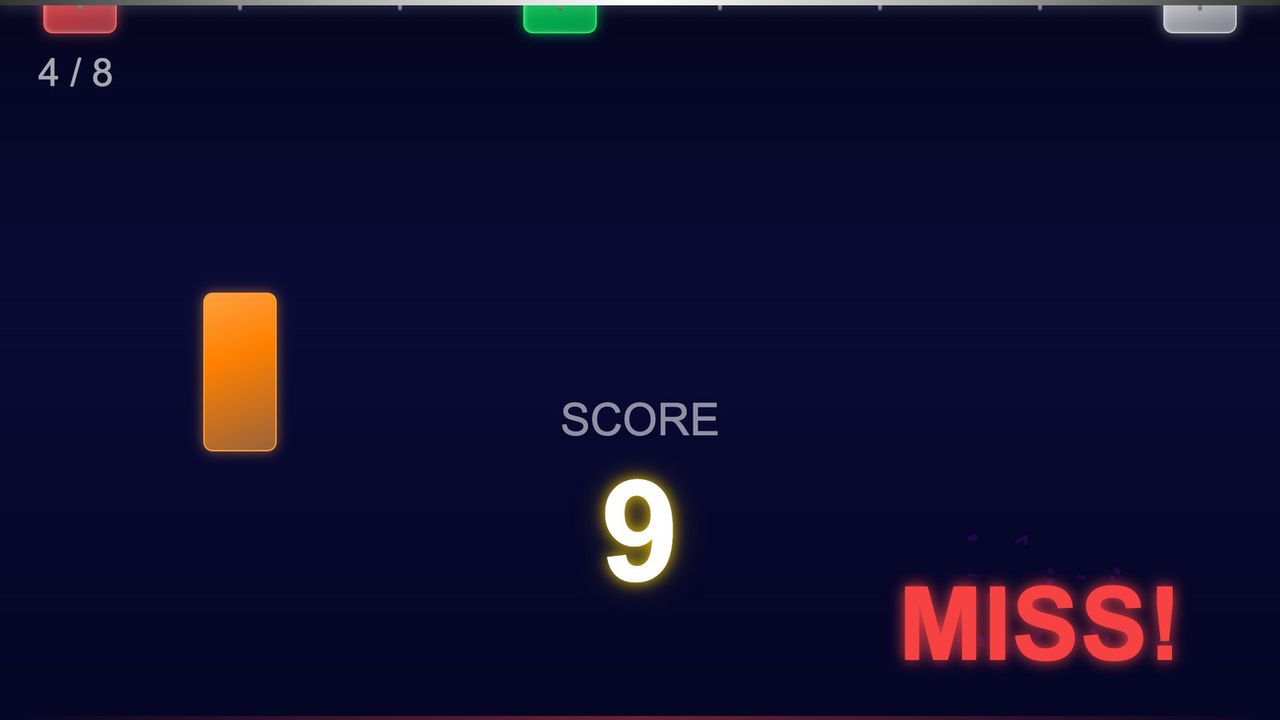
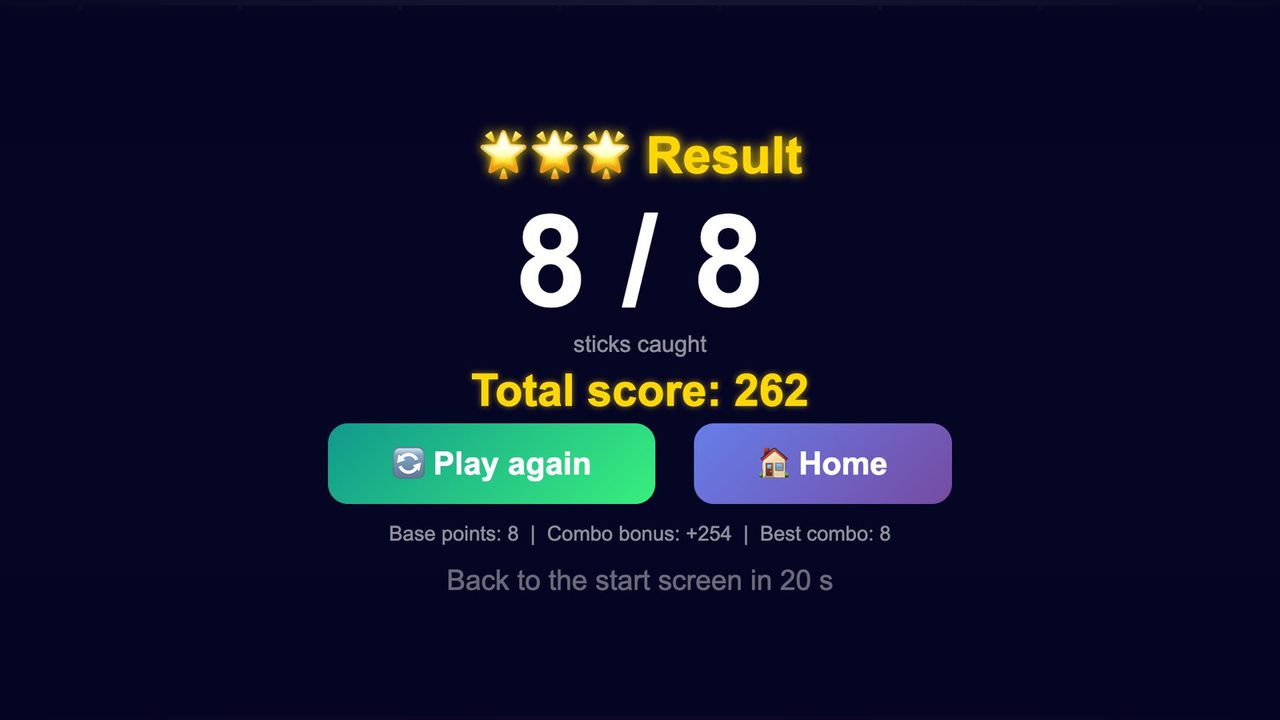
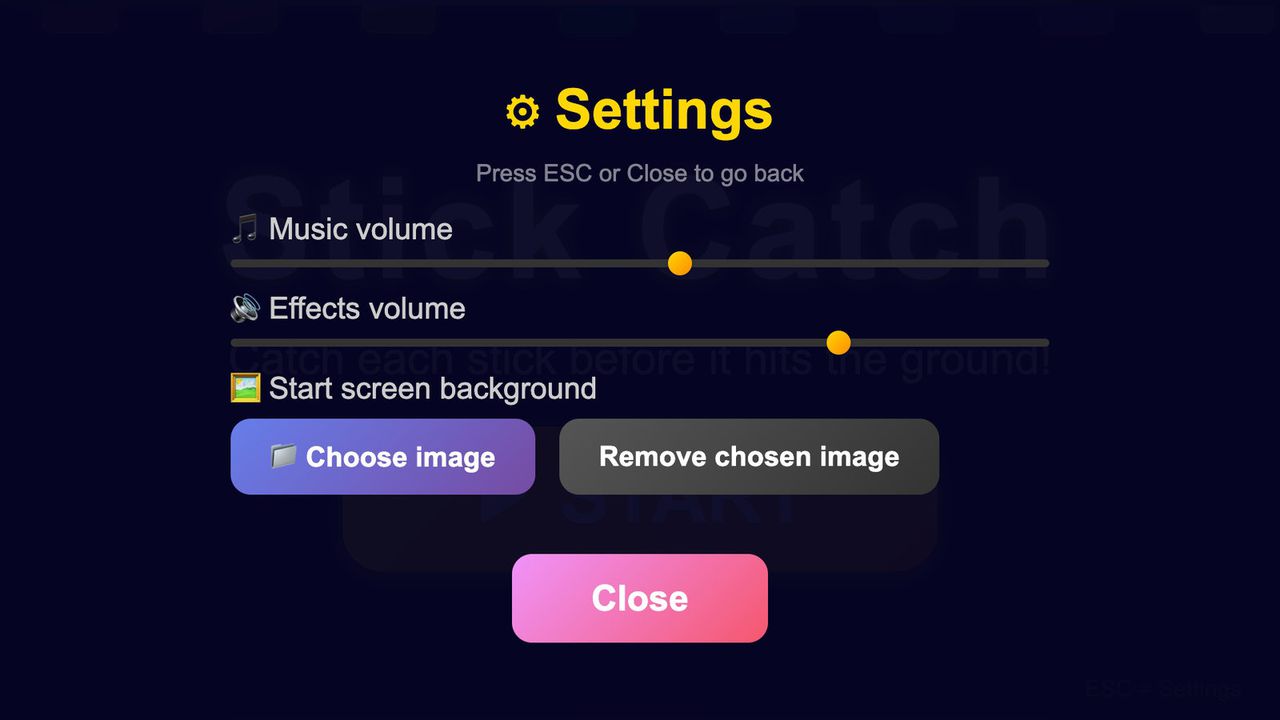
Hardware
Runs on any touch screen your computer sees as a touch device. Looking for hardware? Ask us which MP Series unit fits your space.
Make it yours
These settings live in customize/config.js inside the download. Edit, save, reload.
| Setting | What it changes | Default |
|---|---|---|
Window titletext.page_title | Browser tab and window title. | Stick Catch |
Titletext.title | Big title on the start screen. "" hides it. | Stick Catch |
Line under the titletext.subtitle | One line under the title on the start screen. "" hides it. | Catch each stick before it hits the ground! |
Start button labeltext.start_button | Text on the start button. | ▶ START |
Logologo.file | Your PNG or JPG, shown above the title on the start screen, e.g. "customize/logo.png". "" = no logo. | empty |
Logo heightlogo.height | Logo height in pixels on a 1920×1080 screen (40 to 300). | 120 |
Start screen backgroundstart_screen.background | Image behind the start screen, path relative to index.html. It fills the window and is cropped to fit. A 1080×1920 sample is included for portrait screens. "" = dark background. | empty |
Settings notestart_screen.show_settings_hint | The small "ESC = Settings" note in the corner of the start screen. | true |
Sticks per roundgame.stick_count | 3 to 8. Fewer sticks make a shorter round, and each one gets a wider lane. | 8 |
Fall speedgame.fall_speed | 0.3 to 2. Below 1 is easier, above 1 is harder. At 1 a stick takes about 0.7 seconds to fall on a landscape screen. | 1.0 |
Wait between dropsgame.drop_pace | 0.5 to 3. 2 means twice as long between drops, so a longer round. 0.5 means a shorter, busier one. | 1.0 |
Warning before dropsgame.warning | All the sticks flash and a beep sounds half a second before each drop. Turn off for a harder game. | true |
Result timegame.result_seconds | How long the result screen stays before going back to the start screen (3 to 300 seconds). | 20 |
Music volumeaudio.music_volume | Background beat, 0 to 100. All sounds are generated in the browser. Also adjustable on site with ESC. | 55 |
Effects volumeaudio.effects_volume | Beeps and catch and miss sounds, 0 to 100. Also adjustable on site with ESC. | 75 |
Your logo and colors, another language, your own questions or content, or a new piece on the same idea.
Specs
0de53bad6606ea94c24cd56ee56913187fb70f7d39bb91c40e69e4c85bed9116Related pieces
Screen · Touch, Mouse
Two players push a glowing puck, or one plays the computer, and every wall bounce shows the two equal angles.
Free evaluation buildEnglishReal use
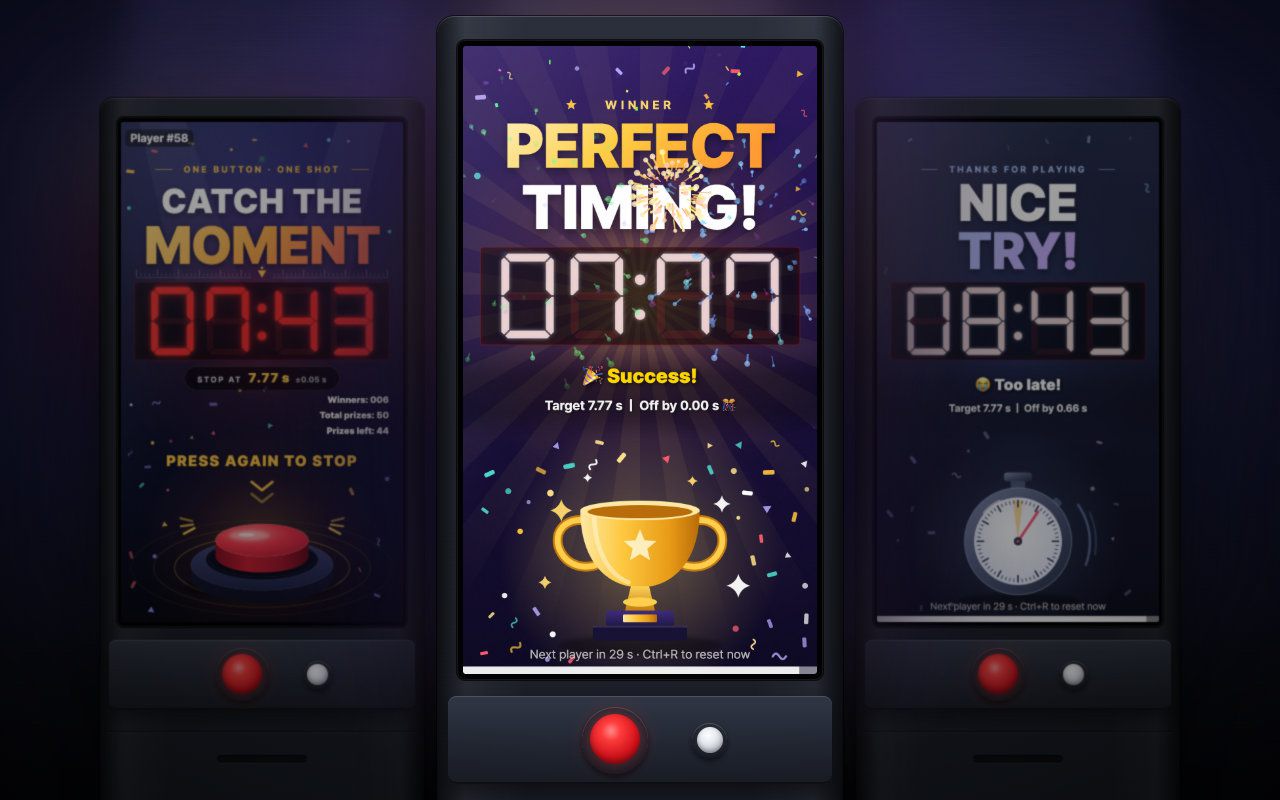
Portrait kiosk · Keyboard, Arcade button
Press to start, press again at exactly 7.77 seconds: a one-button portrait booth game with a live prize count and daily stats.
Free evaluation buildEnglishReal use
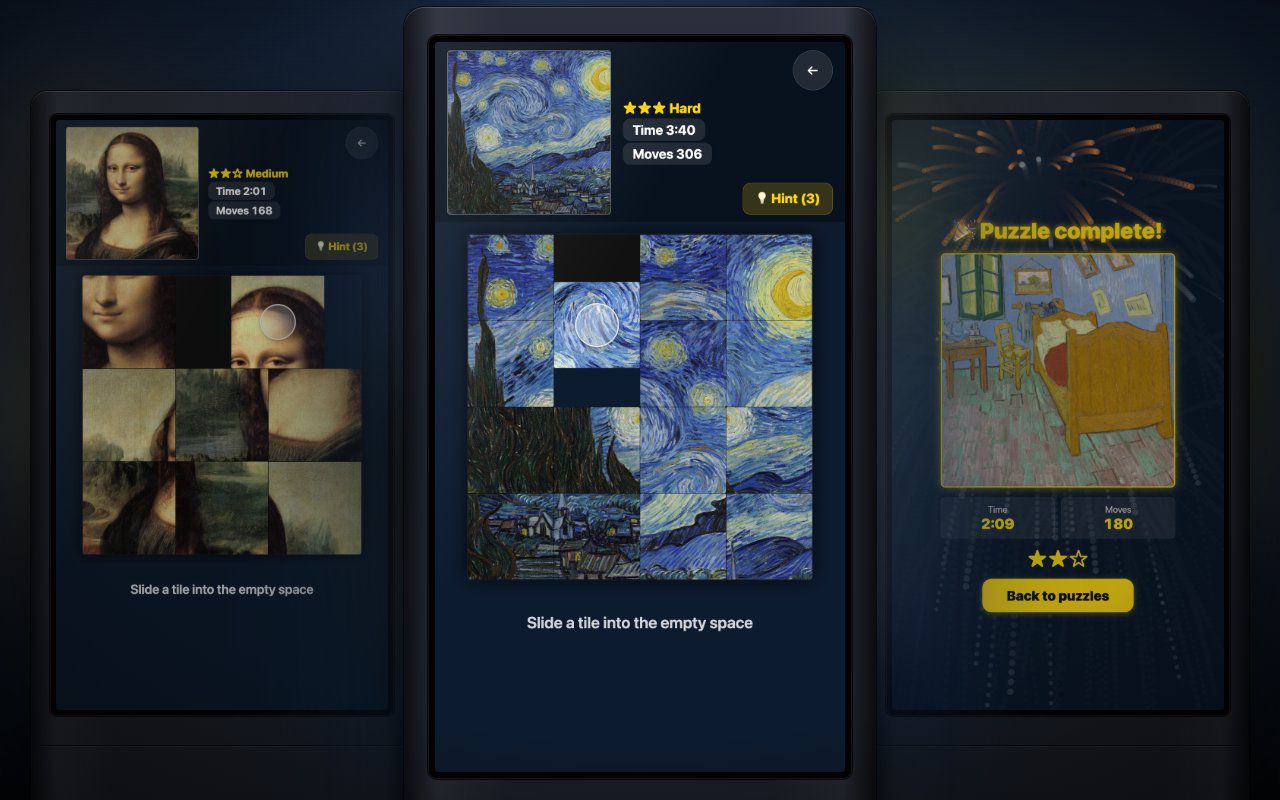
Portrait kiosk · Touch, Mouse
Pick a picture, slide the tiles until it is whole, and finish with fireworks, your time and your move count.
Free evaluation buildEnglishReal use